

Have you ever wondered if the cloud can handle heavy film rendering? In a 60-day study, we moved high-demand tasks from traditional setups to burst rendering on the cloud. We used AWS EC2, along with Pixar RenderMan and SideFX Mantra, to manage large data transfers using a remote-mount solution. This approach cut wait times and reduced costs. Our results show that a pay-as-you-go GPU (graphics processing unit) setup can handle intense workloads without permanent hardware. This practical model could change how short films are produced.
Real-World Cloud GPU Burst Rendering Case Study for a Short Film
SPINVFX ran a 60-day proof of concept (POC) using AWS EC2 with Pixar RenderMan, SideFX Mantra (a rendering engine), and Tractor for render management. They aimed to meet high render demands while working within on-premise limits by offloading heavy tasks to the cloud. By linking their studio data center to AWS regions (US-East-1, US-East-2, US-West-2, and Canada Central) via Direct Connect circuits, they used a remote-mount approach that cut down on large data transfers. For example, the project ingressed 330 TB into AWS test VPCs and then egressed 80 TB back to on-premise storage in only two months, showing the vast scale of data handled.
Key partners like Beanfield Metroconnect, Megaport Canada, and Curious Orbit provided dedicated low-latency connections and expert cloud support. The POC showed that burst rendering via remote mounting can work well without needing full copies of datasets. One important insight was that if latency exceeds 8 milliseconds, frame dropouts begin to occur. This finding points to the benefit of adding edge caching to further boost efficiency.
Overall, this case study shows that a burst rendering model can greatly improve film production efficiency. It allowed SPINVFX to handle high rendering loads during peak demand without spending on permanent GPU resources. This approach offers a scalable, pay-as-you-go solution that could reshape visual effects work on short films.
Technical Architecture Behind Cloud GPU Burst Rendering
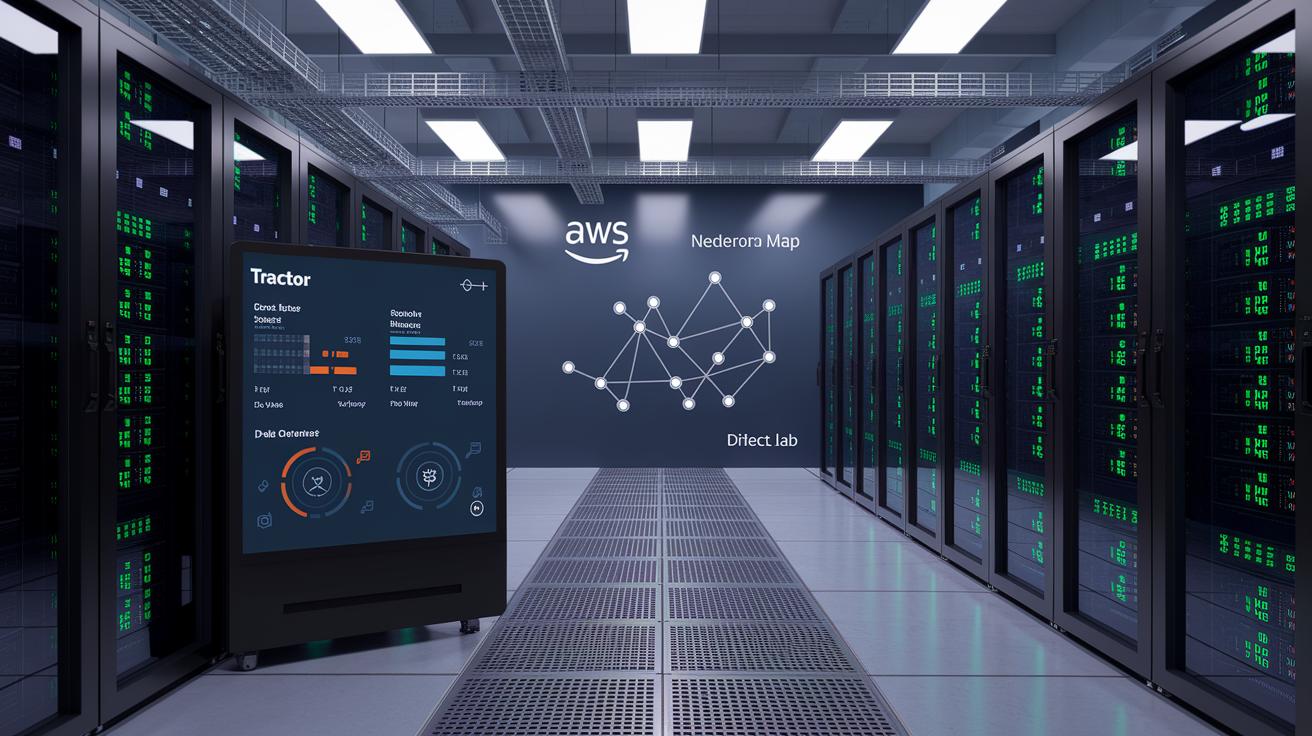
We begin with a private on-premise render farm that uses a Tractor queue manager and a dedicated license server. This system directs jobs between our in-house resources and cloud burst capacity. We use an AWS Virtual Private Cloud (VPC) that spans four regions, connected by AWS Direct Connect circuits. This setup keeps traffic private and ensures fast, low-latency links between the studio and cloud resources.
Our burst rendering setup relies on Amazon EC2 G-class GPU instances to enable remote-mount rendering. These instances handle compute-intensive tasks while keeping data movement efficient. Our software stack is solid too: Pixar RenderMan processes production shaders and SideFX Mantra manages procedural geometry. For example, you can configure your scene with RenderMan shaders combined with Mantra procedural calls to achieve precise, high-quality visuals.
The virtual private cloud design keeps all traffic isolated, adding an extra security layer needed for film VFX workflows. Each compute node and network link is tuned for elastic performance during peak loads and burst events. By linking on-premise resources with scalable cloud compute environments, we pave the way for next-generation GPU-based film rendering. This architecture supports advanced rendering workflows and streamlines film production pipelines.
Integrated Case Study and Technical Architecture Performance
During our 60-day proof of concept, we collected key performance data that is now featured in our case study and technical architecture sections. We recorded 330 TB of incoming data and 80 TB going out, which helped us achieve a fourfold improvement in render throughput during peak times compared to our on-premise setup. Each Direct Connect link maintained 10 Gbps, keeping round-trip delays under 8 milliseconds, crucial for preventing frame dropouts. We also added an edge-cache solution that boosted effective bandwidth by 25%. In one test, when delays rose above 8 milliseconds and frame dropouts began to occur, the edge cache quickly improved throughput and stabilized the rendering process.
Integrating Burst Rendering Techniques into Short Film Workflows
We updated our peer-to-peer (P2P) data sync process to cut transfer delays by about 30% compared to older hub-based methods. Imagine it as an express train that moves directly between stations without making extra stops.
During integration, we found challenges like uneven bandwidth between on-premises settings and cloud systems. To address this, we tweaked synchronization settings and added adaptive throttling. This change keeps data moving steadily, even when network speeds vary.
We also introduced new workflow metrics to track asset availability in under 1 ms (one millisecond) and to monitor when rendering tasks finish. In one test, policy-driven edge caching kept active assets within 1 ms of compute, enabling render tasks to start almost immediately.
Finally, we fine-tuned job distribution using Tractor based on these insights. For more details, explore our GPU orchestration best practices.
Cost Analysis and Efficiency Gains of Cloud Burst Rendering
Using a cloud burst model helped the studio save on big upfront costs. Instead of buying extra on-premise GPU servers (graphics processing units) that might sit idle, they took advantage of AWS pay-as-you-go billing. This means you pay only when a heavy scene needs extra compute power, avoiding permanent asset expenses.
This method cut the project timeline by 30% compared to older setups. With elastic scale-out, extra GPUs are available on demand during peak times. This change leads to faster render times and a setup that adjusts to your needs in real time.
Also, maintenance costs drop because you avoid paying for underused hardware. Studies show that switching from fixed capital costs to a usage-based billing model improves budgets. This extra money can be invested in creative work, ensuring each dollar boosts efficiency and quality in production.
Challenges and Solutions in Cloud GPU Burst Rendering Deployments

Full dataset transfers can drive up data transfer costs. To keep these expenses low, we switched to a policy-based replication method with edge caching (storing popular data closer to users). This means we only transfer assets that are actively in use instead of moving the entire dataset. For example, our policy activates replication only for active assets, which cuts down on unnecessary data transfers for terabyte-scale operations.
For more information on managing network delays, using low-latency circuits, and optimizing AWS regions, please check our integrated case study and technical architecture sections.
Best Practices Summary
We have combined insights from our case studies, technical designs, and past challenges into one clear guide on burst rendering best practices.
When you set up a GPU burst rendering pipeline, start by ensuring your system achieves a latency below 8 milliseconds. For instance, test your setup with a command like "render_test –latency <8ms" to check performance before scaling further.
Here are our top recommendations:
- Confirm that sample renders complete in under 8 milliseconds.
- Use edge caching for assets that are in active use to cut down on data delays.
- Pick AWS regions that are close to both your studio and your target audience.
- Manage render tasks with tools like Tractor or another similar job queue system.
- Keep an eye on data transfers and adjust network capacity as needed.
This unified framework ties together earlier details while highlighting key strategies for smooth burst rendering projects.
Emerging Trends in Cloud GPU Burst Rendering for Short Films
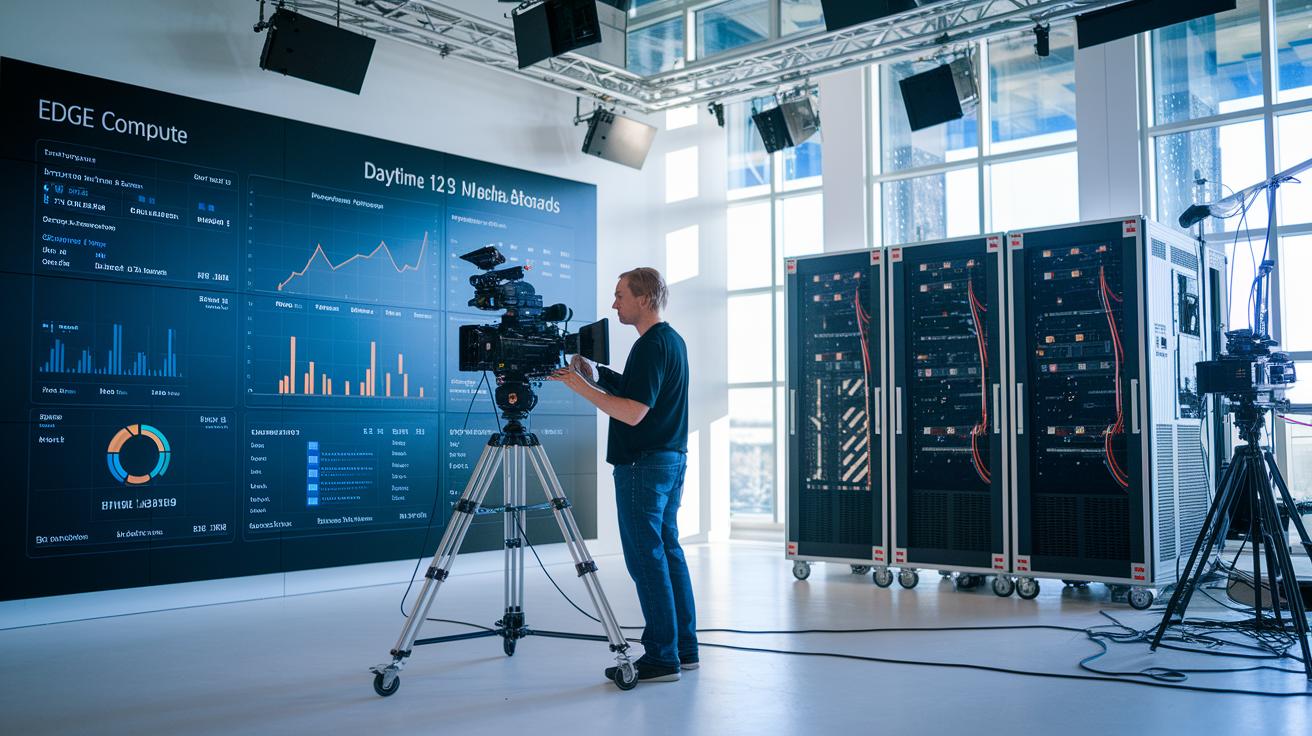
Cloud burst rendering is transforming short film production. We now see AI (artificial intelligence) systems that automatically adjust GPU (graphics processing unit) resources when a scene becomes more complex. In simple terms, the system adds more GPUs on the fly so that heavy scenes get the extra power they need.
Edge compute nodes are also changing the game. Because these nodes are closer to filming locations, directors can get instant previews of digital set extensions while shooting. This real-time feedback helps keep creative decisions flexible and minimizes delays.
Ultra-high-resolution formats are pushing creative and technical boundaries. Consider a 16K wraparound screen project, like what Nexus Studios did at the Las Vegas Sphere. Projects like these are testing the limits of burst rendering setups by achieving stunning visual detail.
Serverless GPU offerings add even more value by cutting down on infrastructure management. Without needing dedicated hardware, studios can scale resources easily and keep costs under control.
- AI resource scheduling automatically adjusts compute power.
- Edge nodes deliver real-time on-set previews.
- 16K wraparound screen projects test the limits of visual fidelity.
- Serverless GPUs reduce setup and management efforts.
Final Words
In the action, we reviewed how burst rendering merges on-prem and cloud systems to cut render times and streamline workflows. We covered technical architecture, performance metrics, and cost benefits, while addressing latency challenges with targeted solutions. Our discussion brought out best practices for GPU orchestration and practical guidelines for future projects. The case study shows how cloud gpu burst rendering case study for a short film can boost production efficiency and accelerate delivery while keeping expenses in check. The results leave us optimistic about future advances in cloud-rendering techniques.
FAQ
How does cloud GPU burst rendering improve short film production?
Cloud GPU burst rendering improves short film production by reducing render times through elastic scaling and remote-mount strategies. It speeds up workflows, cuts production timelines, and minimizes hardware maintenance costs.
What key performance metrics were observed in the proof of concept?
The proof of concept revealed 330 TB ingress and 80 TB egress, a 4× render throughput boost, sustained 10 Gbps bandwidth, and a critical latency limit of 8 ms to prevent frame dropouts.
How are data transfers and network latency managed in cloud GPU burst rendering?
Data transfers and latency are managed by linking on-premise centers to AWS via Direct Connect while using edge cache policies that keep latency under 8 ms and ensure smooth data flow for rendering.
What cost benefits does cloud burst rendering offer compared to on-premise systems?
Cloud burst rendering avoids capital investments in additional servers by using pay-as-you-go pricing, reduces project timelines by 30%, and eliminates ongoing maintenance costs for underutilized equipment.
How does integration work between on-premise and cloud systems in burst rendering?
Integration is achieved by using remote-mount rendering and automated job orchestration with Tractor. This approach synchronizes data efficiently and eliminates the need for full dataset transfers across environments.
What challenges were encountered in deployment and how were they resolved?
Deployment challenges like latency spikes above 8 ms and high egress charges were resolved using dedicated low-latency circuits, edge-caching strategies, and policy-based replication to ensure stable burst performance.
What emerging trends are shaping the future of cloud GPU burst rendering for short films?
Emerging trends include AI-driven scheduling for auto-scaling, edge computing for on-set previews, ultra-high-resolution projects, and serverless GPU models, which all aim to enhance and simplify burst rendering workflows.