

Have you ever wondered if you could reduce model training time by up to 3x? It is not just a theory, faster deep learning is here today. We optimize hardware and use smarter algorithms to cut training times from hours to minutes. For example, mixed precision training (switching from 32-bit to 16-bit numbers) and multi-GPU setups help distribute work evenly. In this post, we explain how these simple adjustments boost performance without losing accuracy. Read on to discover how you can make your model training both faster and more efficient.
Core Strategies to Accelerate Deep Learning Model Training
We can boost training speed by 50% or even up to 3x by optimizing hardware, refining algorithms, and using parallel processing. For example, fine-tuning a pretrained model cuts hours off the process compared to training a Vision Transformer from scratch, a model that originally needed about 60 minutes to reach 62% test accuracy.
Mixed precision training is a powerful technique. This method switches computation between 16-bit and 32-bit precision, cutting single GPU training time from roughly 18 minutes to 6 minutes. Adding extra GPUs pushes these gains even further; with three additional GPUs, training can drop to only 2 minutes. These improvements show that investing in enhanced GPU processing can nearly speed up training by ten times without sacrificing accuracy.
Another practical approach is data parallelization. This technique copies the model across multiple GPUs and splits each mini-batch among them. Such distribution can reduce execution time from about 3000 seconds to around 2500 seconds, roughly a 16–17% improvement. This strategy evenly balances the computational load and keeps data flowing smoothly.
Key strategies include:
- Fine-tuning pretrained models instead of training from scratch to save time.
- Adopting mixed precision training to speed up calculations and reduce memory use.
- Scaling training with multi-GPU setups through data parallelization for consistent workload distribution.
Using these methods, teams can enjoy faster deep learning model training. Engineers, developers, and decision-makers can put these tactics to work for quicker results and better resource efficiency.
GPU Processing Enhancements for Accelerating Deep Learning Model Training
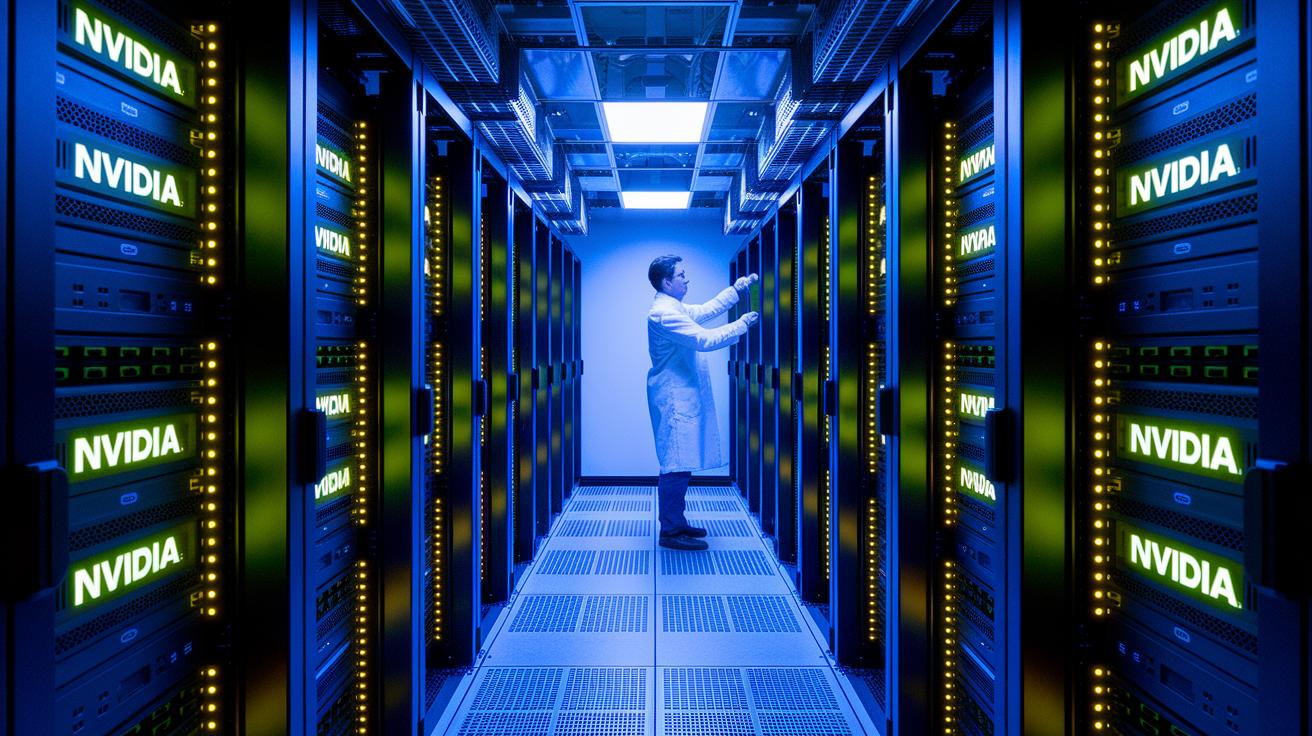
Faster deep learning model training starts with choosing the right hardware and fine-tuning core system settings. For example, NVIDIA L4 GPUs come with 24 GB of VRAM and Tensor Cores that work well for mixed-precision math (using both 16-bit and 32-bit operations). In one test, switching from standard to mixed precision slashed compute time by nearly one-third. We begin with an interesting fact: custom CUDA kernels optimized for tensor operations can boost throughput by 20-30%.
Memory bandwidth tuning is also key. Setting up your system to use 16 GB/s HBM2e (high-bandwidth memory) helps prevent bottlenecks in large-batch workloads by ensuring data moves smoothly from memory to GPU cores. When designing custom CUDA kernels, even small tweaks in kernel launches can lead to significant performance gains.
When working with multiple GPUs, fine-tuning your PCIe or NVLink interconnects is vital. Optimizing these connections reduces data exchange delays, allowing you to scale distributed training more effectively. Think of it like splitting a model across several GPUs while keeping data transfer efficient to avoid any unwanted slowdowns.
It’s also a good idea to review your hardware utilization strategies regularly. By monitoring GPU metrics and adjusting kernel launches and memory settings as needed, you can adapt to changing computational demands. These GPU processing enhancements can reduce training times noticeably, letting your team handle deep learning tasks with less overhead.
Distributed Compute Cluster Techniques for Accelerating Model Training
Data parallelism copies the entire model onto each GPU and then splits the mini-batches among them. In our tests, this approach boosted performance by about 16% to 17%, cutting the total execution time from roughly 3000 seconds down to 2500 seconds. For instance, when training an attention-based Encoder-Decoder model on the CNN/Daily Mail dataset using two L4 GPUs (each with 24 GB of video memory), the improved distribution of work makes a clear difference.
When a model is too large to fit into one GPU's memory, model parallelism becomes essential. With this method, the model’s layers are spread out across several GPUs. Think of it like dividing a large canvas into sections for different artists to work on at the same time. This technique lets you train very large models without running into memory issues.
Sometimes the best solution is to combine data parallelism with model parallelism. This mixed strategy helps handle both throughput and memory limits, so you can work with larger batches while managing oversized model architectures. With a distributed compute cluster, you can tweak the setup based on the model size and batch needs.
Key techniques include:
- Copying the full model to handle mini-batches concurrently.
- Splitting model layers across GPUs for better resource use.
- Merging both strategies to improve training speed and scale.
Cluster management tools help keep track of these processes, making sure every GPU works efficiently. This way, teams can enjoy scalable speed improvements while keeping high levels of prediction accuracy in deep learning model training.
Convergence Optimization Techniques for Accelerating Model Training

Mixed precision is an easy way to speed up training. Using "16-mixed" or "bf16-mixed" precision makes gradient calculations faster and uses less memory. In our tests, this change can also lower the number of epochs needed for convergence. For example, by using the Fabric library wrapper with minimal code changes, we switched to mixed precision and saw a clear drop in runtime.
Updating the optimizer is another effective trick. Switching to algorithms like AdamW or LAMB and pairing them with adaptive rate scheduling can reduce convergence epochs by around 10–20%. This update makes training faster while keeping accuracy on track. One tip we discovered was that using AdamW with adaptive rate scheduling noticeably cut training time, helping our model recalibrate quickly.
Adjusting the batch size can further boost training speed. Increasing the batch size from 32 to 128 while using gradient accumulation helps handle larger data loads without memory errors. To optimize this, you should:
- Increase the batch size thoughtfully
- Use gradient accumulation to keep training stable
- Monitor progress to make sure convergence remains steady
Together, these techniques, mixed precision, optimizer upgrades, and smart batch size tuning, shorten the time needed to reach convergence and pave the way for more efficient deep learning model training.
Data Pipeline Acceleration and Memory Management for Deep Learning Training
Speeding up model training begins with a fast data pipeline and reliable memory management. Using prefetching and parallel data loader workers (tools that load data simultaneously) can reduce data load times by 30% to 50%. Think of it as having several assistants preparing your materials all at once.
Caching transformed datasets in pinned GPU memory makes batch assembly even quicker. When data sits in a spot where the GPU can access it immediately, it reduces delays and helps avoid stalls. A practical tip is to cache the batches you use most often before starting training.
Gradient accumulation is another valuable technique. By gathering gradients over multiple mini-batches, you can effectively simulate a larger batch size without triggering out-of-memory issues. This method is handy when your model might otherwise exceed the GPU's memory limit.
Improving input/output (I/O) performance is also key. Opting for NVMe storage instead of traditional SSDs can save tens of seconds with each epoch on large datasets. Adjusting your disk I/O patterns ensures your GPU spends more time crunching numbers than waiting for data.
For more advanced memory techniques, please refer to gpu memory management in neural network training.
Profiling and Benchmarking Tools to Accelerate Deep Learning Model Training

Profiling and benchmarking tools are essential for cutting down training time. They highlight areas where compute and memory use become intense. Tools like PyTorch Profiler and NVIDIA Nsight Systems help you inspect each layer's performance so you can trim unnecessary GPU and CPU work.
TensorBoard’s profiling plugin makes it easy to see step-time distributions and GPU utilization. By comparing throughput (samples per second) and time per iteration before and after changes, you can clearly see where performance improves. In our tests, this approach can trim runtime by around 10–15%.
For instance, consider this simple PyTorch Profiler example:
with torch.autograd.profiler.profile() as prof:
output = model(input)
print(prof.key_averages().table(sort_by="self_cpu_time_total"))
Regular profiling lets you make smarter decisions during model tuning. By applying these insights step by step, you can boost training gains and allocate resources more efficiently while reaching your deep learning targets.
Final Words
In the action, we reviewed key methods that shorten deep learning training times through optimized GPUs, distributed cluster setups, convergence techniques, and efficient data pipelines. The blog highlighted hardware tuning, mixed-precision methods, and smart scheduling to maintain reliability and budget control. Profiling and benchmarking tools further validate improvements in training speed while lowering cost-per-hour. By focusing on accelerating deep learning model training, every strategy brings you a step closer to faster, more predictable production outcomes.

