

Have you ever noticed how some compute tasks run smoothly while others slow down? The key often lies in how you manage your GPU cluster (a group of graphics processing units). With good management, your system frees resources automatically so each job gets just what it needs. This cuts delays and saves money. By using dynamic scheduling instead of fixed planning, high-performance computing tasks run much better. In this article, we show you how smartly managing eight GPUs can boost performance, reduce waste, and unlock new capabilities for AI, machine learning, and high-performance computing.
8 gpu cluster management: Boost HPC Power
Managing a GPU (graphics processing unit) cluster well is key to getting the most from your costly hardware in fields like AI/ML (artificial intelligence/machine learning) and HPC (high performance computing). At its core, proper GPU cluster management means letting resources be shared dynamically so multiple jobs can run without wasting dedicated GPUs.
Modern control systems let you set container rules, like 4 CPUs, 16GB of memory, and 2 GPUs, to make sure every task, whether it is training, validation, or inference, gets exactly what it needs. Relying on fixed schedules or manual planning often leads to wasted resources and slows progress. Instead, planning resource use and coordinating multiple GPUs can boost efficiency and throughput.
A sample configuration might look like this:
container_config = {cpus: 4, memory: "16GB", gpus: 2}.
This shows how you can standardize resource allocation across different tasks.
Optimizing cluster use means reassigning resources automatically when a job finishes or no longer needs full resources. With smart resource managers that monitor demand, you can set policies to free GPUs right after use so they are available for new tasks immediately. Best practices include automating container management, keeping an eye on real-time usage, and scheduling jobs to share workloads evenly across nodes. These methods help every GPU work at full capacity, cutting costs and speeding up both research and production.
Building and Configuring GPU Clusters for Optimal Performance

Multi-node clusters perform best when you choose hardware that balances GPU (graphics processing unit) power, CPU strength, and memory size. Each node should come with the right mix of parts to handle heavy compute tasks and smooth data transfers. For example, you might set up a node like this:
code snippet – "node_config = {gpus: 4, cpus: 16, memory: '64GB'}"
This configuration makes sure every node is ready for high-density work.
When you design your cluster, you can pick between two approaches. Homogeneous clusters use identical nodes, which makes management simple. On the other hand, heterogeneous clusters let you tailor nodes for specific tasks. For instance, you might use nodes with more CPUs for data processing and nodes with extra GPUs for deep learning. A sample setup could be:
code snippet – "nodes = [{type:'data', cpus:32, memory:'128GB'}, {type:'compute', gpus:8, cpus:16, memory:'64GB'}]"
Scaling is key to keeping performance steady during heavy use. Adding more nodes (horizontal scaling) not only boosts capacity but also improves fault tolerance. Automated resource management can adjust how resources are allocated as demand shifts. For example, you might run:
code snippet – "scale_cluster –add-nodes 2"
to quickly expand your resources. This flexible method keeps GPU usage efficient, even during peak times.
Hardware and network setup are also crucial for smooth operations. For more details on arranging these elements for GPU clusters, check out our guide on hardware and network configuration at building gpu clusters.
By balancing node configurations and using automated scaling, you create a resilient GPU cluster that meets the demanding needs of high-performance computing and AI/ML tasks without compromising performance or uptime.
Scheduling and Workload Balancing in GPU Cluster Management

Effective scheduling is key to running a high-performance GPU cluster. Tools such as YARN, Mesos, Slurm, and Kubernetes (K8s) help guide where jobs run by enforcing node affinity and dynamically allocating resources. This means you can assign specific container requirements with dedicated GPUs, keeping your deep learning tasks moving smoothly across nodes while cutting wait times.
When you set up a good job queuing system, you make sure each task, whether it's complex neural network training or critical inference work, gets the right resources at the right time. For instance, releasing GPUs immediately after a job finishes can keep workloads balanced. This practice cuts down on idle time, which is vital when you are managing expensive hardware. Consider this configuration example:
code snippet – "job_config = {job: 'training', nodes: 2, gpus: 4, priority: 'high'}"
Dynamic scheduling also boosts throughput by reassigning resources on the fly. This approach stops pipelines from slowing down when several jobs need the same GPU at once. A well-crafted scheduler prevents one node from being overused while others sit idle, ensuring every GPU works to its full potential.
| Tool | Scheduling Model | GPU Support |
|---|---|---|
| YARN | Resource-based allocation | Basic |
| Mesos | Dynamic partitioning | Moderate |
| Slurm | Job queuing | Extensive |
| Kubernetes | Pod scheduling with node affinity | Comprehensive |
By optimizing scheduling and workload balancing, you ensure every compute cycle is used wisely for your deep learning tasks.
Automating GPU Orchestration in Cluster Management

Kubeflow on Kubernetes makes complex tasks simple. It handles YAML configurations and Dockerfile setups so you can deploy GPU clusters for machine learning with ease. With Kubernetes GPU integration, you install a GPU device plugin (software that reveals hardware details) and set up custom resource definitions (CRDs) to automate tasks. For example, you might configure a GPU resource like this:
code snippet – "gpu_config = {device_plugin: 'installed', crd: 'active'}"
This automation cuts down on manual errors and speeds up scaling during heavy use.
Kubernetes and Kubeflow
Kubernetes and Kubeflow bring predictability to container operations. Kubeflow’s pipeline automation manages job scheduling and resource assignments, ensuring deep learning tasks run without hiccups. You can set policies to free GPUs once tasks finish, which improves overall resource use. This method supports dynamic scaling so your cluster stays efficient even as workloads change. For more details on selecting an orchestrator, visit https://studiogpu.com?p=.
GPUStack Overview
GPUStack is a free, open-source solution built for serving large language models in private settings. It simplifies installation on Linux and MacOS and features a clear dashboard for real-time GPU monitoring. GPUStack brings together resources, tracks usage across nodes, and offers API access to manage LLM deployments. For example, a typical setup uses commands that automatically launch and keep an eye on container tasks, ensuring smooth integration between resource allocation and LLM inference. This orchestration helps your AI deployments run efficiently even when workloads vary.
Performance Monitoring and Tuning for GPU Cluster Management
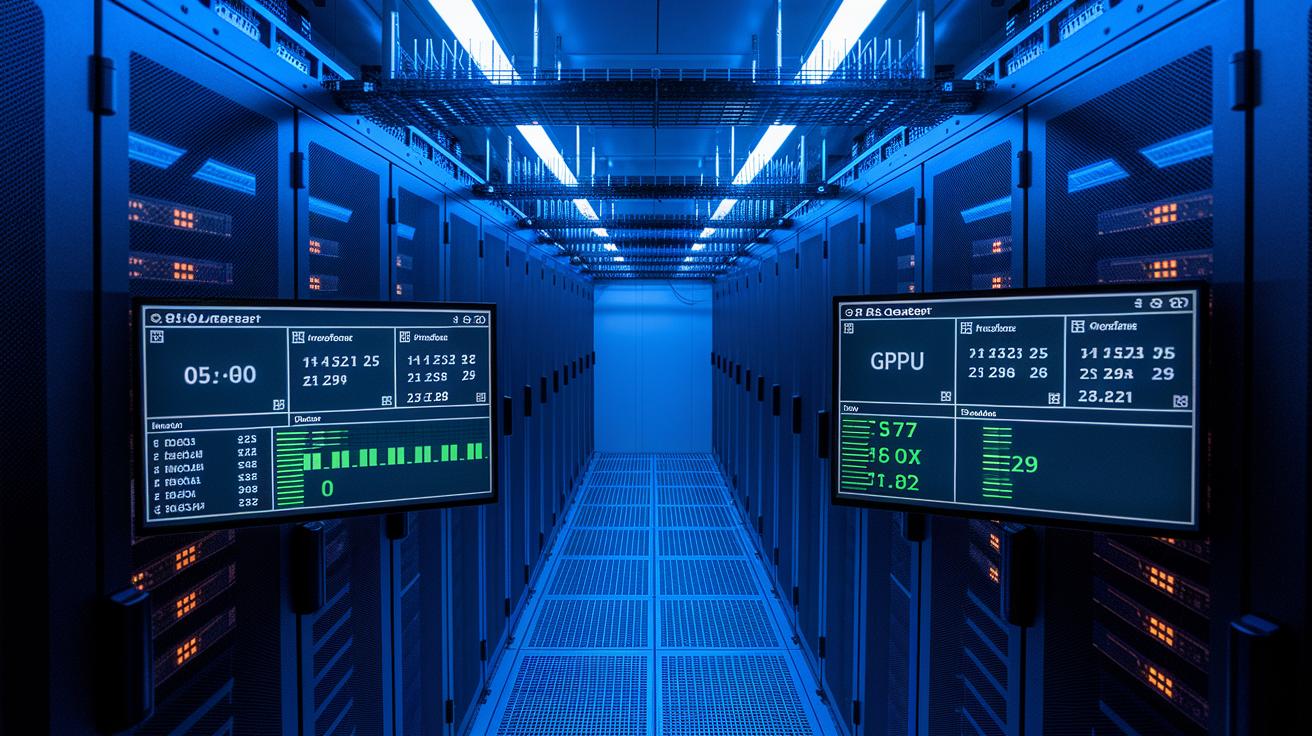
Real-time monitoring is key to making sure your GPU clusters run at their best. We use easy-to-read dashboards that show GPU usage (how much the graphics processing unit is used), memory use, and overall system health. By gathering these numbers, you can adjust your system settings to clear slow spots and boost performance.
We also optimize network traffic and adjust Quality of Service (QoS) settings to improve communication between nodes. For example, changing QoS can give priority to important data flows. This is especially useful for clusters handling heavy AI/machine learning or high-performance computing (HPC) tasks. These tweaks help lower delays and stop data jams.
Regular benchmarking is another important step. We run periodic tests to catch any drop in performance early and to check that your tweaks or expansion efforts are working. A simple example of a benchmark check might be:
code snippet – "benchmark_results = run_benchmark('–gpu-util', '–mem-usage')"
Real-time dashboards bring all this data together and give you a clear picture of your cluster’s health. Key things to watch include:
| Metric | Description |
|---|---|
| GPU Utilization | Percentage of GPU usage |
| Memory Usage | Memory use per GPU |
| Network Bandwidth & Latency | Data flow efficiency and delays |
| Power Consumption & Thermal Metrics | Energy use and temperature monitor |
| Benchmark Scores | Performance tests and alerts |
By watching these metrics all the time, you can quickly address issues and keep your nodes running efficiently. This hands-on approach means your resources are well-managed, your system scales nicely, and your GPU investments return the best results.
Fault Tolerance, Security, and Advanced Troubleshooting in GPU Cluster Management

We rely on automated routines to detect node failures and quickly recover operations. When a GPU (graphics processing unit) or node stops working, the system reroutes jobs on the fly with dynamic load balancing. For example, you might run a command like "detect_and_recover –node_failure" to launch a fast recovery process. This keeps downtime to a minimum and boosts service reliability.
Predictive maintenance is our next line of defense. By monitoring GPU health, temperature, and usage trends, you can catch early signs of wear before a problem grows. You might use a command like "run_predictive_maintenance –gpu_id 2" to run these checks, scheduling repairs during periods of low usage.
Securing the cluster is equally important. We segment network resources by isolating management nodes from compute nodes. This separation helps ensure that if one node is compromised, the entire cluster remains protected. In addition, strict access control policies make sure that only authorized users adjust key configurations. A simple script like "set_access_policy –user admin" enforces these rules, while detailed audit logs record every change to support both compliance and troubleshooting.
Below is a summary of the key methods:
| Key Method | Description |
|---|---|
| Automated Failure Detection and Recovery | Quickly identifies failures and moves jobs to healthy nodes |
| Dynamic Load Balancing | Automatically reroutes tasks when a GPU or node fails |
| Predictive Maintenance | Monitors GPU health to plan repairs before issues worsen |
| Network Segmentation & Access Control | Separates node types and limits configuration changes to authorized users |
| Comprehensive Audit Logging | Records every change for compliance and troubleshooting |
By deploying these techniques, we help maximize uptime while keeping your system secure and resilient against both technical glitches and security vulnerabilities.
Final Words
In the action, we explored key principles and strategies to boost efficiency in gpu cluster management. You saw how dynamic hardware configurations, balanced scheduling, and automation streamline rendering and training tasks. We covered building clusters, optimizing resource allocation, and ensuring fault tolerance with proactive support measures.
Each step helps reduce render and training times while keeping costs in check. With these practices, you can confidently deploy managed infrastructure tailored to your creative and AI workflows. Here's to faster, reliable results ahead.
FAQ
What is GPU cluster management and what does a GPU cluster do?
The GPU cluster management involves efficient oversight of multiple GPUs for AI, ML, or HPC workloads by automating resource allocation and workload balancing, ensuring optimal hardware utilization.
How do I set up a GPU cluster?
The GPU cluster setup requires selecting balanced nodes, configuring GPUs, CPUs, and memory, installing scheduling software like Kubernetes, and automating resource allocation to meet performance targets.
Which GPU cluster management software and GitHub resources are available?
The GPU cluster management software includes open-source projects on GitHub and platforms featuring Kubernetes GPU integration and advanced orchestration, which enable streamlined deployment and performance monitoring.
How can a GPU cluster benefit AI and high-performance computing workloads?
The GPU cluster benefits AI and high-performance computing by accelerating distributed training and simulations, reducing render times, and optimizing resource usage for data-intensive applications.
How is an NVIDIA GPU cluster priced?
The NVIDIA GPU cluster price depends on hardware configurations, including GPU models, node densities, and support services, reflecting the investment required for high-performance and reliable compute operations.
What is GPU cluster architecture and can I build one at home?
The GPU cluster architecture links multiple GPUs with supportive nodes and networks. Some enthusiasts build clusters at home for testing and development, while production setups typically require enterprise-grade resources.
What is the meaning of GPU in a mobile phone?
The GPU in a mobile phone refers to the graphics processing unit that handles image rendering and video processing, improving display performance and energy efficiency for everyday applications.

