

Have you ever thought that a tiny delay might disrupt your AI training? A delay of just 0.2 milliseconds between GPUs (graphics processing units) can add up and lead to serious downtime.
Scaling GPU clusters is not just about having a lot of raw power. It means balancing compute resources, network bandwidth, power, and cooling.
In this post, we share practical strategies to keep every part of your system working together smoothly. We also show how regular monitoring and smart troubleshooting can boost efficiency and help your clusters run at their best as demands grow.
scaling gpu clusters for ai training: Boost Efficiency

To get the best performance out of GPU clusters for AI training, we need to balance compute, bandwidth, power, and cooling. When one element falls behind, it affects the whole system. It is important to monitor what is happening at every layer, compute, network, and storage. For example, even a small delay in the network can leave GPUs idle, and that idle time quickly adds up over hundreds of nodes. Studies show that a 0.2ms pause in communication between GPUs can disrupt an entire batch of training. Every millisecond counts.
Regular monitoring across all system layers helps uncover hidden issues and quickly fixes performance bottlenecks. Checking system performance at every growth stage is essential because looking at single metrics might miss bigger problems. Routine audits and adaptive troubleshooting are the building blocks of a scalable compute system and well-optimized GPU clusters.
There are three main strategies for parallel deep learning: data parallelism, model parallelism, and pipeline parallelism. Data parallelism copies the same model onto each GPU so each one handles a different piece of the data. This method works best for models with fewer than 7 billion parameters on 2 to 8 GPUs. Model parallelism splits a large model between multiple GPUs to overcome memory limits. Pipeline parallelism staggers the processing of different micro-batches across GPUs. You can adjust each strategy to match your hardware and model needs.
Continuous checks and fast cloud-based scaling are key. Many cloud providers now offer on-demand GPU deployments in 31 regions, allowing you to build multi-node clusters in minutes. This responsive scaling keeps the entire system running smoothly as your computational demands evolve.
Hardware Selection and Configuration for Scalable GPU Clusters
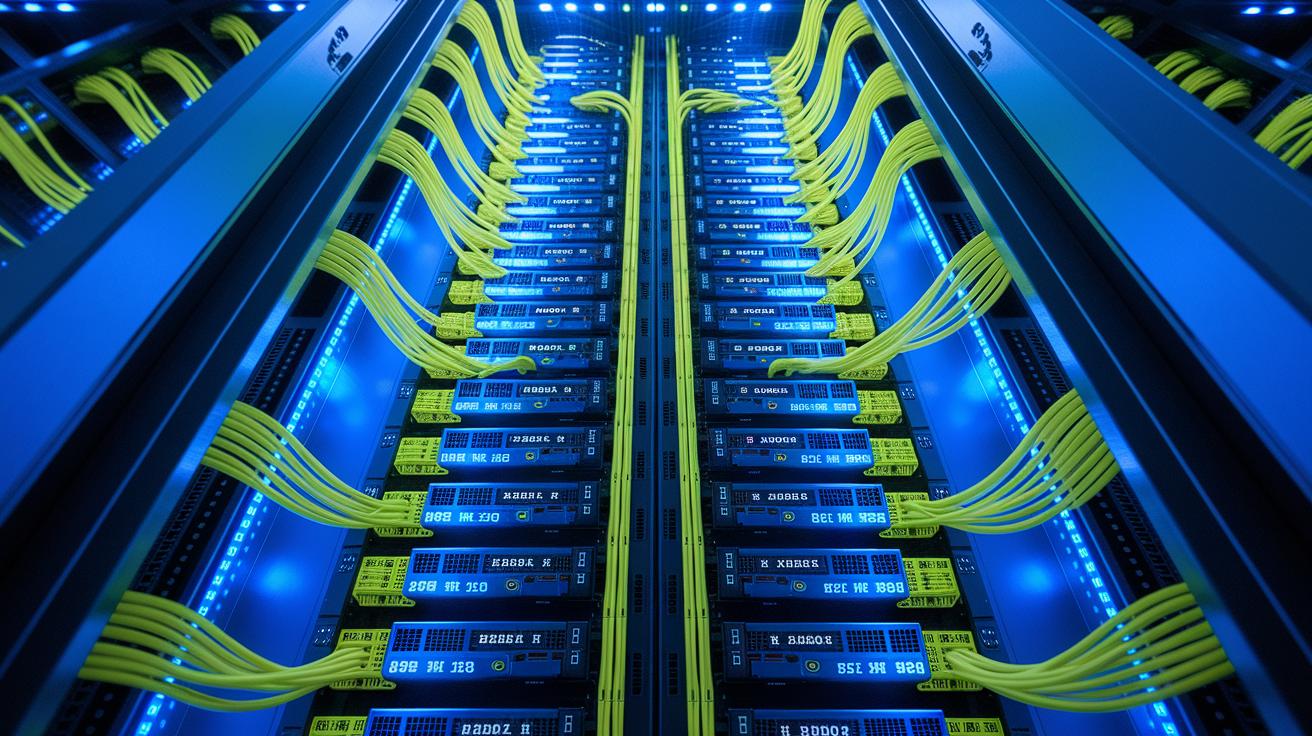
Choosing a GPU that fits your workload is key. Start by matching your AI training tasks with the right hardware. When building multi-node GPU clusters, you need to consider what your workload demands. Modern options like NVIDIA HGX H100, HGX H200, and Blackwell GB200 NVL72/36 are built for heavy AI use. Using your hardware wisely across a cluster boosts throughput and reduces idle compute time. Think of it like picking the right tool for a task, each GPU model has unique strengths to speed up training and manage resources efficiently.
Fast communication between GPUs is just as important. NVLink and NVIDIA Quantum-2 InfiniBand offer sub-microsecond latency and deliver up to 400 Gb/s of inter-GPU bandwidth. This quick data movement helps sync gradients across nodes without delays. It also makes sense to plan ahead by considering PCIe Gen5, CXL standards, or even advanced liquid cooling to keep your system robust as workloads grow. For example, H100’s Tensor Core improvements can make large models run 20-30% faster compared to the A100 80GB. Start by choosing an interconnect that works like a high-speed highway for your data.
| GPU Platform | Memory / Tensor TFLOPS | Peak NVLink Bandwidth |
|---|---|---|
| NVIDIA HGX H100 | 80GB / 60 TFLOPS | 400 Gb/s |
| NVIDIA HGX H200 | 80GB / 75 TFLOPS | 400 Gb/s |
| Blackwell GB200 NVL72/36 | Varies / Optimized | 400 Gb/s |
Implementing Distributed Training Frameworks in GPU Cluster Scaling

When choosing a distributed training framework, think about the size of your workload, how closely your GPUs need to work together, and the trade-off between computational performance and easy setup. You want tools that let you run models in two ways. For smaller models (under 7B parameters across 2 to 8 GPUs), data parallelism lets you copy the model onto each GPU. For larger networks that go beyond a single GPU's memory, model partitioning splits the model across GPUs. The framework should also support pipeline parallelism, which feeds small batches through GPUs in sequence to fully use your hardware.
- Horovod is great for data parallelism because it syncs gradients quickly across multiple GPUs.
- PyTorch Distributed Data-Parallel provides built-in support for replicating models and efficient communication.
- TensorFlow MirroredStrategy creates a copy of your model on each GPU and handles gradient aggregation automatically.
- DeepSpeed’s ZeRO focuses on model partitioning by splitting model layers among GPUs to avoid memory limits.
- Ray makes it easy to run flexible training jobs in containerized AI setups with dynamic resource allocation.
- Kubernetes-managed training uses open source tools to automate the deployment and coordination of complex AI workflows.
For peak performance, make sure gradients are synchronized efficiently between GPUs to keep the model consistent. Adopting dynamic parallelization strategies can shift workloads in real time, reducing idle GPU downtime. We recommend running small tests often to spot any bottlenecks early, and then fine-tuning your communication paths as your needs for data parallelism and model partitioning evolve.
Optimizing Network and Communication in GPU Cluster Scaling

Network interconnects are critical for scaling GPU clusters. Fast links like NVLink and InfiniBand cut delays and improve data flow in heavy AI training. These connections deliver performance in under one microsecond when paired with smart designs such as fat-tree and dragonfly. In cost-sensitive settings, RDMA over Converged Ethernet (RoCE) provides a good balance of speed and affordability. Picture your network as a well-planned highway, better design means smoother data flow. When NVLink is optimized, it works like a relay race where each GPU receives its data right on time.
Tuning group communication tasks is just as important. Optimizing processes like All-Reduce (where all GPUs share updates) and All-Gather (which collects data from every device) cuts overhead and keeps the cluster moving. In fact, a 2025 Global Data Center Survey showed that 11% of AI workloads experienced network issues, highlighting the need for careful tuning. Regular NVLink adjustments and proactive monitoring let you quickly fix small network hiccups, ensuring reliable and efficient communication between nodes.
Software Orchestration for Scaling GPU Clusters
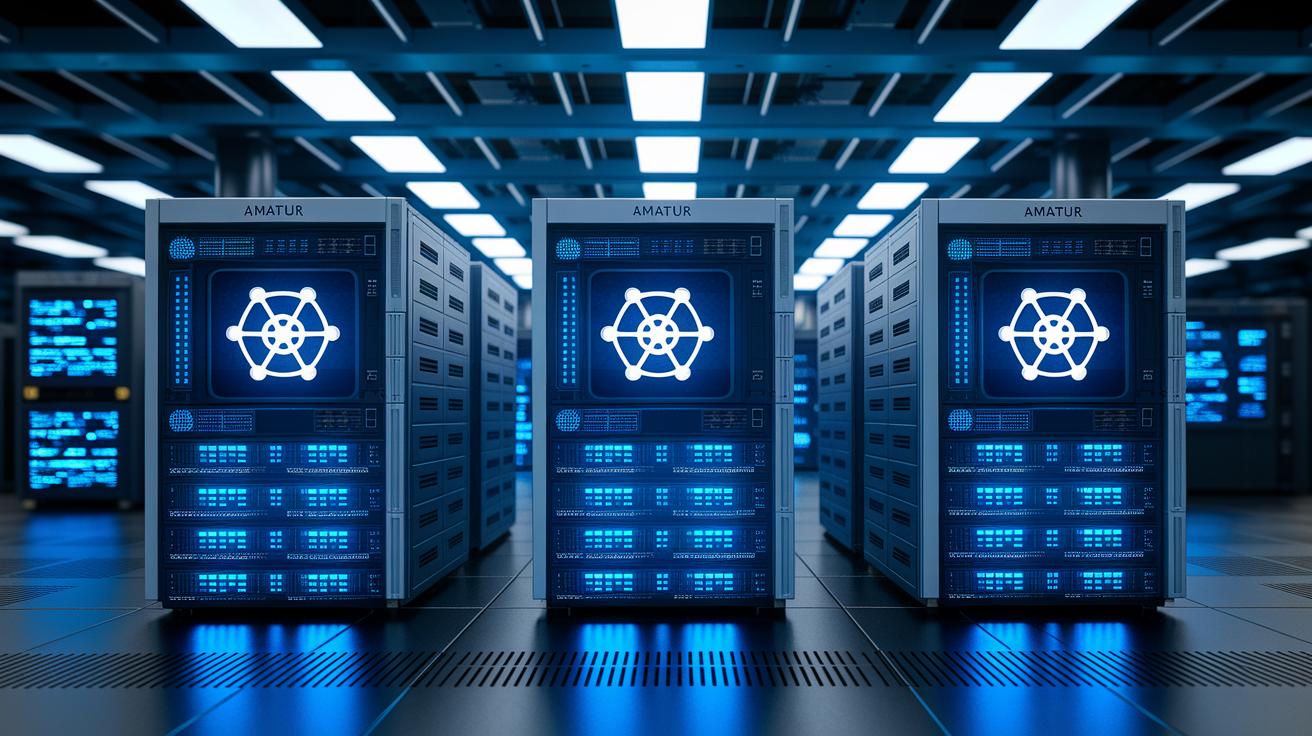
Managing a large GPU cluster can be tough, but a solid orchestration system makes life easier. By combining GPU drivers, monitoring tools, and logging frameworks, you get a clear view of the entire system. For instance, Kubernetes with NVIDIA device plugins automates GPU scheduling, scaling, and failover, ensuring every node works at its best. This approach coordinates heavy workloads while cutting down on manual setups.
When it comes to scaling AI projects, container orchestration is key. Open source tools like Kubeflow and MLflow help manage data pipelines, set resource limits, and track experiments. These tools work well with cluster orchestration to simplify tricky deployments. One team reported that deploying a containerized training job with Kubernetes trimmed setup time by over 40%. Such stories show how these technologies join forces to boost efficiency.
Auto-scaling driven by clear policies and a software-defined infrastructure cuts down on hands-on work. This strategy hides the complexity of the hardware while ensuring that policies are enforced and resources are kept isolated. With dynamic scaling and full system insights, you build an AI training environment that adapts to changing loads, stays efficient, and remains reliable.
Performance Benchmarking and Bottleneck Analysis in GPU Cluster Scaling
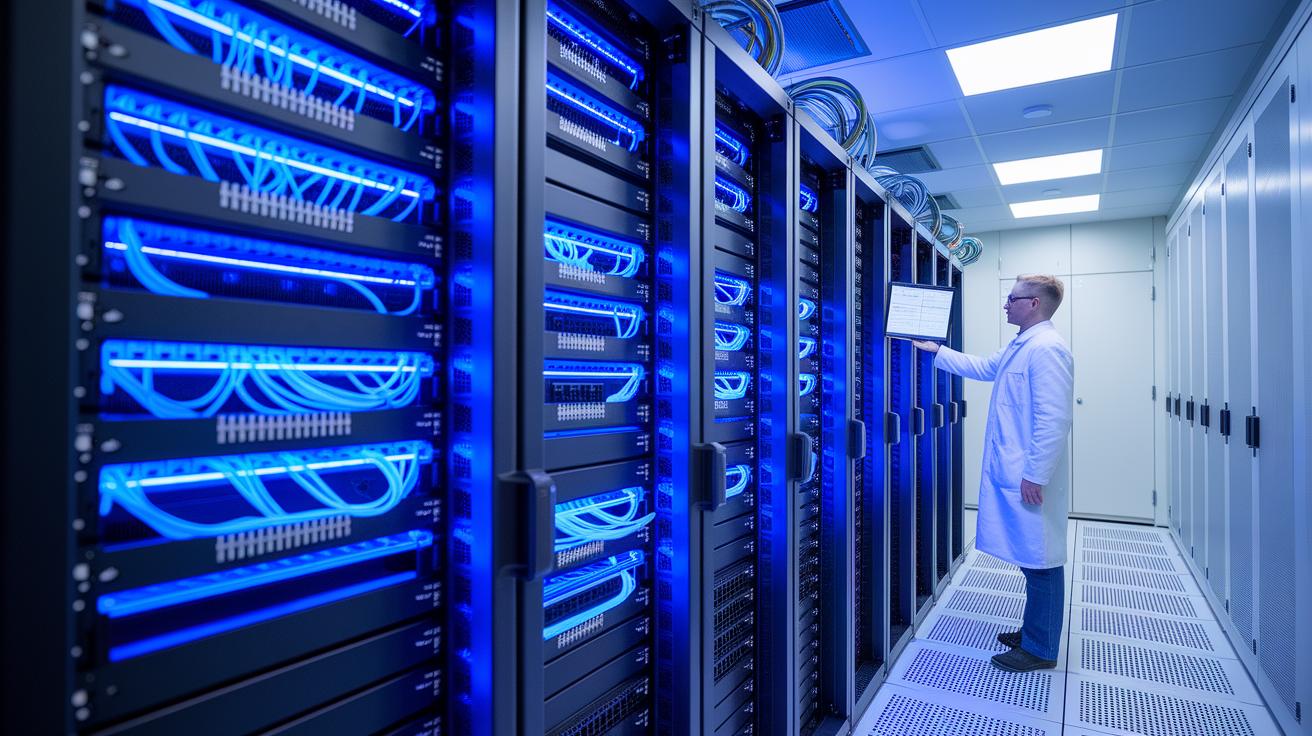
Accurate performance benchmarking is essential for optimizing GPU cluster scaling. By measuring key factors like scaling efficiency (the gap between ideal and actual speed-up), GPU utilization, network bandwidth, and memory throughput, you gain a clear picture of how your system performs. Tools such as NVIDIA Nsight Systems, MLPerf (a set of standardized benchmarks), and custom scripts that measure throughput and render time offer practical insights. For example, if your target GPU utilization is 95% yet you consistently hit only 80%, there's an opportunity to improve. Ongoing monitoring lets you spot and address these gaps early.
As clusters expand, bottlenecks tend to move from the compute side to areas like network or storage. This shift makes regular performance checks crucial. Techniques like dynamic batch sizing and methods to reduce the impact of slower nodes can recover 10-15% of idle GPU time, ensuring every resource is maximized. Balancing system load for AI workloads with scalable coordination is key to efficient compute resource use. These strategies help reduce delays from slow communication or memory limits and keep your cluster nimble enough to handle the heavy demands of training large AI models.
Cost Considerations and Case Studies in Scaling GPU Clusters for AI Training

When you scale a GPU (graphics processing unit) cluster for AI training, keeping the total cost of ownership in check is a top priority. Hardware investments, power use, and downtime expenses all add up. In fact, 18% of organizations facing serious AI outages have reported downtime costs over $1 million per incident. Cloud-based on-demand GPU pools can help you cut upfront expenses, and blending multi-cloud or hybrid setups can balance cost with the need for low delay.
Let's look at a real-world example from London on October 1, 2024. A 50-GPU cluster was put into action to speed up model training. This setup reduced training time by 60% and brought overall costs down by 25%. In short, a 50-GPU cluster can shift your budget significantly by saving on both downtime and energy expenses. This case shows that careful hardware selection along with smart deployment leads to measurable savings.
Another case took place on February 26, 2024, with a managed service that automatically scaled across five regions. This approach cut operational overhead by 40% and proved that managed GPU infrastructure can simplify complex deployments while keeping systems resilient and on track. When software orchestration works well with hardware management, you see clear cost benefits.
Hybrid deployment models add even more flexibility. Techniques such as dynamic scaling to match current demand, smart scheduling to make the most of your resources, and predictive analytics to spot issues before they happen all contribute to a cost-effective setup. These methods not only adapt quickly to changing workloads but also reduce downtime risks. In turn, this leads to steady improvements in ROI and overall performance.
Final Words
In the action, we broke down the steps to build a robust, balanced GPU cluster for AI training. We covered system-level planning, smart hardware choices, efficient distributed training, and fine-tuning network communication.
We also delved into orchestration techniques, performance benchmarking, and cost-effective case studies. These insights guide you in scaling GPU clusters for AI training while ensuring faster, reliable results. Embrace these strategies to speed up your production workflows and achieve better outcomes.

