

Have you ever wondered why some GPU clusters still waste power when they are not fully busy? It may surprise you that clusters can lose over 20% of their available energy during idle times. In this post, we explain how smart power management, such as switching from high-performance to low-power modes, can help extend hardware life while keeping performance steady. We dive into practical techniques like dynamic voltage and frequency scaling (DVFS, a method that adjusts power and speed automatically) to cut energy use. With just a few adjustments, you can boost efficiency and save both energy and costs in your data center.
Key Strategies for Reducing GPU Power Consumption in Clusters
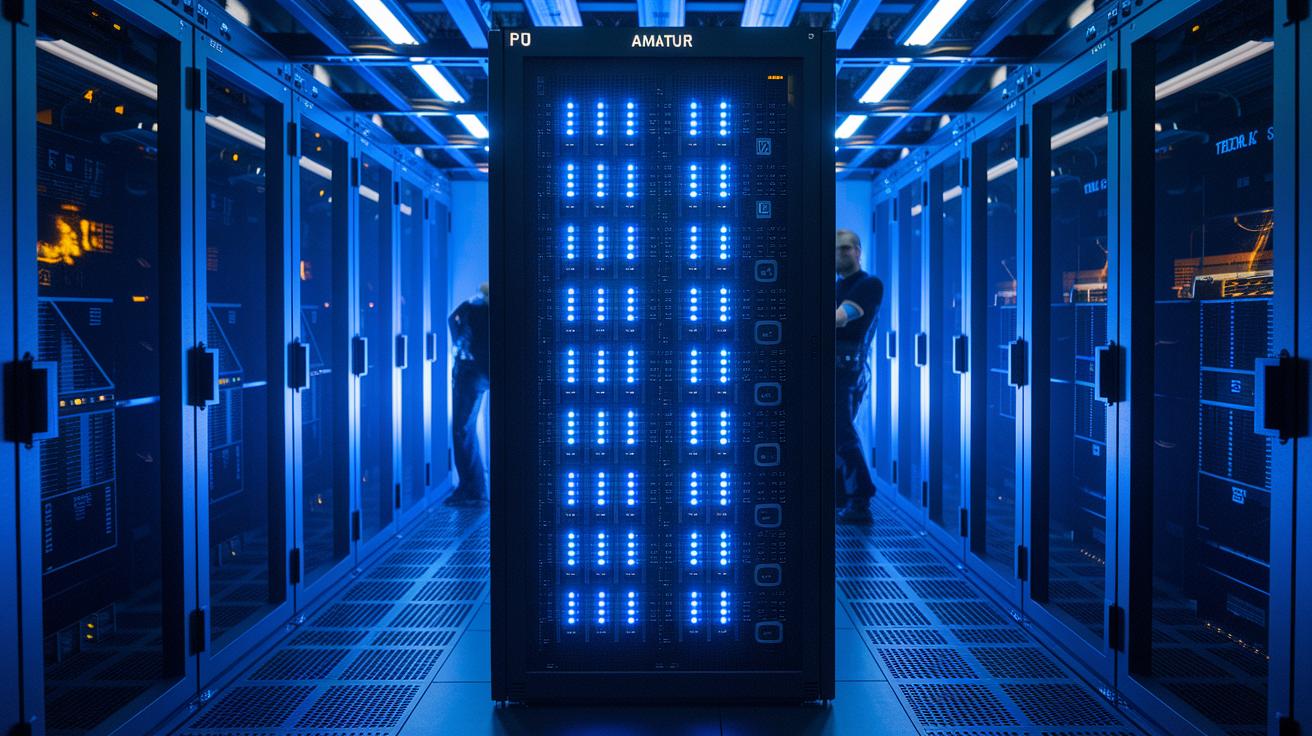
GPU clusters need to balance high compute performance with low power use to boost throughput and extend hardware life. The first step is to understand the two types of power: dynamic and static. Dynamic power (calculated as P = C × V² × A × f, where switching activity and voltage levels affect energy use) differs from static power, which comes from leakage currents in dense chip designs.
Managing performance states is key. High-performance modes (P0/P1) boost power use for demanding tasks, while low-power states (P8/P10) help save energy when work is light. Idle controls, also known as C-states, reduce power further when GPUs are not fully active.
Data centers must strike the right balance. Setting very low power limits might cut throughput, but drawing too much power can cause overheating and stress the hardware. Using advanced GPU cluster management tools allows real-time tuning to match workload demands. Consider this: clusters can waste over 20% of potential energy during idle periods. By adding precise power-tuning techniques to daily operations, you can extend hardware life, maintain steady performance, and achieve significant data center power savings, all while supporting smooth and efficient operations.
Implementing DVFS for Reducing GPU Power Consumption in Clusters

DVFS (dynamic voltage and frequency scaling) changes a GPU's (graphics processing unit's) clock speed and voltage in real time. This helps lower power use and heat output. By automating these changes across all the cluster nodes, you can find the right balance between speed and energy savings. For example, switching from a high-performance state (P0) to a low-power state (P8) can nearly cut power use in half. This approach is key when clusters run different workloads.
You can use tools like NVIDIA's nvidia-smi and NVML (NVIDIA Management Library) APIs to script these adjustments. A simple command might be:
nvidia-smi –setclocks=memory,core
This command sets the clock speeds for both memory and core. Together with voltage scaling, this setup can reduce power draw by up to 50% in low-power mode and save as much as 90% in deep-sleep states on supported GPUs.
Dynamic frequency scaling further tunes power use by matching the GPU's speed to the work it is doing. This means you won't waste energy on tasks that don't need high performance. In addition, vendor solutions like AMD PowerTune and ZeroCore Power can drop idle power consumption to less than 3W in multi-GPU racks.
Planning for these cluster optimizations is vital. It means testing to find the best mix of performance and energy savings. The goal is to make sure that controlling power across many nodes does not slow down your work while still saving energy. DVFS remains a core tactic to achieve these results.
Applying Power Gating and Capping to Reduce GPU Power in Clusters

We use power gating and clock gating to lower both static and dynamic power. Power gating turns off unused parts of a GPU (graphics processing unit) to avoid leakage currents that build up over time. Clock gating stops the clock signal in circuits that are not active so energy is not wasted. These tactics are especially useful in multi-node clusters. Coordinated power capping helps prevent sudden power spikes and reduces the cooling load. For instance, NVIDIA’s Dynamic Power Management (DPM) and GPU Boost let you cap wattage in real time. In cloud setups, you might target 250–300 watts, while high-performance clusters might run between 400–500 watts.
You can apply these techniques through vendor-specific tools. NVIDIA users can adjust power settings using commands with nvidia-smi and NVML (NVIDIA Management Library) to keep clusters performing well under different loads. AMD provides similar options with PowerTune and ZeroCore Power, where the latter can reduce power draw to under 3 watts during idle times. This mix of dynamic power capping and hardware shutdown cuts unnecessary energy use while keeping performance high during busy periods.
Here are some effective ways to manage power:
| Strategy | Benefit |
|---|---|
| Automate power gating | Reduces energy use when GPUs are idle |
| Configure clock gating | Matches power consumption to workload intensity |
| Set explicit power caps | Controls thermal output across nodes |
Together, these methods help manage power efficiently without sacrificing performance or system stability.
Thermal Management to Reduce GPU Power Consumption in Clusters

Controlling heat is essential because the energy consumption of GPUs produces heat that, if unchecked, can drop temperatures to levels where GPUs slow down. Keeping the GPU's junction temperature about 10 °C lower can nearly double its lifespan, much like giving an engine a rest after heavy use.
Improving the airflow in your rack is a simple yet powerful way to cool your system. Using dedicated liquid cooling loops and efficient heat sinks helps move heat away from high-power GPUs. Tuning your cooling setup to match your workload means you avoid spending extra energy on cooling that could cancel out your power savings.
Data center tweaks, such as variable-speed chillers, hot-aisle containment, and focused exhaust for GPU racks, further boost cooling efficiency. These changes typically cut HVAC energy use by 10–20% while keeping your system running smoothly.
By keeping the thermal environment steady, you prevent overheating that might reduce performance or force GPUs to lower their clock speeds to stay safe. In busy, high-load situations, having a cooling system that fits your needs can balance power use, energy efficiency, and system reliability during continuous heavy compute tasks.
Energy-Aware Scheduling to Reduce GPU Power Usage in Cluster Environments

Energy-aware scheduling matches jobs to GPUs based on their power profiles. This method lowers wasted power while giving each task the resources it needs. The scheduler reviews each job's energy use and performance details, then assigns it to the GPU that fits best. For example, low-demand tasks might run on GPUs set to lower DVFS/P-state levels (dynamic voltage and frequency scaling).
A smart scheduler once grouped several low-power tasks together, cutting overall energy use by nearly 20% during quiet hours.
Multi-job packing is another efficient method. It runs tasks with similar needs at the same time, which helps avoid constant shifts in frequency and voltage. This grouping reduces the extra energy cost from frequent adjustments.
Dynamic throttling adds further value. When workload demand is light, the scheduler can lower performance settings to match. This step reduces energy use and heat output while keeping the system steady.
Integrating these techniques with orchestration frameworks makes the solution even stronger. By adding power-aware queuing hooks to the overall system management (see gpu cluster orchestration best practices at studiogpu.com?p=99), administrators can set limits that keep the whole cluster energy efficient.
- Energy-aware scheduling assigns jobs based on consumption profiles
- Workload distribution uses multi-job packing for GPU efficiency
- Dynamic load adjustments help avoid wasted energy from frequent frequency changes
Together, these methods manage resources efficiently. They ensure that each node in the cluster uses power optimally while still supporting high-performance tasks.
Benchmarking GPU Power Reduction in Clusters: Case Studies and Results

We compared GPU power draw against compute throughput to pinpoint inefficiencies like memory bottlenecks. Engineers used energy benchmarking tools to measure baseline consumption and then test optimized settings. In one AI training cluster, we coordinated dynamic voltage and frequency scaling (DVFS), applied power capping, and implemented energy-aware scheduling. These changes cut electricity costs by roughly 20% and showed that small tweaks in P-state settings can greatly reduce wasted energy without hurting performance.
In another cloud gaming example, adjusting the power cap helped prevent thermal throttling. This tweak improved uptime by about 15% while also lowering peak power draw and stabilizing the thermal environment. The results demonstrate that combining smart hardware tuning with efficient scheduling can reduce energy waste, minimize idling, and keep performance high.
| Metric | Before | After | Savings (kWh) |
|---|---|---|---|
| GPU Power Draw | 400W | 280W | 30% |
| Uptime Impact | N/A | +15% | N/A |
| Electricity Cost | Baseline | -20% | N/A |
Small savings on each node add up across the system. Benchmarking processor efficiency is a crucial step to lower costs and reduce the carbon footprint in production GPU clusters.
Final Words
In the action, we explored how GPU clusters can balance peak performance with minimized power draw. We discussed dynamic voltage scaling, power gating, optimized cooling, and energy-aware scheduling. These techniques work together to cut power needs without sacrificing reliability or speed. By reducing GPU power consumption in clusters, you not only boost efficiency but also lower operational costs. This approach makes production workflows more predictable and sustainable, ensuring your rendering or training tasks run smoother when it matters most.
FAQ
How can GPU power consumption be reduced in gaming clusters?
The GPU power consumption in gaming clusters can be reduced by adjusting clock speeds with dynamic voltage and frequency scaling (DVFS), applying power capping, and using power gating to balance performance and energy efficiency.
Where can I find a GPU power consumption table?
The GPU power consumption table provides a side-by-side comparison of energy draw across various GPU models and performance states, helping you select hardware that meets both power efficiency and performance needs.
How does Zeus help optimize GPU energy consumption for DNN training?
Zeus optimizes GPU energy consumption in deep neural network training by dynamically adjusting voltage and frequency, which reduces power draw while maintaining sufficient throughput for high-efficiency model training.
What is a GPU idle power consumption chart?
The GPU idle power consumption chart displays baseline energy usage when GPUs are not actively engaged, allowing you to develop strategies to minimize idle power and lower overall energy bloat.
How do I use a GPU power consumption calculator?
A GPU power consumption calculator estimates energy use by inputting parameters like clock speed, voltage, and workload, helping you budget costs and configure GPUs for optimal energy efficiency.
How does GPU power draw compare across models?
The GPU power draw comparison shows differences in energy usage among various models and configurations, enabling you to choose options that deliver high performance while keeping power consumption in check.
What is GPU-Z used for?
GPU-Z is a monitoring tool that provides real-time data on GPU specifications, temperature, and power draw, which helps you troubleshoot and optimize performance for both gaming and compute clusters.
How can you reduce GPU power usage?
Reducing GPU power usage involves adjusting voltage and clock speeds using DVFS, employing power gating, and scheduling workloads efficiently to lower energy consumption without compromising performance.
Is it safe to lower the GPU power limit?
Lowering the GPU power limit is safe when done within manufacturer guidelines, as it helps improve energy efficiency and thermal management, provided the changes are thoroughly tested.
What can you do with a GPU cluster?
A GPU cluster can accelerate parallel processing tasks such as rendering, model training, and simulations, while advanced power management techniques ensure optimal performance and energy savings across nodes.

