

Have you ever considered that keeping your compute power on-site might boost performance? In-house GPU clusters can handle heavy tasks like AI predictions and deep learning (a form of machine learning that uses neural networks) right in your facility. GPUs (graphics processing units), which were built for gaming, now run detailed simulations and risk analysis quickly and accurately. With a dedicated setup, you control security while fine-tuning the hardware to meet your specific needs. In many cases, these clusters nearly cut processing times in half, proving that on-prem solutions bring reliable compute power to today’s demanding projects.
on-prem gpu clusters Ignite Superior Compute Power
On-premises GPU (graphics processing unit) clusters offer powerful compute capabilities for data-heavy tasks. GPUs, originally designed for gaming, now drive deep learning, risk analysis, and AI predictions by handling huge datasets quickly. With an on-prem setup, you gain local control for running AI inference, simulations, and rendering in a more secure and controlled environment than cloud-based options.
These clusters can be built to match your exact requirements. For example, you can fine-tune the hardware for key simulations or machine learning tasks without depending on remote data centers. In some cases, an on-prem configuration can nearly cut processing times in half, helping you deliver work faster and with greater reliability.
By using dedicated local servers, you can create clusters that meet today’s needs and scale for future growth. Keeping critical data in-house simplifies following strict security rules. This setup also lets engineers adjust performance for deep learning and simulation tasks, so your system adapts quickly as demands change.
Organizations with ongoing processing needs also enjoy predictable costs because an in-house cluster removes the variable expenses of cloud services. By matching GPU choices to specific workloads, companies can optimize performance and efficiency for complex tasks in analytics, simulations, and AI research.
Designing Hardware Architecture for On-Prem GPU Clusters
GPU Selection Criteria
Choosing the right GPUs is crucial for building an efficient on-premise compute grid. You need to pair each GPU with its intended workload, memory needs, thermal design power (TDP), and cost-to-performance balance. For example, H200 NVL GPUs perform best with computational fluid dynamics and simulation tasks, while the RTX PRO 6000 Blackwell works well for rendering. Sometimes, a custom acceleration board can offer the specific performance boost you require. By carefully matching GPUs to tasks, you ensure each unit runs at its best.
Power and Cooling Infrastructure
High-performance GPU servers demand careful power and cooling planning. We recommend using 208V circuits with 20A or 30A breakers and planning for an extra 30% capacity to keep power delivery stable. Along with dedicated breakers, metered power distribution units (PDUs) and uninterruptible power supplies (UPSs) add an extra layer of reliability. It is also important to design cooling systems that can handle the heat generated by hundreds of watts per GPU. With proper thermal management, you reduce the risk of overheating and keep your server room energy efficient.
Rack Layout and Physical Organization
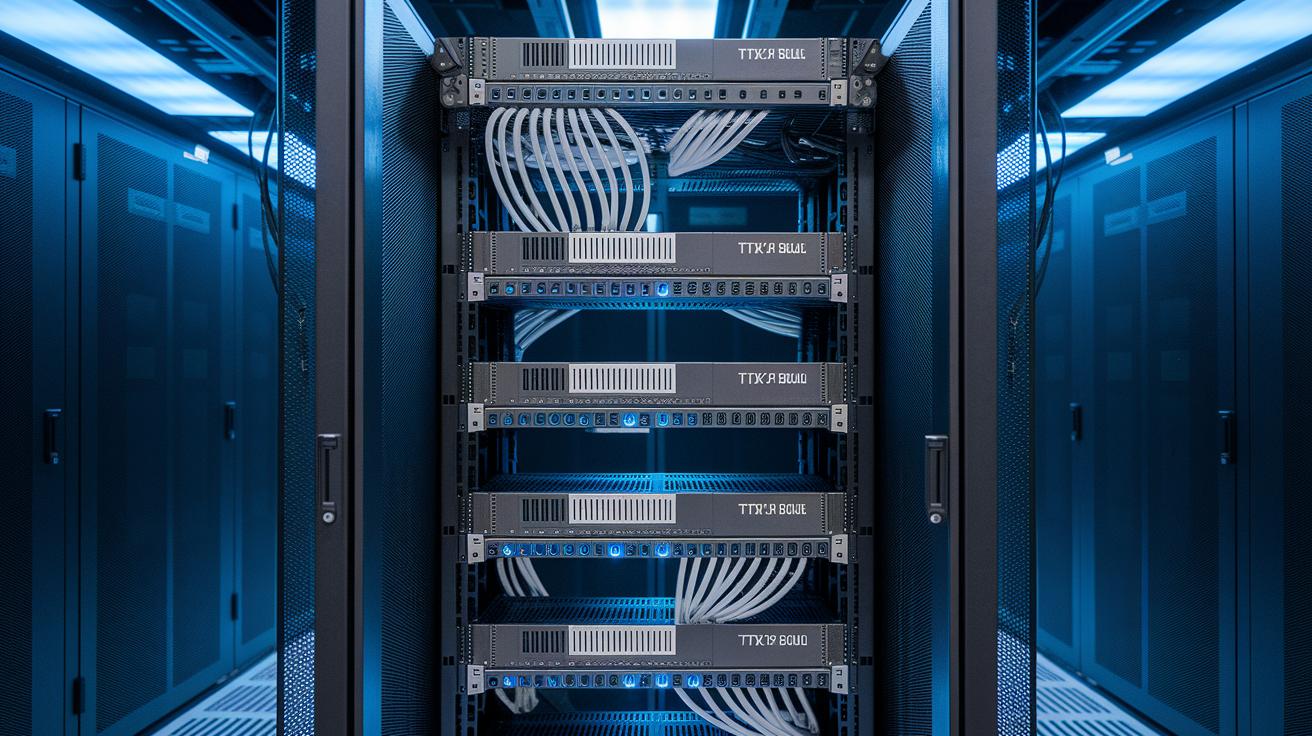
A smart rack layout is key to maintaining consistent temperatures in a multi-GPU setup. Arrange your servers to boost airflow and follow clean cabling practices to avoid hot spots. Good physical organization not only maximizes reliability but also simplifies maintenance. For more insights on hardware decisions and overall cluster design, consider exploring our guide on Building GPU Clusters.
| GPU Model | Recommended Workload | Thermal Design Power (TDP) |
|---|---|---|
| H200 NVL | CFD / Simulation | ~300W |
| RTX PRO 6000 Blackwell | Rendering | ~250W |
| RTX 4500 Ada | Low-Intensity Parallel Tasks | ~150W |
| Custom Acceleration Board | Advanced Data Acceleration | ~200W |
Networking and Infrastructure for On-Prem GPU Clusters
In on-premise GPU clusters, fast and efficient communication starts with choosing low-latency, high-bandwidth interconnects. Standards like InfiniBand (a high-speed network), NVLink (a direct GPU link), and RoCE (RDMA over Converged Ethernet) ensure data moves quickly between GPUs. These tools help cut down data transfer delays, which is key for distributed workloads.
Good network planning matters too. Design your topology with well-placed, high-bandwidth switches to avoid traffic bottlenecks. By selecting the right hardware and organizing server links carefully, you keep performance steady and predictable, even during heavy compute tasks.
Integrating cluster management software boosts overall efficiency. These tools adjust resource allocation in real time to balance workloads across nodes. For example, when a spike in AI inference occurs, the system can update its routing automatically, reducing delay and enhancing throughput.
A well-designed network supports the raw power of each GPU and the collective strength of your entire on-premise compute grid. This integrated approach to connecting servers and accelerating performance is key to unlocking the full potential of your GPU clusters.
Software Stack and Container Orchestration for On-Prem GPU Clusters

Modern GPU clusters rely on a strong software stack that uses NVIDIA CUDA (a tool for parallel computing) and cuDNN (a deep learning library) to speed up deep learning tasks. Python-based frameworks like TensorFlow and PyTorch tap into this power to mimic human neural processes, making them key for handling data-heavy workloads. Standardizing these environments helps teams launch apps quickly and repeat experiments with consistency.
Docker containerization is a vital part of this setup. It wraps the runtime environment into self-contained units, keeping apps isolated and avoiding dependency issues. When you add orchestration tools like Kubernetes, OpenHPC, or Slurm, you get a system that scales smoothly and stays consistent. These platforms automatically handle deployment, scaling, and networking so your workloads run reliably across available resources.
Techniques like NVIDIA vGPU (virtual GPU) and MIG (Multiple Instance GPU) partitioning let you split one physical GPU into several virtual units. This means different teams can share costly hardware without any drop in performance. Server virtualization and resource management tools further streamline how computing resources are allocated, boost utilization, and cut down on manual tasks. Together, container orchestration and hardware virtualization let you update deep learning models quickly while ensuring stable performance on high-demand clusters.
Best Practices for Scaling and Managing On-Prem GPU Clusters
Scaling and managing on-prem GPU (graphics processing unit) clusters is key to consistently strong performance. We use automated system monitoring to keep an eye on temperature, power draw, and workload levels. This method helps you spot issues early, while smart job scheduling across nodes stops any one node from getting overloaded. Adding more resources becomes easier with scripts or management platforms when demand grows, while regular firmware and driver updates keep your cluster running smoothly over time.
To get the best results, try fine-tuning mixed-precision (using both 16 and 32-bit calculations) and memory management strategies that boost throughput. Setting up proactive alerts and uptime monitoring means you can support critical work without interruptions. In addition, careful planning of compute capacity and load distribution helps keep the system running efficiently and prevents resource bottlenecks. These best practices not only make the most of your GPU clusters but also extend the hardware’s life and reduce risks.
Below are seven simple, proven steps for managing on-prem GPU clusters:
- Implement centralized monitoring and alerting.
- Use workload scheduling frameworks for fair resource distribution.
- Automate infrastructure provisioning and scaling.
- Conduct regular firmware and driver updates.
- Improve performance with mixed-precision and memory optimization.
- Schedule maintenance during low-use periods to cut downtime.
- Keep capacity and budget planning precise.
Using these steps, you can easily scale your GPU clusters, catch problems before they grow, and keep every node in your local compute grid running at its best.
Cost Comparison: On-Prem GPU Clusters vs Cloud GPU Services

On-prem GPU clusters need a large upfront investment for hardware and facility upgrades. Once you set them up, you face predictable costs for power, cooling, and maintenance. With an on-prem setup, you gain full control of your compute environment and lock in fixed operating expenses that support long-term budgeting. For example, a data center designed for high-intensity simulations may cost more at the start but becomes cost-effective over time as it handles steady, heavy workloads.
Cloud GPU services, on the other hand, let you avoid major upfront spending. You pay as you go, which can work well for short-term or bursty projects. However, this model means your bills can change with usage, especially during sustained or peak periods. One user pointed out that even though cloud GPU services started lean, data transfer fees along with continuous usage caused a 35% cost jump in one quarter.
Scalability also plays a big role. Cloud solutions can expand quickly to meet sudden demand, which is helpful for projects with unpredictable growth. Yet, for ongoing, compute-heavy tasks, the repeated costs of cloud services may end up higher than a fixed on-prem setup. In short, while cloud services offer flexibility and easy access, on-prem clusters deliver stable, long-term cost benefits when you need reliable power for heavy workloads.
Security, Compliance, and Maintenance for On-Prem GPU Clusters
Managing on-premises GPU clusters means you must prioritize security and compliance. We use strict measures like network segmentation (dividing the network into safer zones), encrypted storage, and tight access controls. These steps protect sensitive data and help meet rules such as the General Data Protection Regulation (GDPR) and the Health Insurance Portability and Accountability Act (HIPAA). We also use redundancy tools such as RAID storage, extra power supplies, and failover protocols to keep the system running smoothly. In one case, using RAID improved system uptime by 20%.
Keeping the cluster reliable also means doing regular security audits and patching software quickly. We fix vulnerabilities before they can cause trouble and regularly test network security to block unauthorized access. Routine checks of our redundancy plans make sure hardware or software issues do not hurt overall performance.
Our approach follows solid reliability engineering standards. We monitor the cluster all the time and perform proactive maintenance. Frequent firmware updates and systematic checks help maintain high performance, meet compliance rules, and ensure stability throughout your GPU cluster deployment.
Future Trends and Emerging Technologies in On-Prem GPU Clusters

On-prem GPU clusters are evolving fast, making compute tasks more efficient and precise. New hardware like data processing units (DPUs) now handles network tasks so that GPUs (graphics processing units) can focus entirely on heavy compute work. Optical interconnects boost bandwidth, ensuring even multiple-node setups experience minimal delays.
Hybrid computing is gaining ground as well. By integrating edge computing, data is processed near its source, which results in lower inference times. Advances in virtualization for accelerators, such as Multiple Instance GPU (MIG) and AMD MxGPU, let you divide resources neatly and assign them based on the workload.
Benchmarking methods are also advancing. Measuring mixed-precision and multi-node performance gives clear insights into how these systems work in real-world settings.
For example, a recent test revealed that mixed-precision techniques led to a 1.7x speed improvement compared to traditional methods, showing how these new technologies are setting fresh performance standards.
Final Words
In the action, we covered the essentials of planning and deploying on-prem GPU clusters. We broke down GPU selection, power and cooling, networking, container orchestration, and best practices for scaling operations. Each section illustrated how balancing hardware and software can drive cost efficiency and reliability for compute-intensive workloads. By keeping a clear focus on performance, security, and long-term value, these insights empower you to streamline your workflow. Embrace these strategies, and you’ll find on-prem GPU clusters deliver faster, predictable results for your production needs.
FAQ
What does “on prem GPU clusters Reddit” refer to?
The discussion on Reddit about on-prem GPU clusters shares user experiences, challenges, and setup insights. It gives real-world opinions on performance, scalability, and cost-effectiveness when using local compute environments.
What does a GPU cluster for AI do?
A GPU cluster for AI accelerates machine learning and deep learning tasks. It uses multiple GPUs to speed up model training and inference, providing efficient, dedicated computing power for complex AI workloads.
What is meant by a GPU cluster at home or a GPU cluster homelab?
A GPU cluster at home, or homelab, is a scaled-down setup that allows enthusiasts and professionals to experiment with GPU-accelerated tasks, like AI model testing and rendering, on a personal or small-scale basis.
What influences the NVIDIA GPU cluster price?
The NVIDIA GPU cluster price depends on the selected GPU models, the number of units, and additional hardware requirements such as servers, cooling, and networking. This pricing reflects performance level and workload needs.
What is a GPU cluster for high-performance computing?
A GPU cluster for high-performance computing offers robust, dedicated graphics processing units to handle compute-intensive tasks such as simulations, rendering, and data analysis, ensuring faster processing and lower latency than typical cloud solutions.
What does GPU cluster architecture involve?
GPU cluster architecture involves designing interconnected GPU servers with optimized power, cooling, and networking. This design ensures efficient distribution of heavy computing workloads and effective parallel processing for data-intensive tasks.
How does a GPU cluster support gaming?
A GPU cluster for gaming leverages multiple GPUs to boost graphics performance and render high-resolution visuals. It provides the processing power necessary for smooth, immersive gameplay, drawing on similar technology used in professional rendering setups.

