
Have you ever wondered if your graphics card holds the key to faster speeds and richer visuals? NVIDIA GPU architecture works like a team of skilled collaborators turning raw data into eye-catching art. In this post, we explain how CUDA cores handle simple math (basic calculations) while special function units take on tougher tasks. We also show how streaming multiprocessors keep everything organized, ensuring every thread works in sync. By grasping these basics, you can boost your creative process and take your projects to a whole new level.
nvidia gpu architecture basics: Empower Your Mind

NVIDIA GPUs use parallel processing to break down heavy workloads into smaller tasks. They do this by assigning work to specialized compute units. At the core of this system are CUDA cores (NVIDIA’s technology for speeding up calculations; more details at https://studiogpu.com?p=322). These cores quickly perform basic math like addition and multiplication on both floating-point and integer numbers. In addition, special function units (SFUs) handle advanced math such as calculating sine, cosine, and reciprocal square roots, ensuring even complex math runs smoothly.
The Streaming Multiprocessor (SM) is the primary building block in NVIDIA GPUs. Each SM contains hundreds of CUDA cores and SFUs, along with Load/Store Units that manage the flow of data between registers (small, fast storage areas) and memory. Inside an SM, a register file holds the data currently in use, while a small SRAM-based cache offers fast access to frequently used values. Think of an SM as a mini factory where every worker (or core) contributes to turning raw data into visual magic.
Threads are the smallest units of work on a GPU, and they are bundled into groups called warps. Each warp contains 32 threads that run the same instruction at the same time. This grouping boosts efficiency and allows the GPU to handle thousands of threads in parallel. Imagine a team of artists working on a single frame: if one artist lags, the entire project could slow down. By synchronizing tasks in warps, NVIDIA ensures that all threads progress together, which minimizes delays and bottlenecks.
Multiple SMs work together to form larger structures within the GPU. They combine to create clusters like Texture Processing Clusters (TPCs) and Graphics Processing Clusters (GPCs), which scale performance for more demanding applications. In simple terms, a single GPU is like a city filled with countless tiny engines working in harmony, much like a subway system keeping traffic moving smoothly. This unified design powers both high-quality graphics and advanced AI computations, driving innovation across many fields.
Hierarchical Structure in NVIDIA GPU Architecture: SMs, TPCs, and GPCs
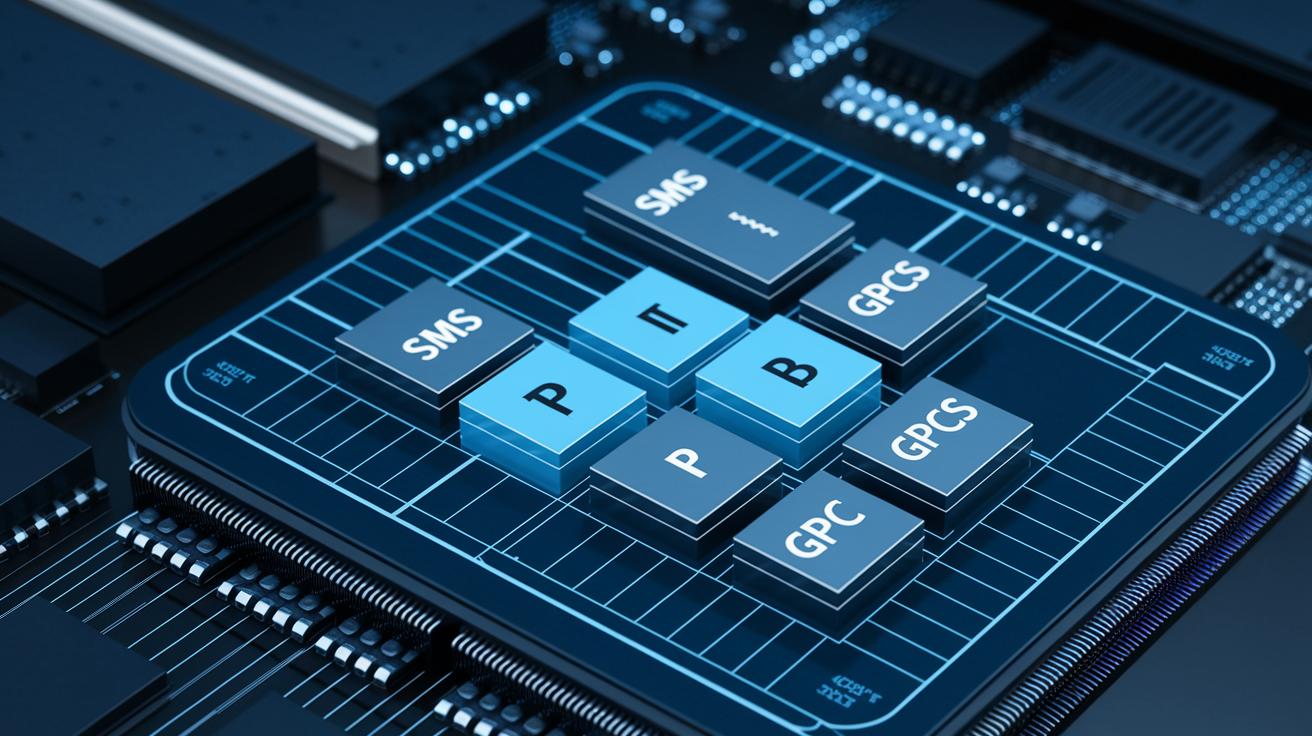
NVIDIA organizes its GPU in a pyramid-like setup. At the lowest level are the Streaming Multiprocessors (SMs), which combine cores, special function units, and memory caches to run thousands of threads at once. These SMs are then grouped into Texture Processing Clusters (TPCs), which work like city neighborhoods by sharing work and reducing idle periods. For example, one TPC can manage many SMs, quickly spreading tasks to keep computation balanced.
Several TPCs come together to form Graphics Processing Clusters (GPCs). Think of GPCs as major hubs that coordinate different districts. This clear hierarchy, from SMs to TPCs to GPCs, helps deliver scalable compute power and effective resource management across the GPU.
CUDA Cores and Specialized Units in NVIDIA GPU Architecture
CUDA cores serve as the building blocks of a GPU, handling both floating-point and integer calculations. Think of them as individual team members on an assembly line, each taking on quick math tasks needed for detailed graphics and AI tasks. In fact, one CUDA core can complete millions of simple math operations every second, proving its strength in parallel processing.
Special Function Units (SFUs) work alongside CUDA cores to manage functions like sine, cosine, and reciprocal square roots. This setup lets CUDA cores stick to straightforward calculations while SFUs tackle the more complex math needed for rendering and simulation.
Load and Store Units are vital for moving data efficiently between registers (the GPU’s immediate workspace), the L1 cache, and global memory. Their role is similar to a well-organized backstage crew, ensuring every piece of data is in the right place at the right time.
Introduced with the Volta architecture, Tensor Cores speed up mixed-precision matrix multiplications. These cores are especially useful in AI and deep learning, where fast matrix calculations are key. For example, using Tensor Cores can boost AI inference speeds by up to 3x in some tests.
RT Cores, featured in the Turing architecture, are designed specifically for ray-tracing tasks. They quickly navigate bounding volume hierarchies (BVH) to deliver realistic, real-time visual effects.
For more details on CUDA’s programming model and toolkit, please refer to the nvidia cuda toolkit (https://studiogpu.com?p=140).
NVIDIA GPU Memory Hierarchy Explained

Registers are the fastest memory each thread can use. They act as a private workspace where the thread runs computations right away. Because they sit so close to the GPU cores, accessing register data takes only a few cycles, which is vital for fast operations.
Inside each Streaming Multiprocessor (SM), the L1 cache works as a quick-access buffer. By storing values that are used often, the L1 cache helps the GPU avoid fetching data from slower memory. In addition, SMs include shared memory. This memory lets threads in the same block share data with very low delay. Think of it as a local scratchpad that speeds up parallel processing tasks.
One level up, the L2 cache is a global on-chip storage area that all SMs can access. It has a larger capacity than L1 but takes a bit longer to access because it covers more ground. The L2 cache bridges the gap between the super-fast registers and L1 cache and the slower off-chip memory.
Finally, the main graphics memory, often GDDR (Graphics Double Data Rate) or HBM (High Bandwidth Memory), gives the GPU the largest storage space. However, this memory comes with higher latency compared to the on-chip caches. Memory controllers manage data transfers between DRAM and the caches to load only the necessary data and keep global memory accesses to a minimum.
Using the various layers of this memory hierarchy wisely and reducing direct global memory access are key to lowering delays and boosting throughput. From registers to VRAM, every level works together to keep the GPU performing fast and efficiently.
Parallel Processing and Thread Scheduling in NVIDIA GPUs
NVIDIA GPUs run thousands of threads at once using a warp execution model. In this model, threads are grouped in bundles of 32 that run the same instruction together. This simple approach cuts overhead and streamlines operations. Inside each Streaming Multiprocessor (SM), a warp scheduler selects active warps based on operand readiness and available execution units. This keeps the compute units busy by hiding memory delays and reducing idle time.
The warp scheduler also handles cases when threads within a warp need to follow different paths. When this branch divergence happens, the scheduler quickly realigns the threads to keep performance steady. In addition to the SM-level scheduling, a GigaThread scheduler spreads tasks across the entire GPU. It shifts work from busy SMs to those with spare capacity, which improves resource use and overall performance.
Smart scheduling in NVIDIA GPUs hides delays and keeps throughput high even under diverse workloads. By carefully managing both warp-level and GPU-wide operations, NVIDIA GPUs provide reliable performance suited for real-time graphics, AI, and high-performance computing tasks. This coordinated scheduling is vital for predictable and efficient execution.
Evolution of NVIDIA GPU Architecture: From Turing to Blackwell
NVIDIA has steadily advanced its GPU technology over the years. In 2018, Turing marked a big change by introducing RT Cores, which accelerate ray tracing to create realistic lighting and shadows in real time. Turing also improved Tensor Cores (specialized processors for AI tasks) to boost mixed-precision calculations.
Before Turing, Volta appeared in 2017 as the first architecture to use Tensor Cores designed for mixed-precision arithmetic. To put it simply, these cores sped up matrix multiplications, allowing complex tasks to finish much faster. Imagine a routine task that used to take a long time suddenly getting done in half the time. Volta set the stage for further advances in deep learning performance.
Then came Ampere in 2020. This architecture doubled the output of Tensor Cores and improved FP32 (32-bit floating point) performance, which is essential for precise scientific simulations and high-quality graphics work. These improvements meant that computing tasks ran more efficiently and at a much faster pace.
Now, with Blackwell arriving in 2024 and beyond, NVIDIA takes another leap forward. Blackwell introduces FP4 precision and a strengthened cache system to better manage data flow. With up to 168 Streaming Multiprocessors (SMs) in models like the H100 compared to 64 SMs in an RTX A5000, Blackwell not only boosts raw computing power but also improves how workloads are spread out across the system. This ensures that NVIDIA GPUs stay at the cutting edge for both graphic rendering and AI tasks.
Applying NVIDIA GPU Architecture Basics: Performance and Optimization Strategies

To get the best results from NVIDIA GPUs, you need to adjust your system to suit your workload. For tasks like AI training, high-performance computing (HPC), or real-time graphics, start by reducing transfers from DRAM (dynamic random-access memory). Keeping key data in faster on-chip caches saves time waiting for slower global memory.
It also helps to use as many Streaming Multiprocessors (SMs) as possible. By setting up your kernel launches to fill entire warps, you keep more SMs busy and avoid wasting compute cycles.
When you add more GPUs, performance can improve even further. NVLink, a high-speed connection, lets GPUs share data quickly so you can handle larger workloads. Watching metrics like latency (delay time) and throughput (amount processed) can help you spot bottlenecks. This lets you fix issues like warps stalling from branch divergence or inefficient memory accesses by tweaking your scheduling and code.
Here are some practical tips you can use:
- Cut down on global memory accesses to lower DRAM transfers.
- Set kernel launches to keep all SMs active.
- Schedule threads carefully to reduce warp divergence.
Energy efficiency matters too. Using clock management and power gating tools can adjust power use based on your workload. This not only boosts performance but also lowers energy costs, keeping your large-scale and real-time projects fast and cost-effective.
Final Words
In the action, we explored the core building blocks and hierarchical design that power NVIDIA GPUs. We broke down how CUDA cores, SMs, and caches work together for lightning-fast parallel processing. We also examined thread scheduling, evolution from Turing to Blackwell, and key tips for performance tuning.
By understanding nvidia gpu architecture basics, you can better plan your infrastructure and optimize every part of the pipeline. Stay curious and keep experimenting with these insights to drive your projects forward.
FAQ
Q: What is the NVIDIA GPU architecture PDF?
A: The NVIDIA GPU architecture PDF details the design components, such as streaming multiprocessors, CUDA cores, and memory hierarchies, offering technical diagrams and specifications to understand the framework behind their GPUs.
Q: What does the NVIDIA GPU architecture diagram show?
A: The NVIDIA GPU architecture diagram illustrates how key elements like SMs, TPCs, and GPCs interconnect within the GPU, making it easier to visualize the hierarchical structure and operational workflow.
Q: What is included in the NVIDIA GPU architecture list?
A: The NVIDIA GPU architecture list covers generation names and core components from models like Turing, Volta, Ampere, and Blackwell, outlining their design evolution and specialized processing units.
Q: How is GPU architecture explained?
A: GPU architecture explained details how parallel processing, thread scheduling, and memory hierarchies work together. It highlights roles of CUDA cores, SMs, and caches to achieve efficient, high-performance compute tasks.
Q: What do NVIDIA GPU architecture names signify?
A: NVIDIA GPU architecture names signify different generations and improvements, such as Volta, Turing, Ampere, and Blackwell, each reflecting advancements in features, processing power, and specialized cores.
Q: How do GPU architecture and programming relate?
A: GPU architecture and programming relate by showing how hardware components integrate with frameworks like the NVIDIA CUDA toolkit to optimize code execution, resource allocation, and parallel processing of compute tasks.
Q: What characterizes AMD GPU architecture?
A: AMD GPU architecture features its own parallel compute design with distinct compute units and memory configurations. It is optimized for diverse graphic workloads and differs in design and programming from NVIDIA’s approach.
Q: How is the NVIDIA GPU memory hierarchy structured?
A: The NVIDIA GPU memory hierarchy is structured from fast per-thread registers to L1 and L2 caches, culminating in VRAM. This design minimizes latency and maximizes throughput by efficiently managing data transfers.