
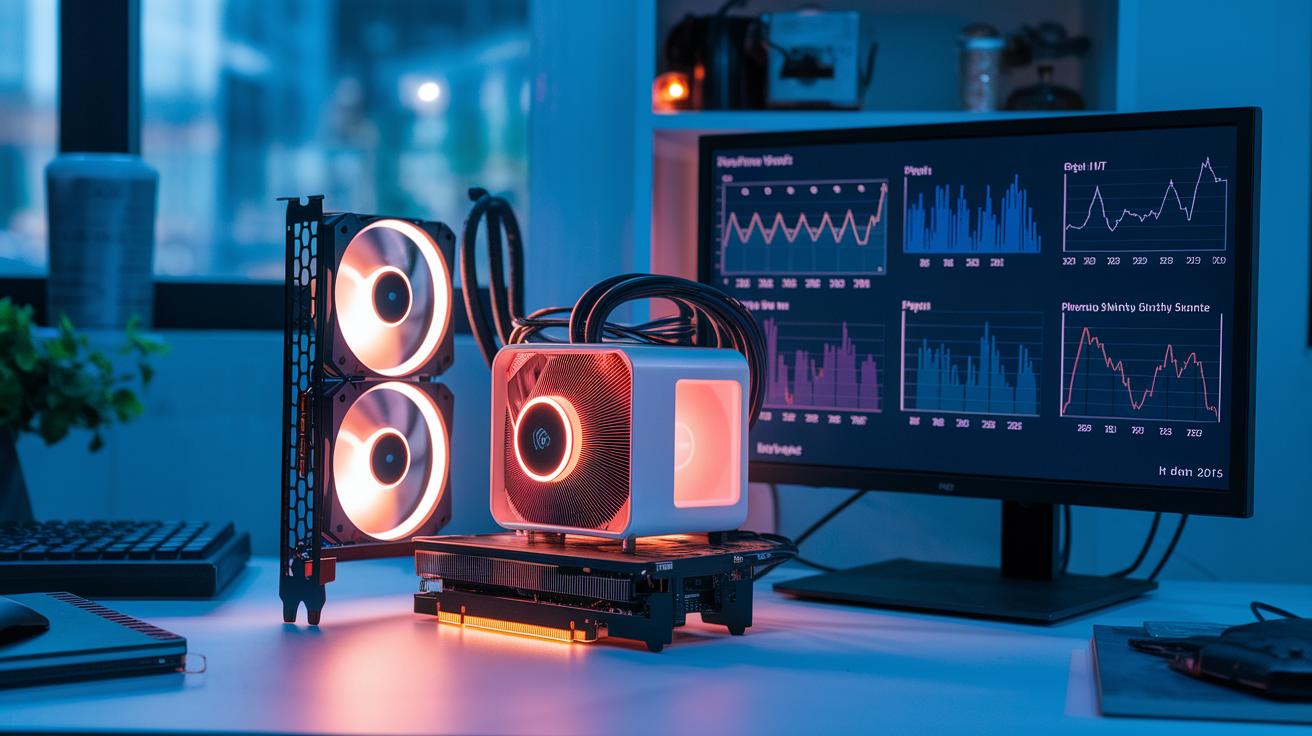
Have you ever asked if using a GPU (graphics processing unit) for hardware acceleration really beats a CPU (central processing unit)? GPUs have hundreds of simple cores that work on many tasks at the same time, which speeds up processes like deep learning (training computer models) and 3D rendering. On the other hand, CPUs work on tasks one at a time and give you precise control over everyday operations.
In this article, we break down how each technology is built and explain the benefits you see in real-world use. We show how both methods improve performance and why understanding these differences matters when choosing the best solution for your workload.
GPU vs CPU Acceleration: Key Performance Differences
GPUs are built for high-speed work when thousands of operations must run at the same time. They pack hundreds of cores into Streaming Multiprocessors, which lets them run many threads concurrently using the Single Instruction, Multiple Threads (SIMT) model. This design is ideal for data-parallel jobs like deep learning and 3D rendering, cutting processing times dramatically. For example, training a Transformer model with trillions of floating-point operations can go from taking days to just hours with GPU acceleration.
CPUs, on the other hand, handle tasks that need careful control and predictable memory use. With 4–16 cores on consumer devices and up to 64 or more on servers, they use multi-level caches (L1, L2, and shared L3) to serve tasks like web browsing or running operating systems quickly. Their strength in sequential processing makes them perfect for tasks with complex instructions and unpredictable data loads.
NVIDIA Tensor Cores further enhance GPU performance by speeding up mixed-precision matrix operations in one step, boosting both deep learning and real-time graphics processes.
Here are the key differences:
- GPUs use parallel techniques to tackle large-scale problems.
- CPUs excel at sequential tasks with low latency.
These design choices allow you to pick the best compute engine for your workload, balancing the benefits of parallel and serial processing.
Architectural Design Analysis for GPU and CPU Acceleration
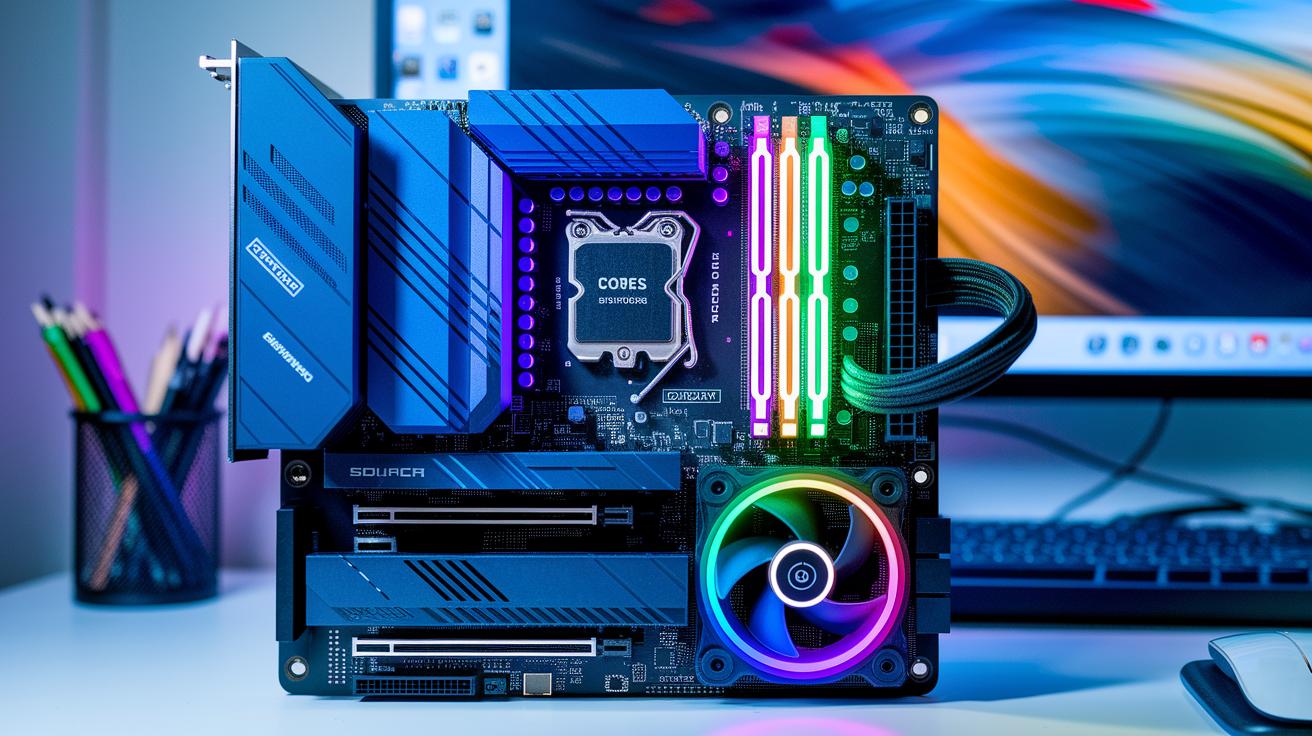
CPUs use a few strong cores built for sequential work. They have L1, L2, and L3 caches that quickly deliver data when memory is accessed randomly. In contrast, GPUs pack thousands of simple cores into units called Streaming Multiprocessors. Each multiprocessor runs instructions in 32-thread groups (warps) at the same time. This setup makes GPUs well-suited for tasks like deep learning and real-time rendering, where many similar operations happen at once.
One key point is the way GPU cores work in these 32-thread warps. This design boosts both throughput and efficiency in repeated calculations. GPUs also feature high-bandwidth global memory along with shared memory to handle extensive parallel workloads. On the other hand, CPU caches provide low-latency access, which is perfect for control-heavy tasks like running operating systems or managing web requests.
| Aspect | CPU | GPU |
|---|---|---|
| Core Design | Few high-power cores | Thousands of simple cores in groups of 32 threads |
| Memory | Multi-level caches (L1, L2, L3) | High-bandwidth global and shared memory |
Imagine a CPU as a skilled craftsman who works meticulously on detailed tasks. In contrast, a GPU resembles a large team working together to complete hundreds of similar tasks simultaneously.
gpu hardware acceleration vs cpu acceleration: blazing speed
Studies in image rendering, climate simulation, video processing, and deep learning show that GPUs are 10 to 50 times faster than CPUs. For instance, training a Transformer model, which took days on CPUs, now finishes in a few hours with GPUs. This speedup happens because GPUs work by doing many calculations at once (parallel execution), while CPUs spend more time managing data.
In many machine learning projects, data preparation takes about 70% of the time. The GPU then handles the heavy lifting with its parallel power.
Here are some key points:
- In deep learning, GPUs process billions of floating-point operations per second.
- In video processing, their design lets them work on several video frames at once.
- In climate simulations, they perform large sets of similar calculations much faster than CPUs.
Tools like gpu benchmark software for rendering and ai measure these improvements. Also, model benchmarking techniques show how GPU and CPU tasks compare in speed and overall performance.
| Workload | CPU Performance | GPU Performance |
|---|---|---|
| Deep Learning Training | Days | Hours |
| Video Processing | 60 FPS or less | High resolution at 10–50× speed |
When we measure performance with clear numbers, we see that CPUs are good at handling one task at a time with low delay. However, GPUs are better at processing many repeated instructions simultaneously. For large image rendering or complex simulations, this difference in design leads to clear improvements. Overall, benchmarks confirm that GPU hardware acceleration consistently offers faster performance in high-performance computing contexts.
Application-Specific Acceleration Scenarios: Rendering, AI, and Simulation
Here are some detailed use cases that add unique context without repeating earlier points:
-
Rendering Enhancements: GPUs work on many visual elements at once, significantly cutting render times for high-resolution projects. For example, in a 4K animation, using GPU acceleration can reduce frame render time from hours to minutes.
-
Deep Learning Accelerators: Many GPUs include dedicated Tensor Cores (special units for deep learning tasks) that perform billions of parallel computations. An artist using GPU acceleration for both machine learning and rendering can enjoy smoother visual updates and faster training times.
-
Simulation Speed Comparisons: In simulations such as weather modeling or fluid dynamics, GPUs handle heavy parallel computations efficiently while CPUs manage sequential tasks, speeding up overall simulation time.
Hybrid CPU-GPU Acceleration: Integration Strategies in Modern Workloads
In this design, we use the CPU (central processing unit) to run low-delay tasks like control, scheduling, and data loading. The GPU (graphics processing unit) takes on heavy parallel jobs like tensor math and large-scale scans, thanks to its many cores.
Frameworks such as CUDA (NVIDIA compute toolkit) and OpenCL set up clear channels between the CPU and GPU. For example, a real-time fraud detection system might pull fresh data from an ultra-low-delay database to keep the GPU busy with updated information. This setup helps avoid wasting hardware.
Here are some practical tips:
- Let the CPU manage control and input/output tasks.
- Offload heavy parallel computations to the GPU.
- Use very fast databases to keep data flowing smoothly.
| Component | Role |
|---|---|
| CPU | Manages control, scheduling, and data I/O |
| GPU | Handles parallel tasks like tensor math and intensive scans |
This blend of resources makes systems more efficient and ensures smooth performance in dynamic, real-time scenarios.
Energy Efficiency and Power Utilization in GPU vs CPU Acceleration

The energy efficiency of a system means finding the right mix of power use and performance. GPUs (graphics processing units) can use more power at peak but are built to process many tasks at once. This design helps them achieve about 80% better performance for each watt compared to CPUs when tasks run in parallel.
For tasks such as deep learning training and detailed 3D rendering, the extra energy cost delivers much more work. For instance, a GPU can handle thousands of small threads at the same time, making it a smart choice when parallel efficiency is key.
On the other hand, CPUs work best with control-heavy or sequential tasks. They use less power per core and have strong cache systems (fast memory near the processor). This means that for tasks needing step-by-step processing or irregular data patterns, CPUs often make better use of power.
Even though GPUs running multiple threads can boost work per watt, they need careful load balancing to avoid idle cores. Without proper management, energy savings might drop. Engineers must weigh these trade-offs to decide which architecture best fits their workload.
Balancing power and performance is essential for building high-performance, energy-smart systems. We must optimize energy use in a sustainable way.
Final Words
In the action, this post broke down key differences in CPU versus GPU acceleration fundamentals. We explored architectural designs, benchmark metrics, and practical scenarios like rendering and machine learning. Our discussion shows how hybrid workflows combine the strengths of each approach to meet production needs. Whether you're evaluating gpu hardware acceleration vs cpu acceleration or improving compute efficiency, our insights aim to enhance your compute workflows. The future is bright when you match the right tool to your task and keep your systems running smoothly.
FAQ
How does GPU hardware acceleration differ from CPU acceleration?
GPU hardware acceleration uses hundreds of cores running thousands of threads for data-parallel tasks, while CPUs feature fewer cores optimized for sequential, control-heavy tasks.
How do GPUs and CPUs compare in gaming performance and benchmarks?
GPU vs CPU performance comparisons show GPUs driving smooth, high-resolution gaming through parallel processing, while CPUs handle game logic and control for overall performance balance.
Does hardware acceleration use more CPU or GPU resources?
Hardware acceleration primarily relies on the GPU for parallel processing tasks like matrix operations, letting the CPU focus on I/O and control tasks.
How should 98% GPU usage be interpreted?
A 98% GPU usage means the GPU is near full capacity, indicating strong utilization for intensive parallel tasks, yet it requires proper cooling and load management.
What does it indicate when the CPU is at 100% and the GPU at 50%?
High CPU usage alongside moderate GPU usage typically shows the CPU is becoming the bottleneck by not feeding data fast enough to the GPU.
Which tasks are most ideal for a GPU?
Ideal GPU tasks include deep learning, 3D rendering, and scientific simulations, which benefit from handling many parallel operations simultaneously.
What are the key differences between CPU, GPU, and TPU acceleration?
CPUs excel at sequential, control-intensive tasks; GPUs are built for parallel data processing; and TPUs specialize in neural network computations with optimized instruction sets.

