
Imagine reducing weeks of work to just hours. In this guide, we show you how to build a simple and reliable distributed rendering system. Think of it as a team of artists working together as you set up master and worker nodes to share the workload. We walk you through planning your hardware, software, and network setup so each piece fits perfectly. You will learn to choose the right tools for your render farm, lower errors, and boost productivity. Get ready to streamline your workflow and deliver faster results.
Comprehensive Render Farm Setup Steps
This guide walks you through building a distributed rendering system. We have gathered insights from community experts so you can avoid common mistakes when setting up a master and worker node structure. By splitting frames or image tiles, you can reduce render time from weeks to hours.
We recommend matching your render manager to the size of your farm. For a small setup with two to three nodes, simple command line scripts work well and keep things intuitive. For larger farms with more than 10 nodes, lightweight render managers help balance workloads and manage tasks without a hitch. These tips help both new users and experienced professionals streamline scene distribution and job management.
| Step | Description |
|---|---|
| Planning | Review hardware, software, and network requirements. |
| Architecture Setup | Set up master and worker nodes and configure network sharing. |
| Software Installation | Install lightweight render managers or CLI tools based on your node count. |
| Scene Distribution | Divide frames or image tiles efficiently among the nodes. |
| Job Submission | Implement automation scripts or web-managed queues to schedule tasks. |
| Monitoring | Track performance and adjust loads to optimize rendering time. |
These six steps form the backbone of a reliable render farm. Starting with careful planning and a structured node setup ensures your assets and data remain accessible. Using automated job submission via tailored CLI scripts or integrated managers not only minimizes errors but also boosts efficiency. In the upcoming sections, you'll find detailed guides on hardware, software, network configurations, and troubleshooting strategies designed to make distributed rendering faster and more predictable.
Render Farm Hardware Requirements and Configuration
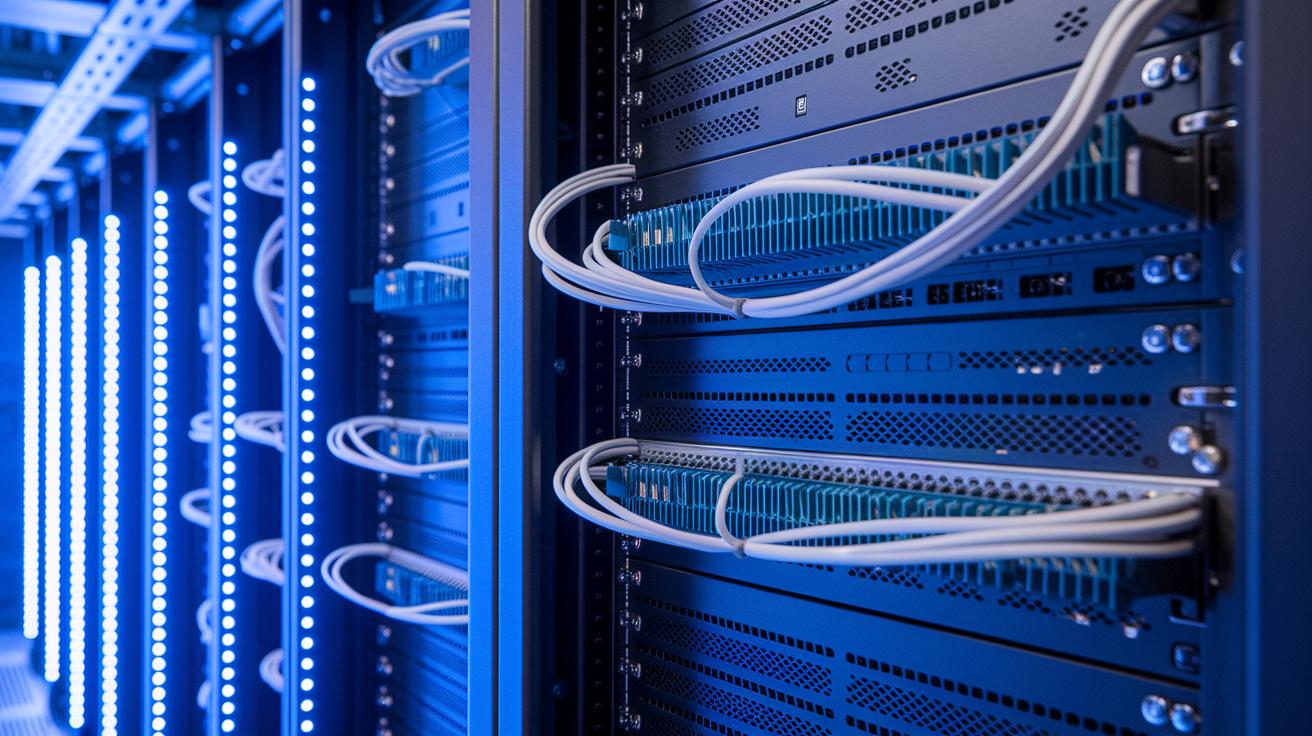
A strong hardware setup is key to a successful render farm. A complete checklist helps ensure that each node in your cluster meets the performance and reliability needs. Before you install any software, check your base components to be sure they work well together and can handle tough rendering jobs. This careful review sets the stage for smooth node setup and an efficient cluster, as detailed in our guide on building GPU (graphics processing unit) clusters: https://studiogpu.com?p=82.
- High-performance multi-core CPU
- Consistent GPU models and memory across nodes
- At least 16 GB RAM per node
- SSD or RAID storage array for fast data access
- 10 GbE network interface cards for quick file transfers
- Redundant power supplies (N+1 or higher) to reduce downtime
- Rack-mounted or liquid cooling solutions to maintain optimal temperatures
- Uninterruptible Power Supply (UPS) units to guard against power issues
When setting up your render farm, it is important to focus on both speed and reliability. Using matching GPU models across nodes keeps performance even and makes troubleshooting easier. SSD or RAID storage boosts data access speed, while 10 GbE network cards provide the throughput needed for large file transfers. Planning for redundant power supplies reduces the chance of downtime, even under heavy loads. For cooling, consider both rack-mounted and liquid options to keep hardware running at the right temperature. Adding UPS units gives extra protection against unexpected power loss. By testing all hardware components before installation, you build a reliable and scalable render farm that can handle demanding render jobs consistently.
Render Farm Software Manager Selection
Choosing the right software manager is key for smooth render farm operations. You need a system that is simple to install, reliable with scheduling, integrates well with plugins, and works with container tools like Docker (a tool to package apps) and Kubernetes (a system to manage containers).
Open-Source Tools: CrowdRender and Flamenco
CrowdRender is a simple Blender add-on that works great for small to medium farms. It divides render tasks across connected nodes with very little setup and is ideal if you want a quick and easy solution. On the other hand, Flamenco is built for larger farms, giving you detailed control over distributing jobs and managing schedules. Both tools need a few tweaks during setup but shine in environments where flexibility and community support are important.
Proprietary Controllers and CLI Scripts
Proprietary controller solutions offer extra support and advanced management features for more complex setups. Still, if your team is small, you might prefer command-line interface (CLI) scripts. These scripts are easy to maintain and keep your overhead low. They also help avoid common load balancing issues found in some traditional tools, ensuring your rendering process runs without interruption.
For choosing the right tool, match it to your farm’s size and needs. Small productions can benefit from the simplicity of CLI scripts, while larger setups might find open-source or proprietary controllers more effective. Also, consider using container deployment strategies based on best practices for GPU orchestration to make integration seamless.
Render Farm Network Configuration and Asset Sharing
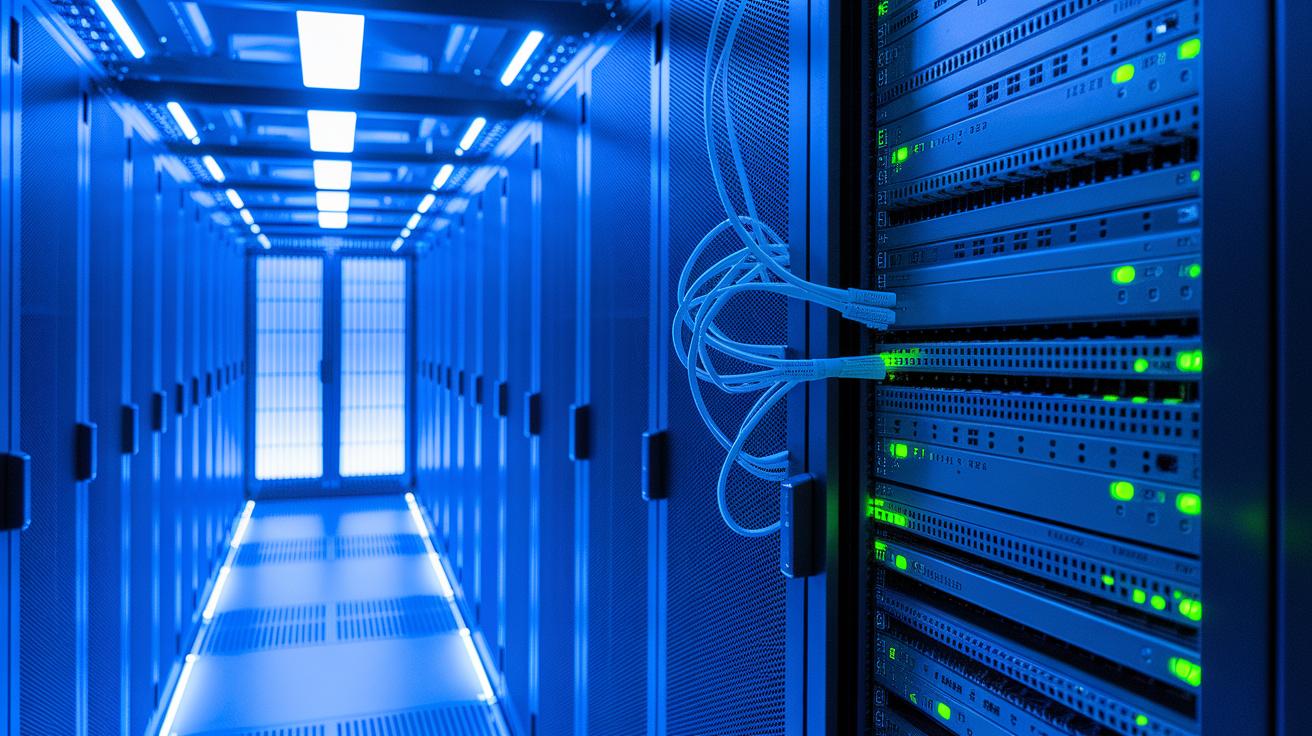
A good network setup starts with planning your bandwidth and IP address allocation. For asset sharing on your render farm, use at least a 1 GbE (1 gigabit Ethernet) LAN. A 10 GbE (10 gigabit Ethernet) connection is even better to speed up file transfers and cut down on wait times. Assign static IP addresses or use DHCP reservations so each node communicates smoothly. Secure channels like headless SSH (a method for remote access without a GUI) or a properly set-up GUI help you control your network safely. Think of it like a busy road: every node needs its own lane to keep traffic flowing.
Setting up a distributed file system is key for consistent access to textures, caches, and scene files. Use protocols like NFS (Network File System) or SMB (Server Message Block) to create a shared storage that keeps every part of your project up-to-date. Configure remote access with headless SSH or trusted GUI tools so you can monitor and manage nodes from afar. This approach not only boosts performance but also prevents data mismatches during rendering, keeping your farm operating smoothly.
Render Farm Job Scheduling and Distribution
Scheduling makes sure each render node performs at its best. We assign tasks based on the available resources of each node. By distributing work properly, you avoid idle time and conflicts, which keeps the workflow steady. In a distributed render setup, splitting scene files and using smart task allocation are key to cutting down overall render time.
Different scheduling options work for various farm sizes and production needs. For instance, full-frame distribution sends an entire frame to a node, while tile-based methods chop frames into smaller sections for faster processing. When dividing a scene, we spread workloads evenly so every element gets enough attention. Common algorithms include FIFO (first-in, first-out), which handles tasks in the order they arrive; priority-based scheduling, which tackles critical tasks first; and round-robin, where tasks rotate evenly among nodes. A simple weighted load-balancing method can further optimize the process by considering each node’s performance. These strategies work together to balance the load, reduce bottlenecks, and ensure render jobs finish on time.
Automation is vital for managing batch submissions and monitoring progress in real time. Many setups use command-line (CLI) batch submissions with Blender, where scripts schedule tasks in a set order and update you on progress. Alternatively, web-based systems like Flamenco offer a dashboard to manage job assignments, track node availability, and handle errors instantly. This combination of automated scripting and real-time monitoring keeps the render farm running smoothly with minimal manual effort.
Render Farm Optimization and Troubleshooting Techniques
Getting the best performance from your render farm starts with tuning GPU memory settings, updating drivers, and even safe overclocking. We recommend testing each change to check for improvements. For example, adjust your GPU memory settings before heavy batch renders to ensure smooth performance. Regular driver updates can fix bugs and improve compatibility, keeping your software in sync and rendering tasks fast.
Monitoring your render farm is just as important. Built-in logs and real-time dashboards show you node performance, network load, and resource allocation. These tools let you track key metrics such as GPU and CPU usage. If you see a sudden drop in node activity, it might point to a network bottleneck or missing asset paths. Quick alerts allow you to respond fast when performance dips occur.
Troubleshooting is easier with automated job retry and error-recovery scripts. These scripts catch common issues like software version mismatches, communication errors among nodes, or missing files, and then reassign tasks automatically. Clear logs help find the root cause of problems. For example, a script that restarts a stuck node after detecting a failed task minimizes downtime and keeps your render farm running efficiently.
Render Farm Scalability and Advanced Features
When you need to expand your render farm to handle bigger workloads, smart resource management and modern infrastructure are essential. We suggest using lightweight controllers for farms with more than 10 nodes to simplify scheduling and resource allocation. For larger setups, consider mixing on-premises hardware with cloud resources through containerized deployments. For example, using container instances during peak loads can cut wait times significantly, much like hiring extra hands during a busy period.
Building a resilient and energy-efficient farm is key to future-proofing your operations. We recommend designing your system with node health checks, automatic failover, and redundant power setups to avoid disruptions during crucial projects. You can also save energy by scheduling rendering during off-peak hours and capping power usage on idle nodes. This thoughtful blend of high-performance techniques and smart energy practices keeps your farm both robust and cost-effective as demands grow.
Final Words
In the action, we walked through each stage of building a high-performance render farm, a guide born from community insights and practical steps.
We covered everything from hardware and network setups to software managers and job scheduling. Each part showed clear tips on using automation scripts and boosting node performance.
Follow this render farm setup guide to cut render times and maintain predictable, cost-efficient production.
Take these insights into your workflow and enjoy smoother, faster results every time.
FAQ
What is Flamenco render farm?
The Flamenco render farm refers to a setup using the open-source Flamenco management tool, which coordinates distributed rendering tasks, optimizes job scheduling, and tracks performance for larger render projects.
How do I set up a Blender render farm?
The Blender render farm setup involves connecting multiple nodes that share scene files, splitting the render job into segments, and using command-line tools or add-ons like CrowdRender to manage tasks efficiently.
What is a render farm cloud?
The render farm cloud means accessing virtualized render resources hosted on remote servers. This service lets you scale hardware on demand and run rendering projects without maintaining physical equipment onsite.
Is there a free render farm available?
The free render farm option provides limited resources suitable for small projects or testing purposes. It offers a cost-free trial to explore distributed rendering before committing to paid, subscription-based services.
How does a render farm subscription work?
The render farm subscription works by offering access to cloud-based rendering resources for a monthly fee, letting you scale nodes based on project needs and benefit from managed service support for smoother operations.
What is render farm management software?
The render farm management software is designed to distribute render tasks, manage job queues, and monitor overall performance. Tools like Flamenco and CrowdRender help organize and automate rendering workflows across multiple nodes.
What is an AI render farm?
The AI render farm integrates artificial intelligence to optimize task scheduling and processing. This approach improves job prioritization, reduces render times, and automates troubleshooting during distributed rendering processes.
How does a Cinema 4D render farm operate?
The Cinema 4D render farm operates by distributing Cinema 4D projects across several machines. It shares assets among nodes and splits rendering tasks to streamline processing and reduce total render time.