

Have you ever wondered if your GPU compute system is truly secure? GPUs (graphics processing units) drive everything from artificial intelligence to high-performance computing, but their speed can hide unexpected risks. You might face issues like unauthorized firmware changes, driver-level exploits, or weak APIs that can be taken advantage of. In this post, we explore these vulnerabilities and show how a detailed risk assessment can reveal weak points before attackers do. Let's look at some practical ways to improve system security and protect your valuable data.
Core Vulnerabilities in GPU Compute Infrastructure and Risk Assessment
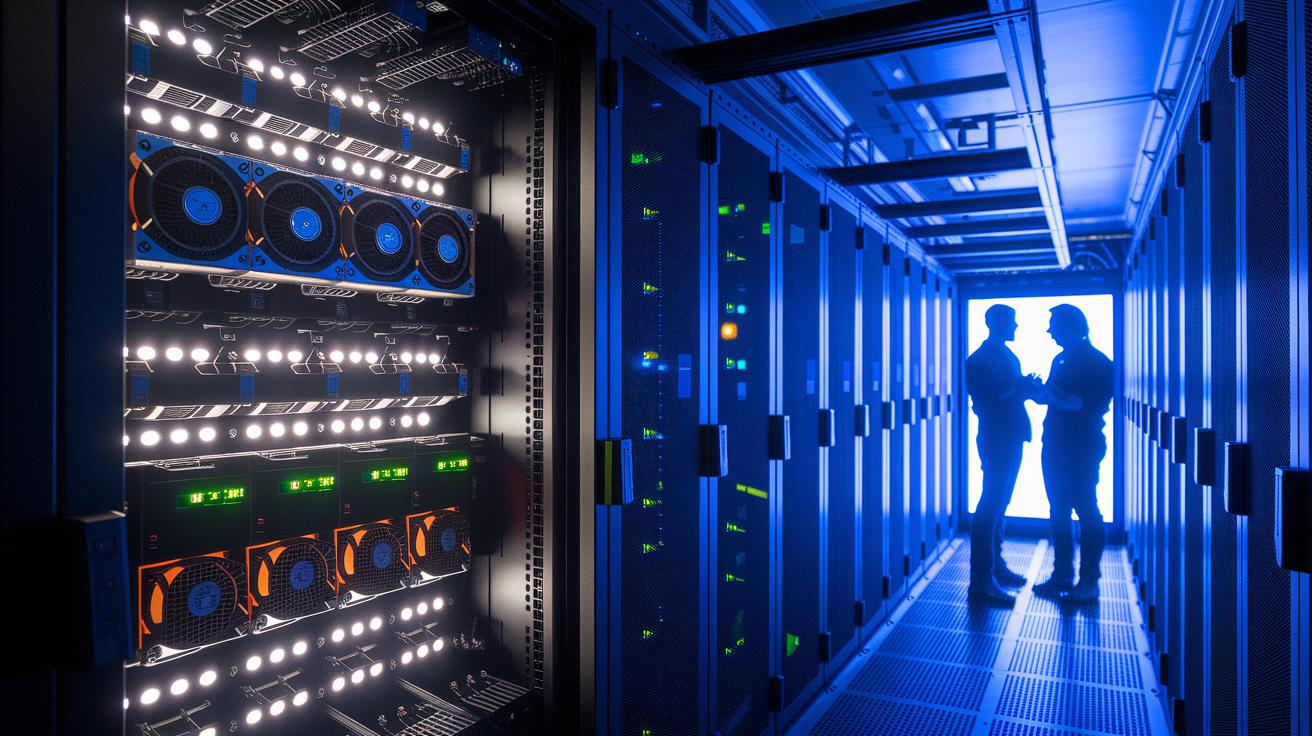
GPUs (graphics processing units) boost AI, machine learning, and high-performance computing by handling many tasks at once. This speed comes with extra risks. When GPUs run heavy applications, they process sensitive data and complex instructions. Their specialized design makes them vulnerable to attack methods that differ from those aimed at traditional CPU systems.
Conducting formal risk assessments is key to spotting these GPU-specific issues. With a careful review, you can uncover hidden problems in firmware (the low-level software that runs hardware), drivers (software that connects hardware to your system), and APIs (application programming interfaces that let different programs talk to each other). Early assessments reveal gaps that attackers could exploit and help us set up robust security measures following proven GPU security best practices (more details available via the provided link).
| Vulnerability | Description |
|---|---|
| Unauthorized firmware modifications | Unapproved changes to the core software that controls the hardware. |
| Driver-level exploits | Attacks that take advantage of weaknesses in the software linking hardware and operating systems. |
| Side-channel data leakage | Unintentional data loss through indirect pathways during computation. |
| Insecure remote APIs | APIs that are poorly protected, risking unauthorized remote access. |
| Physical tampering | Direct, unauthorized physical interference with the hardware. |
By mapping these vulnerabilities, you can turn assessment insights into practical security steps. Start by grouping risks based on their likelihood and potential impact. Then, put in place specific controls for each issue. For example, if you spot firmware modifications, secure the update process and check code integrity. Similarly, for driver issues, use rigorous testing, enforce patch management, and set strong access controls. These steps ensure your policies match the real-world threats facing GPU systems, helping you maintain a strong and adaptable defense in a dynamic computing environment.
Access Management and Identity Control in Securing GPU Compute Infrastructure

GPU deployments have many access points, including system consoles, APIs, and SSH channels. Each access point can become a risk for unauthorized access. We focus on tightening access in compute environments to lower these risks. Limiting console access, protecting API endpoints, and securing SSH channels are key steps to safeguard sensitive systems. By following clear, multi-step procedures, you can reduce breaches and maintain a stable GPU workload. Effective identity and access control for GPUs is not just a technical measure – it is essential for a trustworthy compute environment.
Implementing Multi-Factor Authentication
A solid multi-factor authentication setup starts at the GPU console. Here are some practical steps:
- Define GPU-specific roles and permissions.
- Use service accounts with only the permissions they need.
- Rotate tokens regularly and set credential expiration.
- Automate policy audits and check for policy drift.
Begin by connecting hardware tokens to your identity provider. Add multi-factor authentication (MFA) to your continuous integration/continuous deployment (CI/CD) pipelines so every new deployment follows secure login protocols. For example, you can require a secondary hardware-based token when engineers log in. This extra layer helps reduce the risk of credential compromise, which is vital for a secure GPU system.
Regular review cycles and real-time access alerts help maintain a proactive security posture. By monitoring these access points and updating settings as new threats emerge, you can keep your GPU infrastructure reliably secure.
Encryption and Data Protection in GPU Compute Infrastructure

We encrypt data stored on disks to keep GPU workloads secure. For GPU servers and cloud instances, we use disk-level and volume encryption with strong ciphers such as AES-256 (Advanced Encryption Standard with 256-bit keys). This step ensures that even if storage media are compromised, sensitive model files stay protected.
We secure data while it is in transit as well. GPU API calls and remote NVLink communications rely on Transport Layer Security (TLS) to keep data private and free from tampering. By setting up TLS for every transmission, we build trust in multi-node distributed training and maintain data integrity.
Managing encryption keys is just as important. We use Hardware Security Modules (HSMs) to store cryptographic keys securely and automate key rotation. This process works much like changing a lock combination regularly, reducing risk and protecting your model files over time.
Secure Containerization and Virtualization in GPU Compute Infrastructure

Containers and virtual machines running GPU workloads bring their own risks. Even though containers isolate processes on one system, misconfigurations can expose sensitive operations. Vulnerabilities in container runtimes or hypervisors (software that creates and manages virtual machines) might let attackers break isolation and compromise GPU-intensive applications. As these workloads become more crucial, securing every layer of your system is key.
Docker scripts used in AMD ROCm 7.0.0 and NVIDIA container stacks play an important role in hardening GPU deployments. By applying robust runtime security measures, you limit root privileges (the highest level of control) and enforce user namespace isolation. This approach blocks unauthorized interactions and curbs lateral movement within the system. Regular container image scanning and vulnerability checks also help prevent exploits. Here is a quick overview of practices that reinforce security:
| Practice | Description | Tools/Framework |
|---|---|---|
| Harden Docker daemon | Restrict root access and enable user namespaces | Docker Bench for Security |
| Image scanning | Detect CVEs in container images | Clair, Trivy |
| Microsegmentation | Enforce network policies on a per-container basis | Calico, Cilium |
| GPU driver namespace isolation | Prevent cross-tenant driver exploitation | NVIDIA MPS |
Using orchestrators like Kubernetes helps enforce consistent security policies across the cluster. Automation in patch management, policy audits, and network segmentation ensures that your container and virtual infrastructure stays secure and reliable.
Monitoring, Logging, and Threat Detection for GPU Compute Infrastructure

Collecting telemetry data from GPU hardware counters and performance metrics is key to understanding and tuning GPU workloads. When you deploy telemetry agents, you get clear insights into unexpected GPU usage, temperature shifts, and memory trends that might signal a security event. For example, monitoring frame rendering times can reveal unusual delays that hint at a side-channel leak or an abnormal workload interaction. This ongoing data capture helps you spot issues before they grow into serious problems.
Centralized log aggregation is also important for auditing GPU activities. By sending logs from driver events, container logs, and API access to a single SIEM (security information and event management) platform, you build a clear audit trail to track security events over time. This method allows you to connect different events and see a full picture of your GPU ecosystem. For instance, if you notice a surge in log-in attempts alongside a spike in GPU activity, it may be time to investigate further.
Deploying IDS (intrusion detection system) for GPU clusters takes your security a step further. By linking anomaly detection models with threat intelligence feeds, you can automatically identify suspicious behavior. This approach helps you quickly spot issues like unauthorized access or unusual resource use, keeping your GPU infrastructure both resilient and secure.
Compliance and Incident Response in Securing GPU Compute Infrastructure

Rules like HIPAA (Health Insurance Portability and Accountability Act), GDPR (General Data Protection Regulation), and NIST SP 800-53 (National Institute of Standards and Technology Special Publication 800-53) set the baseline for GPU setups, whether on your own servers or in the cloud. These guidelines require you to protect sensitive data and manage complex compute tasks carefully. It means you need to ensure your GPU systems follow these standards while preparing for any security issues.
A GPU-focused incident response plan is essential. It should cover every stage, from detecting issues with monitoring tools, to quickly containing problems to limit damage, and then recovering with thorough firmware integrity checks. Your plan should also consider GPU-specific risks like firmware breaches and driver exploits, making sure every step meets the unique challenges of high-speed compute environments.
Regular tests, such as simulated attacks, tabletop exercises, and resilience drills, can reveal gaps in your current protocols. This hands-on testing ensures that your response team is ready to act swiftly if a breach occurs.
Real-world cases bring these ideas to life. In healthcare, dedicated GPU setups managed under HIPAA protect patient details by enforcing strict access controls and secure data transfers. Similarly, on-premise enterprise AI labs use encrypted storage and rigorous firmware checks to keep their environments secure. These examples show how solid compliance measures paired with robust incident response plans work together to safeguard GPU infrastructures while supporting demanding workloads.
Final Words
In the action, we explored core vulnerabilities from firmware attacks to driver exploits and outlined risk assessments that support proactive defenses. We also discussed tightening access controls with MFA and RBAC, encrypting data at rest and in transit, and securing container layers using tested practices. We then showed how monitoring, logging, and a swift incident response plan can streamline resilience. Every step builds a robust security posture, reinforcing our commitment to securing gpu compute infrastructure.
FAQ
How does securing GPU compute infrastructure on NVIDIA platforms work?
The securing GPU compute infrastructure on NVIDIA involves applying layered defenses, such as firmware integrity checks, secure driver installations, and role-based access controls to protect sensitive AI and ML workloads effectively.
What does NVIDIA GPU confidential computing entail?
The NVIDIA GPU confidential computing protects sensitive data by using hardware-enforced enclaves and encryption, ensuring that computations on confidential workloads remain isolated and secure from unauthorized access.
How is NVIDIA confidential computing deployed?
The NVIDIA Confidential Computing Deployment Guide outlines steps to set up secure GPU environments, including verified firmware, hardened drivers, and strict access management to ensure a robust confidential computing solution.
What is H100 confidential computing?
The H100 Confidential Computing leverages advanced GPU architecture with built-in secure enclaves that protect critical processes and data, offering enhanced security for intensive AI and HPC tasks.
How does AMD implement GPU confidential computing?
The AMD GPU confidential computing approach uses hardware-backed isolation and encryption measures to safeguard sensitive operations, ensuring that GPU workloads remain secure against unauthorized tampering.
How is NVIDIA confidential computing integrated on Azure?
The NVIDIA confidential computing on Azure integrates secure GPU configurations with native cloud security features, including strong encryption and access controls, providing a scalable and protected platform for complex workloads.
How does Runpod secure cloud enhance GPU computing security?
The Runpod secure cloud reinforces GPU workload protection by enforcing strict access controls, encryption, and network isolation, ensuring compliance with industry security standards for reliable and confidential computing.

