

Have you ever thought about doubling your company's speed while lowering costs? Picture GPUs working together like a team of experts, each one helping to speed up your AI training and data processing. Enterprise GPU clusters join multiple graphics processing units (GPUs) so they can handle big tasks that one GPU alone cannot manage. They boost deep learning and advanced analytics, cutting waiting times and keeping costs in check. Let's explore how these clusters drive next-generation performance and turn heavy tasks into smooth, efficient operations.
Enterprise GPU Cluster Fundamentals

Enterprise GPU clusters bring together multiple graphics processing units (GPUs) to deliver the heavy parallel processing power needed for large-scale AI training and high-performance computing. In these setups, each GPU node is managed by orchestration software (tools that schedule tasks across nodes) and connected with high-speed, low-latency networks. You also get scalable file storage to handle datasets and logs. This design is vital for running deep learning models and advanced analytics in enterprise environments.
These clusters are built to handle tasks like AI model training and speeding up data processing, jobs that one GPU simply cannot manage on its own. By working together, the GPUs cut down computation times and boost operational efficiency.
- Speed improvements can be as much as 10x faster than using CPU-only systems.
- Clusters can start small with a single server and scale up to more than 100,000 GPUs.
- They offer real-time inference for dynamic datasets.
- Costs are kept in check through shared resource use.
- They support trillions of calculations per second for intensive processing needs.
We see GPU clusters as a robust and scalable way to reduce processing times while handling complex AI models and large data sets. This solution is key for organizations eager to enhance performance in today’s fast-changing digital landscape.
Designing High-Performance Enterprise GPU Cluster Architectures

In enterprise GPU clusters, the combined power of GPUs, network fabrics, and storage drives performance. We use GPUs like the NVIDIA H100 (80 GB HBM3e) and A100 (40 GB HBM2e) to handle large batch sizes and precise tasks with ease. These GPUs work closely with high-speed networking that features 100+ Gbps RDMA-enabled links. The network uses non-blocking fat-tree topologies and NVSwitch to ensure fast data sharing between nodes.
Fast storage is equally important. Parallel file systems that deliver over 10 GB/s read/write speeds and local NVMe (non-volatile memory express) storage keep data moving with low delay. This powerful mix of hardware removes bottlenecks and boosts throughput. It is a smart way to design the GPU topology in data centers.
| Component | Specification | Role |
|---|---|---|
| GPU | NVIDIA H100 (80 GB HBM3e) or A100 (40 GB HBM2e) | Handles parallel processing and precise model training |
| Networking | 100+ Gbps RDMA-enabled links, non-blocking fat-tree topologies, NVSwitch | Ensures fast communication between nodes |
| Storage | Parallel file systems >10 GB/s and local NVMe | Delivers low-latency I/O and high throughput |
| Cooling | Liquid cooling systems | Boosts GPU density while keeping temperatures under control |
| Power | 208–240 V circuits with 30–60 A per rack | Provides stable and sufficient power |
| Orchestration Software | Kubernetes GPU Operator, NVIDIA Container Toolkit | Matches hardware resources with CUDA Toolkit and NVML for best performance |
At the rack level, power and cooling are key to system stability. Well-designed power circuits and efficient liquid cooling support high compute density. This approach lets us scale systems without hitting heat or electrical limits. Even at peak demand, performance stays consistent.
Enterprise GPU Clusters Ignite Next-Gen Performance

Effective management forms the foundation of enterprise GPU clusters. Without clear oversight, even strong distributed GPU setups can struggle. Proper management ensures that compute nodes work in harmony and that resources match task needs. This coordination lets you fully leverage parallel processing and high-performance computing.
Robust orchestration and monitoring are key to keeping clusters at peak performance. We use tools like Kubernetes with the NVIDIA GPU Operator and the NVIDIA Container Toolkit. These combine with monitoring software such as NVIDIA-SMI and NVML (NVIDIA Monitoring Library) to offer detailed system telemetry. As shown in our gpu cluster management practices, this setup quickly spots issues and adjusts resources in real time.
Resource scheduling systems boost efficiency by automating provisioning and workload distribution. High availability and fault tolerance are achieved through live migration and smart resource allocation that keeps key processes running even during node failures. Regular maintenance cycles, including quarterly firmware and driver updates with the NVIDIA Validation Suite, keep your system optimized, secure, and ready for demanding enterprise tasks.
Optimizing Performance in Enterprise GPU Clusters
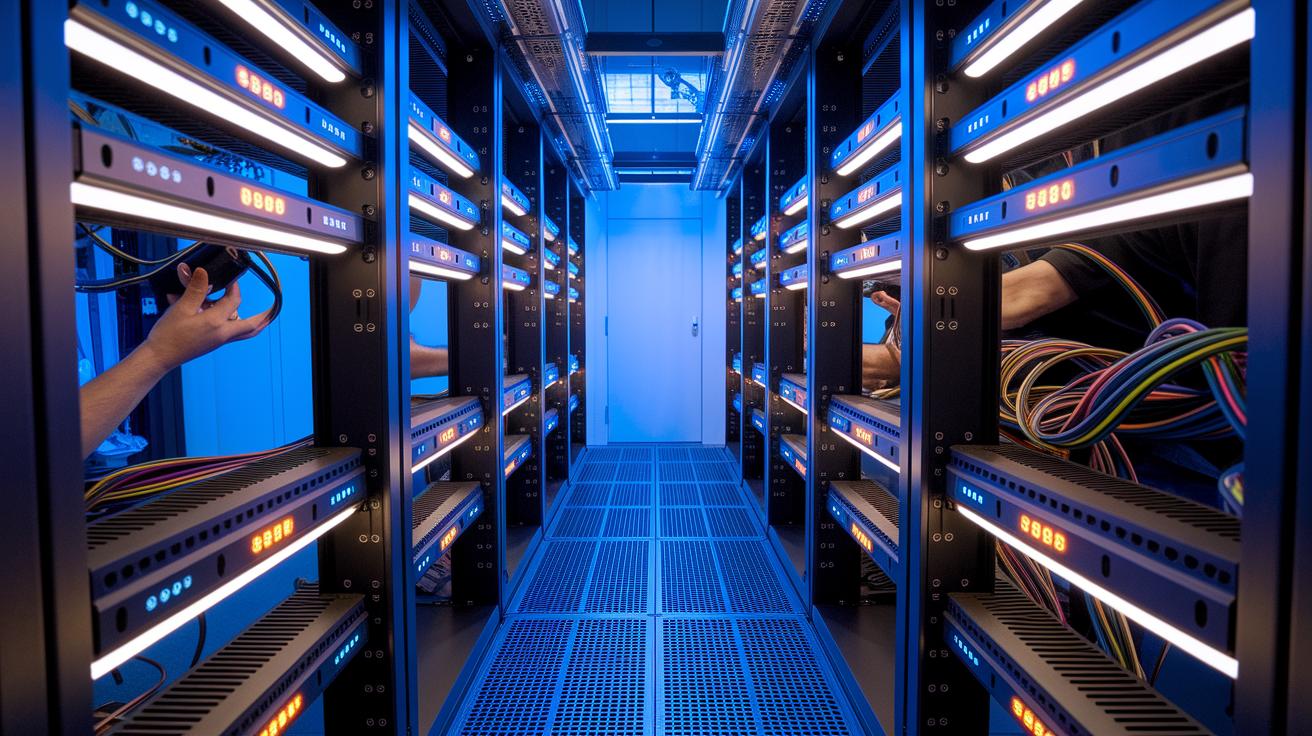
Benchmarking plays a key role in spotting performance issues and guiding compute enhancements. Using tools like NVIDIA-SMI (a monitoring tool for GPUs) and custom stress tests, you can measure how busy your system is and how long each task takes. For example, when we first ran our benchmarks, one simple configuration change nearly doubled our compute efficiency. These measurements help us fine-tune data center setups to meet acceleration goals.
Optimizing memory allocation is another essential piece. For example, using CUDA APIs such as cudaMallocAsync (which manages GPU memory asynchronously) can speed up memory operations by up to 2x. In addition, leveraging Multi-Instance GPU (MIG) on A100 and H100 GPUs lets one card split into several independent instances. This approach makes parallel processing easier and uses cluster resources more effectively.
Tweaking clock speeds and driver settings can boost performance further. By adjusting clock speeds based on current workloads, we can cut power use by 10-30%, which helps run data centers more efficiently. Moreover, fine-tuning driver configurations and using GPUDirect (a tool that transfers data directly from the GPU to storage) reduce delays and keep systems stable under heavy loads. Together, these methods ensure that enterprise GPU clusters meet the high demands of modern AI training and real-time analytics.
Use Cases and Performance Benchmarks for Enterprise GPU Clusters

Deep learning clusters are built to handle the training of massive language models like GPT, LLaMA, and Stable Diffusion. One striking example is a model with over 150 billion parameters that finished training in just a few days, compared to the traditional several weeks. This impressive speed comes from tapping into the high parallel processing power of enterprise GPU clusters.
These clusters also power high-performance tasks such as climate modeling and molecular dynamics. They perform trillions of floating point operations (mathematical calculations used in simulations) per second to shrink runtimes from weeks down to just a few hours. Imagine running a complex climate simulation that used to take weeks, it now completes in a fraction of that time, allowing for quicker iterations and more timely insights.
Enterprise GPU clusters are equally critical when it comes to real-time data processing and scaling inference tasks. They support advanced analytics, fraud detection, and recommendation engines for thousands of users at once. Think of a business intelligence dashboard that updates instantly; these clusters deliver the robustness and speed needed to ensure minimal delays. With projections showing over 40,000 companies and 4 million developers using NVIDIA GPUs by 2025, it’s clear that such clusters are reshaping both machine learning projects and high throughput systems.
Pricing Models and Cost Optimization for Enterprise GPU Clusters

When you run on-premises GPU clusters, power and infrastructure costs are a big deal. Each GPU card typically uses 350 to 700 watts. You also need about 30 to 40 percent more power for cooling. Data centers need 208 to 240 volt circuits with 30 to 60 amp capacity per rack. All these factors add to the overall cost, including power use effectiveness and regular quarterly maintenance.
GPU-as-a-Service (GPUaaS) offers a flexible solution where you pay only for what you use. This cloud technology shifts large fixed costs into manageable operating expenses. For example, you can compare on-premises spending with cloud costs at cloud gpu cost vs on-prem gpu cost to see how GPUaaS lowers financial risk while scaling your resources.
We also use resource strategies like Multi-Instance GPU (MIG) and dynamic provisioning. MIG lets one GPU handle several tasks at once, while dynamic provisioning adjusts capacity as needed. These techniques ensure your GPUs work hard on every job and help you avoid spending extra on unused capacity.
Future Trends for Enterprise GPU Clusters

New GPU cluster trends are transforming how enterprises handle large data tasks. Next-generation GPU architectures and AI supercloud patterns are at the forefront of this change. For instance, NVIDIA’s Blackwell GB200 and HGX H200 platforms boost memory and compute performance. This extra power supports huge data processing tasks and simplifies GPU provisioning so that systems can quickly adjust to growing AI (artificial intelligence) needs. In short, these advancements help create more agile and predictive compute setups that are ready for global data challenges.
Edge integration and hybrid GPU clusters are also becoming popular. They offer low-latency inference and distributed processing that keep operations running smoothly. Automated tools help to set up resources, while smart AI acceleration frameworks reduce the need for constant manual oversight. Improved container orchestration – using tools like the NVIDIA GPU Operator – ensures that different hardware, including AMD (Advanced Micro Devices) and NVIDIA graphics processing units, work well together. These shifts lead to scalable, flexible systems that match today's strict enterprise compute demands and drive substantial efficiency gains.
Final Words
In the action, we explored how enterprise GPU clusters bring together GPUs, networking, storage, and orchestration software to transform AI training, data analytics, and high-performance computing. We broke down essential hardware choices, management strategies, and cost optimization methods, while highlighting real-life use cases and future trends.
Each section showed actionable steps to boost efficiency and reduce render and training times within tight budgets. Enterprise GPU clusters offer a reliable, scalable platform for demanding production workflows, proving that smart infrastructure choices lead to real performance gains.
FAQ
What are enterprise GPU clusters and what do they mean?
Enterprise GPU clusters are groups of multiple GPUs working together to accelerate compute tasks like AI training and high-performance computing. They integrate dedicated GPU nodes, fast networking, and orchestration software for efficient, scalable processing.
How do GPU clusters support high-performance computing?
GPU clusters support high-performance computing by leveraging multiple GPUs to perform extensive parallel processing. This setup accelerates data processing and scientific calculations by running trillions of operations concurrently.
How do GPU clusters support AI applications?
GPU clusters support AI applications by splitting large data workloads across several GPUs, significantly reducing training times for deep learning models. This allows them to efficiently manage hundreds of billions of parameters.
What is the architecture of a GPU cluster?
A GPU cluster’s architecture typically includes dedicated GPU nodes, orchestration software for resource management, high-bandwidth networking for low-latency data transfer, and scalable storage solutions to manage large datasets.
How is the pricing of GPU clusters, including NVIDIA options, determined?
Pricing is determined by hardware specifications, energy consumption, and cooling requirements. NVIDIA GPU clusters generally have higher costs due to advanced architecture, with variations depending on on-prem versus cloud deployment models.
Can a GPU cluster be set up at home?
A GPU cluster can be set up at home on a smaller scale using consumer-grade GPUs. While suitable for hobbyist projects and light data processing, home setups typically lack the scale and performance of enterprise systems.

