
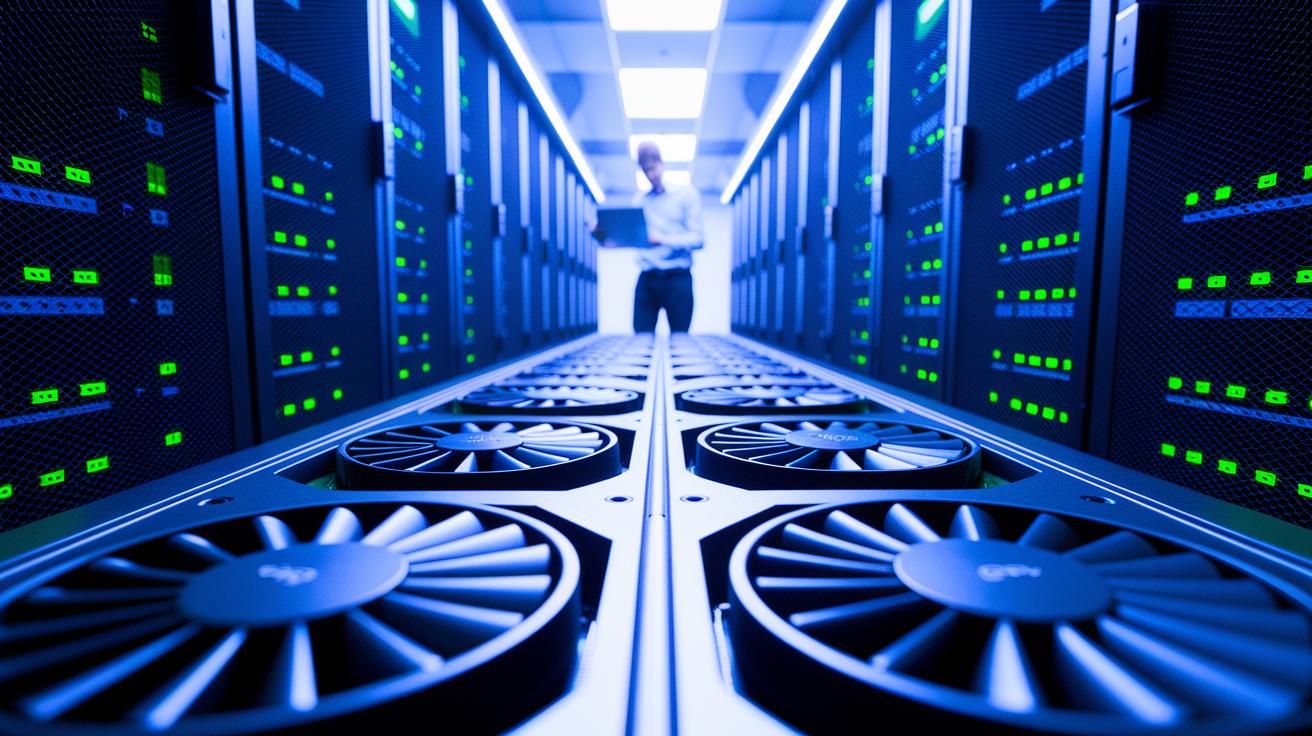
Have you ever thought that GPUs might be the secret edge in machine learning? We know that waiting weeks for model results is frustrating. With GPU training, model development times can drop from weeks to hours.
GPUs (graphics processing units) pack thousands of simple cores that work together to handle large batches and quickly compute gradients (calculation steps in training). This boost in speed makes it easier to train complex models, opening the door for algorithms that CPUs (central processing units) often struggle with.
In this post, we explore how accelerated GPU training can transform your ML pipeline. Whether you are an artist, an engineer, or a decision maker, you will see how building smarter models becomes more efficient with the right hardware in place.
Performance Benefits of GPU Training in ML Pipelines

GPUs bring a huge boost to machine learning. They can handle millions of operations at once using thousands of simple cores. This means training times drop from weeks to days or even hours. Frameworks like TensorFlow and PyTorch are built to take advantage of GPU batch processing, which lets us train complex models such as GPT-4 and Google’s PaLM. Many algorithms, once set aside because CPUs could not keep up, gain new life on GPUs through faster gradient computations and more accurate neural network learning.
- Training time reduction – GPUs can cut training time from weeks to days or hours, speeding up model development.
- Core count difference – While CPUs have a few powerful cores, GPUs use thousands of simpler cores that work at the same time.
- Batch size handling – GPUs efficiently process larger batch sizes, which improves both throughput and training stability.
- Framework optimizations – Deep learning libraries like TensorFlow and PyTorch are optimized for GPU use, ensuring faster training.
- Large-scale model feasibility – Enhanced processing power on GPUs makes it possible to train models with billions of parameters that would be impractical on CPUs.
These benefits make offloading tasks to GPUs a smart choice for machine learning. One data scientist noted, "Before switching to GPUs, our training cycles took almost a month, now they finish in less than a week." Faster training not only speeds time-to-market but also lowers costs, opening the door to experimenting with new algorithms. Explore GPU acceleration for machine learning and rendering to see how it can change your workflow.
Parallel Processing Advantages in GPU-Accelerated ML Pipelines

GPUs come with thousands of simple cores that work at the same time. These cores perform tasks like matrix multiplications (multiplying data arrays) and weight updates simultaneously. This design lets each GPU handle several jobs at once, which cuts down the total computation time. Think of it like this: instead of running 10 million operations one after another, the GPU runs them all together, much like a team of 10,000 people pooling their efforts instead of a few people working one by one.
NVLink technology further improves this setup by offering 20 to 50 GBps per sublink and a total cross-GPU bandwidth of up to 600 GBps. By contrast, PCIe Gen 4 delivers only 32 GBps, and PCIe Gen 5 offers between 63 GBps and 121 GBps. Imagine NVLink as a high-speed highway that speeds up data sharing between GPUs, while PCIe lanes resemble smaller, slower roads. This rapid data transfer is key for ensuring that tasks like algorithm optimization and weight updates occur promptly, which is essential for time-sensitive machine learning applications.
Scalability with Multi-GPU Training in ML Pipelines
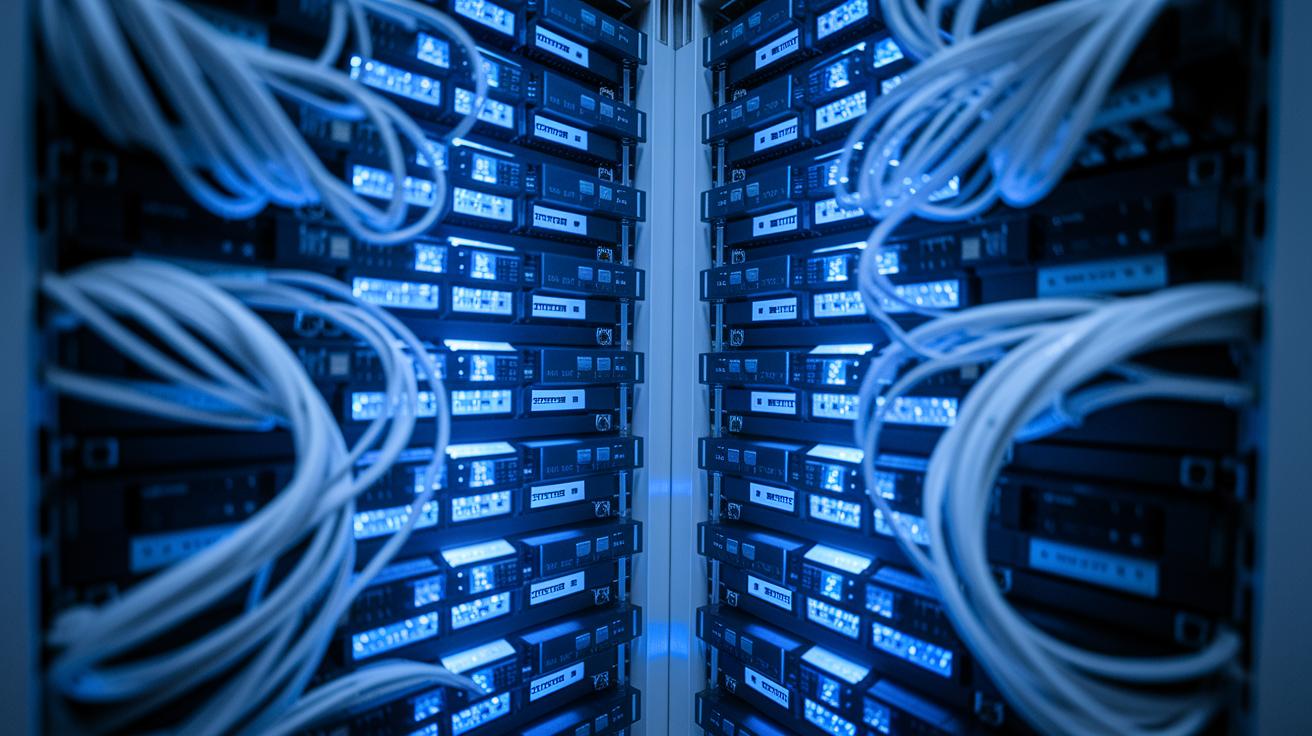
Modern machine learning pipelines often rely on clusters of GPUs (graphics processing units) to improve training efficiency. By sharing tasks across multiple GPUs, we can run several models at once or split one model's data batch among devices. This approach speeds up training cycles and makes it possible to work on models with billions of parameters that a single GPU could not handle.
Distributed frameworks like Distributed TensorFlow, Torch.Distributed, and Horovod help coordinate these tasks. They ensure data is processed at the same time while keeping delays low. In addition, advanced data fabrics, networks built to handle large volumes of data, play a key role in this setup.
Data Parallelism
Data parallelism works by splitting a batch of data among your GPUs. Each GPU processes its portion at the same time to calculate gradients needed for learning. For example, if you have 256 images and use 4 GPUs, each device processes 64 images. This method reduces training time because all GPUs work concurrently, and then their results are combined to update the model weights smoothly.
Model Parallelism
Model parallelism separates a network into different parts and assigns each to a different GPU. This technique is very useful when a model is too large to fit into one GPU's memory. By dividing the model into layers or sections, each GPU handles a fraction of the work, which overcomes memory limits and makes better use of computational resources. For instance, splitting a deep network layer by layer can enable training complex models with billions of parameters. If you want to learn more about building GPU clusters, visit https://studiogpu.com?p=82 for ideas on creating scalable multi-GPU solutions.
Optimized Data Throughput in GPU Training Pipelines

Fast data input and output is essential for GPU training pipelines. GPUs (graphics processing units) need a steady, high-speed stream of data to perform at their best. In many cases, about 70% of the process is spent on acquiring, cleaning, and staging data before actual computation. When data moves efficiently, GPUs can fully utilize high-bandwidth parallel processing and optimal memory use.
We achieve this by using high-speed interconnects that reduce data stalls and simplify data flow. This lets GPUs devote more time to heavy compute tasks.
| Interconnect | Bandwidth (GB/s) | Notes |
|---|---|---|
| NVLink (total) | 600 | 20–50 GBps per sublink |
| PCIe Gen 4 | 32 | Standard server slots |
| PCIe Gen 5 | 63–121 | Emerging hardware |
| Apple M1 Max | 408 | Unified memory |
Smart choices in storage and networking also boost throughput. High-performance NVMe (non-volatile memory express) storage paired with 100 GbE (Gigabit Ethernet) networks delivers data quickly enough to stop bottlenecks. We recommend investing in strong data pathways with high bandwidth and low latency to fully unlock the power of GPU-accelerated compute pipelines.
Cost-Effective and Energy-Efficient GPU Training in ML Pipelines
When you use GPU training, long training times can shrink from weeks to days or even hours. This not only cuts down on cloud rental bills but also significantly lowers power use. For example, mixed-precision training (using lower-precision arithmetic) can reduce energy draw by 30–50%, while smart GPU scheduling helps avoid wasted cycles. In many tests, a well-managed GPU cluster can break even in a few months, making it both budget-friendly and eco-friendly.
These cost and energy savings let you design smarter operational strategies to maximize your ROI. Here are a few methods to optimize both costs and efficiency:
| Tactic | Description |
|---|---|
| Mixed Precision | Uses lower-precision arithmetic to speed up calculations and reduce energy use |
| Spot Instances | Takes advantage of off-peak cloud pricing to lower costs |
| Dynamic Scaling | Adjusts resources in real time based on workload needs |
| Workload Consolidation | Groups similar tasks to maximize GPU use and cut redundant processing |
By adopting these practices, you create a more robust and sustainable ML pipeline. Shorter training cycles and lower energy needs not only save money but also help you run greener, more efficient operations.
Integrating GPU Training into ML Pipelines

We separate tasks by assigning the CPU (central processing unit) to handle control flow and data preparation, while the GPU (graphics processing unit) tackles the heavy compute work. This clear division keeps the GPU busy without waiting for data.
We use techniques like asynchronous data loading (loading data at the same time as processing) and pipeline parallelism (dividing the work along a series of steps) to keep things running smoothly. Adjusting batch sizes helps reduce idle time on the GPU, so even large datasets are handled efficiently. Every part of the pipeline works closely together to cut delays and get the most out of your hardware.
Coordinating tasks between the CPU and GPU is essential. By setting clear checkpoints and sync points, we prevent delays caused by waiting for data. This approach keeps model training continuous and resource use optimized.
- Environment configuration: Create a framework that clearly defines CPU and GPU roles.
- Data loaders: Use asynchronous loading to ensure smooth data streaming.
- Batch optimization: Adjust batch sizes to match the GPU’s strength.
- Monitoring: Track performance in real time to spot any slowdowns.
- Profiling: Analyze the workload distribution to maintain efficient parallel processing.
Future Trends in GPU-Accelerated ML Training Pipelines
New hardware platforms like Google TPUs, Amazon Tranium, Apple M-series chips, and FPGAs (field-programmable gate arrays) are changing how we train machine learning models. These specialized accelerators are built for specific tasks and open up new ways to handle parallel computing. Paired with GPUs (graphics processing units), they offer a mixed hardware setup that can tackle more complex models. This means training runs that used to be impossible are now within reach.
We are also seeing improvements in GPU designs and how devices share data. Faster communication between devices helps cut down delays during distributed training. As these enhancements settle in, training pipelines will be easier to scale and more efficient. New interconnects will work side by side with next-generation compute cores to better support large neural networks.
Software toolkits and frameworks are evolving to take full advantage of these hardware advances. Developers are making distributed training simpler by integrating different accelerators into one fluid workflow. Future updates will include stronger error handling and smarter resource allocation that adjust to different setups. This evolution makes it easier for engineers and data scientists to build AI systems that are responsive, cost-effective, and scalable.
Final Words
In the action, we reviewed how GPU-accelerated compute transforms ML pipelines, from cutting render times and boosting training speed to scaling with multi-GPU clusters. We examined data throughput improvements, cost-effective strategies, and practical steps for pipeline integration. The discussion also touched on future trends and evolving tech that promise to keep us ahead of the curve. Embracing the advantages of gpu training in ml pipelines empowers you to create more efficient and reliable workflows, so you can focus on what really matters: pushing creative boundaries and driving innovation.
FAQ
How much faster is GPU than CPU for deep learning?
The performance boost of GPUs means they perform deep learning tasks much faster than CPUs. GPUs leverage thousands of simple cores for parallel math, often reducing training times by up to 3x versus the limited cores found in CPUs.
Is machine learning CPU or GPU intensive, and does it require a GPU?
Machine learning, particularly during model training, relies on GPUs due to their ability to run many calculations simultaneously. While CPUs manage control flow and data preprocessing, GPUs handle the heavy, parallel computation needed for efficient learning.
How to use GPU for machine learning?
Using a GPU for machine learning involves employing frameworks like TensorFlow or PyTorch that support GPU offloading. This setup lets you assign compute-intensive tasks to GPUs, speeding up batch processing and overall training times.
What is DuckDB GPU acceleration?
DuckDB GPU acceleration utilizes GPU hardware to boost query processing speeds by performing parallel computation. This approach decreases execution times compared to traditional CPU-only methods, improving performance in data-intensive workflows.
Why are GPUs used for AI instead of CPUs, and how do they compare?
GPUs are preferred in AI because they execute hundreds of simultaneous calculations, offering a significant speed advantage over CPUs. This parallel architecture makes them ideal for both training complex neural networks and performing rapid inference.
What is the main advantage of GPU in deep learning?
The main benefit of GPUs in deep learning is their ability to run millions of parallel operations. This capability drastically reduces model training times and allows for the use of more complex algorithms that would be too slow on CPUs.
What is the difference between GPU training and inference?
The difference between GPU training and inference lies in their tasks. GPU training involves heavy, parallel gradient computations for model updates, while inference uses the trained model to generate predictions quickly with less computational demand.
What are two advantages of using GPUs and TPUs in AI/ML clusters?
GPUs and TPUs together offer enhanced parallel processing and cost-efficient training times. Their combination reduces overall energy consumption and accelerates both the training phase and inference processes, leading to scalable AI solutions.

