

Have you ever wondered if setting up a fast GPU (graphics processing unit) inference endpoint could be almost effortless? In this post, we show you how to automate model deployment using a simple five-step process.
We start by compiling and simplifying your model. Then, we work on loading it quickly and managing traffic smartly. This step-by-step guide helps you reduce wait times and increase throughput, so each inference runs as fast as possible while keeping the rollout smooth and easy.
We explain every technical term clearly and keep the process straightforward. Let's make your GPU-powered solutions run quicker and more efficiently.
Streamlined Model Rollout Automation for GPU Inference Endpoints
We convert machine learning models into fast GPU inference endpoints through a simple, automated process that runs through five key steps. This end-to-end method is part of our deployment pipeline (details available at our linked guide) and ensures your model is set up for high throughput with minimal wait times.
- Compilation – We transform your model into optimized kernels using tools like torch.compile or TensorRT (an NVIDIA compute toolkit). Think of this step like molding raw clay into a polished sculpture.
- Quantization – We reduce the model's precision to lower memory and compute demands. This small trade-off in accuracy helps the model run much faster.
- Speculative decoding – We overlap decoding with caching to cut down wait times, similar to starting a race just as your competitor is preparing.
- Fast model loading – We preload weights and computational graphs so that startup is as quick as continuous use, ensuring smooth and speedy inferences.
- Traffic control – We manage how traffic moves between model versions with strategies like canary (starting with 25% traffic), blue/green, linear, or rolling updates to ensure a smooth transition.
We offer multiple hosting options that fit your needs. Choose from real-time single-model endpoints, multi-model endpoints that dynamically load from cloud storage, or multi-container setups that support up to 15 containers. Our pipeline endpoints help coordinate sequential tasks for a complete prediction workflow.
Our inference recommender tool benchmarks models across instance types by monitoring ModelLatency (the time each inference takes), CostPerHour, and memory usage. These insights allow you to scale your deployment effectively.
We also support serverless inference that automatically scales down to zero when idle, though it may experience a slight delay due to cold starts from container startup. And with shadow testing, new model versions run in parallel with production, ensuring every update is validated before going live.
GPU Endpoint Orchestration and Containerized Scaling Strategies
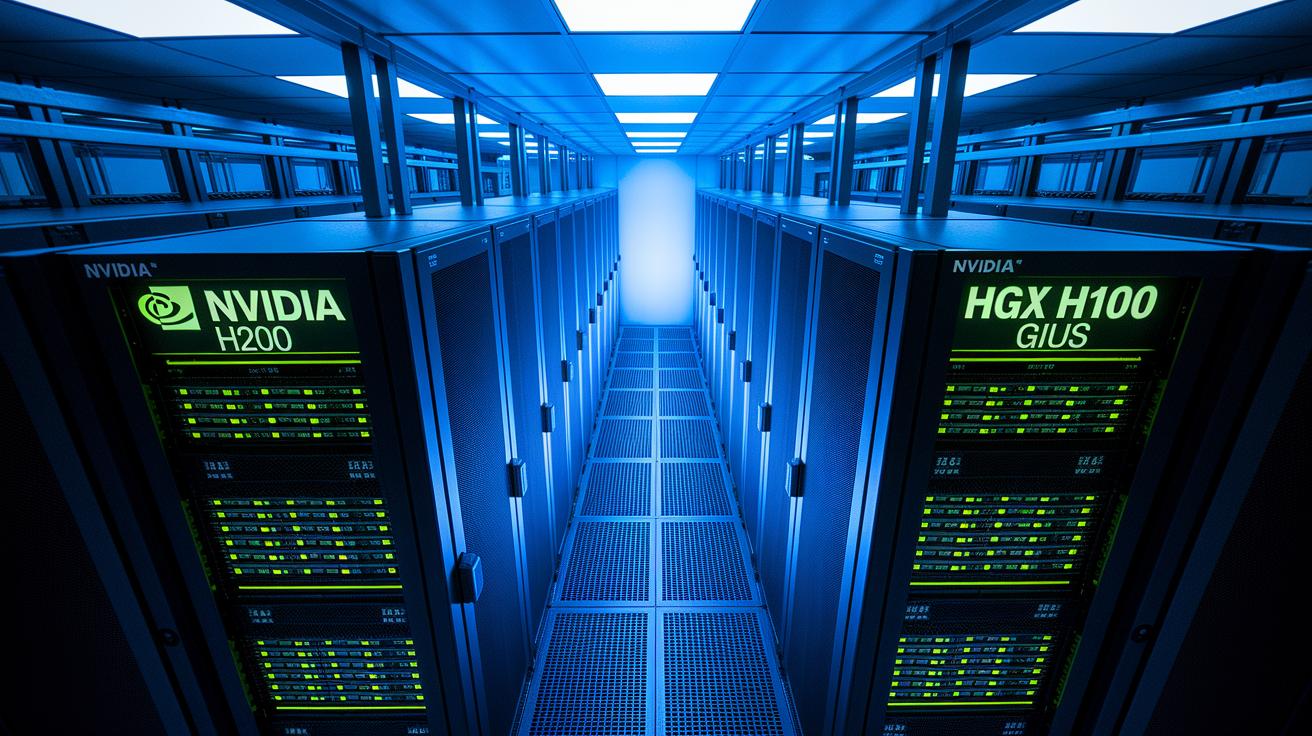
Single-tenant endpoints use dedicated NVIDIA HGX H200 or HGX H100 GPUs so you have full control over compute resources. With vertical scaling, you can set each replica to use 2, 4, or 8 GPUs based on your workload needs. Meanwhile, horizontal scaling automatically adds new replicas when traffic increases, keeping your service responsive while each instance remains isolated.
We follow container management best practices by using multi-model endpoints that load models on demand from cloud storage. This helps avoid idle resources. Additionally, multi-container endpoints support up to 15 containers per endpoint, making it easier to run complex inference pipelines with a single request. You can choose between vertical and horizontal scaling depending on your application's needs, ensuring every workload is handled efficiently.
| Endpoint Type | Description | Scaling Options |
|---|---|---|
| Single-model endpoint | Uses dedicated NVIDIA HGX GPUs for a single model on each endpoint. | Vertical (2, 4, or 8 GPUs) and horizontal replication |
| Multi-model endpoint | Runs several models in one container, loading them dynamically from cloud storage. | Dynamic model loading and horizontal scaling |
| Multi-container endpoint | Supports up to 15 containers per endpoint, ideal for complex inference tasks. | Vertical scaling per container and instance replication |
| Pipeline endpoint | Links preprocessing, inference, and post-processing tasks in sequence. | Supports 2 to 15 containers with internal orchestration |
Configuring Prediction Pipelines in GPU Inference Automation
Our pipeline endpoints let you combine tasks like tokenization, model inference, and output post-processing at one hosted endpoint. This setup simplifies your workload by automatically managing container startup and resource allocation across different GPU nodes. The system runs containers one after another on its own, reducing the need for extra control tools. It also integrates parallel processing seamlessly, keeping your workflow smooth and consistent.
Setting up the pipeline is simple. You just add parameters like TargetModel (the model you want to use) or TargetVariant to send inputs to the right container. For example, use "TargetModel: my_model_v1" to direct traffic correctly. This method makes sure every container gets the proper inputs based on your deployment plan in a mixed computing environment.
You can also add shadow testing to the pipeline. This involves duplicating a portion of your traffic to a test variant before fully switching it over. It lets you compare performance side-by-side with live models safely. Simply flag a TargetVariant as a shadow model, and the pipeline will validate adjustments without affecting overall performance.
Performance Tuning and GPU Acceleration Techniques

We rely on automated tools like torch.compile and TensorRT LLM AutoDeploy to optimize our models. These tools convert your model into hardware-ready operations that work efficiently with GPUs (graphics processing units). For instance, calling torch.compile(my_model) transforms your model into a set of operations that use smart techniques like graph pattern matching, fusion passes, and CUDA Graphs to streamline fixed batch processes.
Quantization helps cut down on memory and compute needs by switching numerical precision from FP32 (32-bit floating point) to FP16 (16-bit floating point). This change brings a slight loss in accuracy but offers significant speed gains, boosting throughput without harming quality.
We also use speculative decoding to reduce response times. This method overlaps the decoding phase with fetching cached results, meaning decoding starts while waiting for previous outputs. The result is lower latency during inference.
Lastly, multi-stream GPU scheduling takes care of handling multiple requests at once. With several GPU streams running batches in parallel, a new batch is queued right as one finishes. This approach minimizes idle time and keeps model latency low while maintaining steady throughput.
Continuous Integration and Version Control for GPU Model Releases
We use automated pipelines that deploy updates quickly using code to set up our GPU endpoints (servers with graphics processing units). We keep every model version tracked in git repositories, making sure each update stays consistent. Our system runs tests before each rollout to lower the risk of problems.
Our pipelines offer different update choices, such as pushing all changes at once, starting with a 25% canary release (a small initial rollout), or using gradual rolling updates. These methods let you watch performance live while moving to a new version.
We also use blue/green deployments and shadow variants to ensure updates happen without downtime. With these approaches, a test version receives duplicate traffic for checking, while guardrail settings constantly monitor key numbers like model render times (ModelLatency) and memory use. If any issues are found, the system rolls back automatically.
Monitoring, Troubleshooting, and Runtime Management of GPU Endpoints
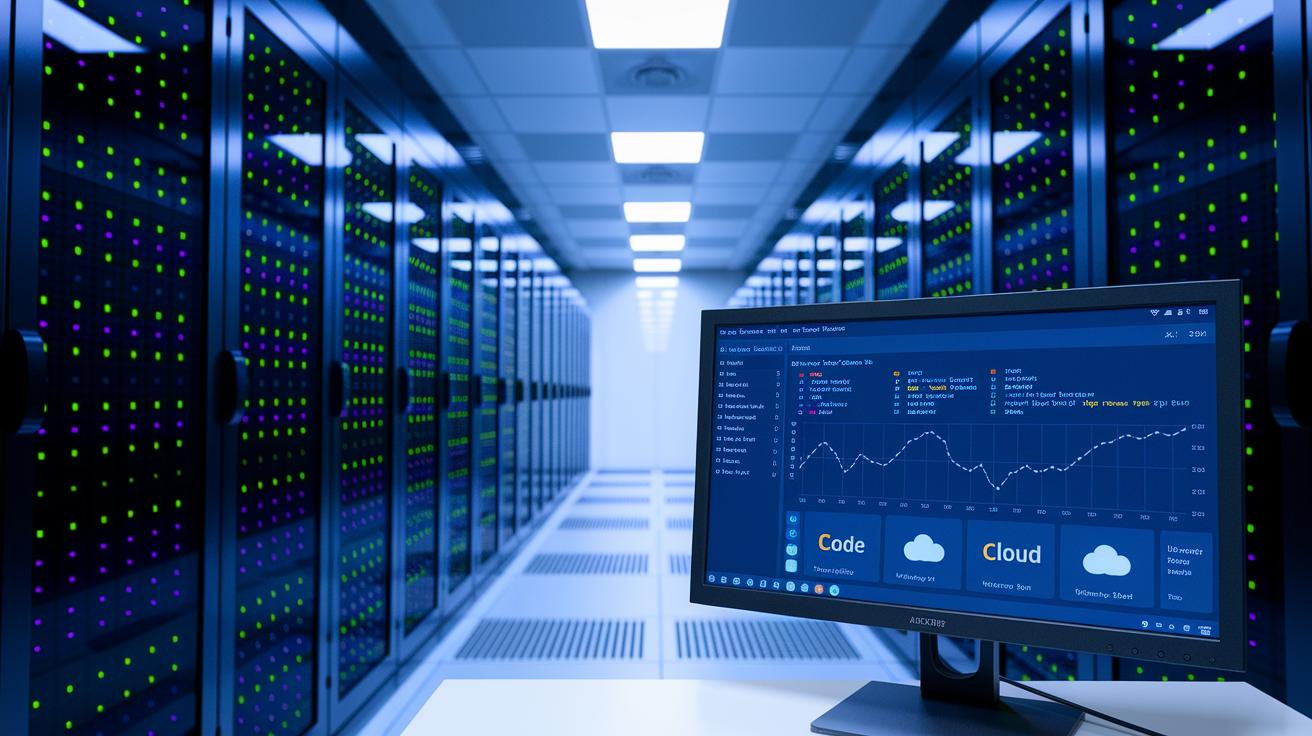
We track important metrics like ModelLatency, GPU memory usage, request queue depth, error rates, and CostPerHour in real time. For example, if your model takes longer to process a request, a spike in ModelLatency signals that scaling might be needed. Dashboards and CloudWatch alarms give you constant insight so you can address issues before they cause downtime.
Our alert system automatically steps in when thresholds are exceeded. If error rates or queue depths go beyond safe limits, alarms trigger scaling events or auto-rollback procedures to bring the system back to normal. With asynchronous inference, queued requests keep moving and scale-to-zero policies lower costs during slow periods. These automated checks lower the need for manual repairs and protect both service uptime and compute resources.
We complement our monitoring with advanced diagnostic tools. Detailed runtime logs record container startup times, caching performance, and overall inference throughput. These logs help diagnose occasional issues or drops in performance during busy times. Batch transform jobs, complete with retry functions, catch and resolve processing hiccups for large datasets through post-mortem analysis. This framework supports stable, long-term management of your GPU endpoints.
Scaling Strategies and Cost Optimization for GPU Inference
Balancing cost and performance is essential for GPU inference. We use vertical scaling by setting up replicas with 2, 4, or 8 GPUs during high-demand periods, while horizontal autoscaling adds more replicas when traffic spikes. Multi-model endpoints load models on the fly to prevent wasting resources. For example, you can configure the system to automatically use 4 GPUs per replica during peak times.
Our scaling techniques tie in with our GPU Endpoint Orchestration and Containerized Scaling Strategies. We now include specific cost insights to complete the picture. This approach uses dynamic provisioning with clear scaling rules that improve throughput and optimize resource use.
We also keep a close eye on costs. With pay-as-you-go pricing for additional replicas and resource tagging, you can see real-time spending trends. In one case, resource tagging helped reduce costs by 20% after we cut back on underused replicas during slower hours.
For low-volume periods, serverless fallback endpoints cover the gaps, even if they experience brief cold-start delays. Deployment rollback strategies let you quickly reverse changes that unexpectedly increase expenses or drop performance. For instance, a rollback restored services within minutes when a new autoscaling setup caused a 15% rise in costs.
Final Words
In the action, we walked through the five-stage workflow, from compiling models to precise traffic control, and detailed options for scaling, prediction pipelines, performance tuning, CI/CD, and robust monitoring. Each phase helps streamline GPU inference in demanding production settings.
We ended with strategies for balancing cost with peak performance while ensuring quick recoveries. Embracing the process of automating model deployment to gpu inference endpoints can lead to faster, predictable, and cost-efficient operations.
FAQ
Q: How do I automate model deployment to GPU inference endpoints using Python?
A: The process for automating model deployment to GPU inference endpoints using Python involves converting models to GPU-optimized runtimes, applying quantization, and using frameworks like TensorFlow or PyTorch to integrate with managed services on AWS or Azure.
Q: What is an example of automating model deployment to GPU inference endpoints?
A: An automated deployment example converts the model for optimized runtime, reduces precision via quantization, loads models quickly, and applies traffic controls using canary or rolling updates, all orchestrated through a deployment pipeline.
Q: What is a SageMaker inference endpoint?
A: The SageMaker inference endpoint is a managed AWS service that hosts models for real-time predictions, supporting automated scaling, traffic shifting, and cost tracking while streamlining the inference process.
Q: How can I deploy an ML model on AWS EC2?
A: Deploying an ML model on AWS EC2 involves containerizing your model, configuring the GPU environment, and leveraging EC2’s scalable instances to run inference for high-performance and efficient model serving.
Q: How do Azure ML online endpoints work?
A: Azure ML online endpoints function as web services that host trained models, providing flexible scaling and integrated management for real-time inference, backed by Microsoft Azure’s cloud infrastructure.
Q: What is a SageMaker model deployment example?
A: A SageMaker model deployment example uses an automated pipeline that compiles, quantizes, and applies traffic management to the model, ensuring efficient rollout and cost-effective management on GPU-enabled endpoints.
Q: How is SageMaker inference pricing structured?
A: SageMaker inference pricing is structured by measuring compute time, GPU usage, and scaling events, allowing predictable costs through metrics like ModelLatency and resource utilization during active inference serving.
Q: What are SageMaker inference components?
A: SageMaker inference components incorporate model compilation, quantization, fast loading, and traffic controls that collectively streamline deployment and scaling for real-time, GPU-powered predictions.
Q: What is Amazon SageMaker?
A: Amazon SageMaker is AWS’s managed machine learning service that simplifies building, training, and deploying models at scale, offering integrated tools for optimized GPU-powered inference and traffic management.
Q: What is Amazon Elastic Compute Cloud (EC2)?
A: Amazon Elastic Compute Cloud (EC2) is a scalable cloud service providing a range of instance types, including GPU-optimized ones, that support high-performance computing needs for deploying intensive inference workloads.
Q: What is Amazon Q?
A: The term Amazon Q refers to an AWS offering focused on quick query-based operations within machine learning pipelines; however, consulting the official documentation is recommended for precise service details.
Q: How do TensorFlow, PyTorch, and Microsoft Azure relate to deploying GPU inference endpoints?
A: TensorFlow and PyTorch provide the frameworks to build and optimize models, while Microsoft Azure offers cloud-based endpoints that, together with these frameworks, enable automated deployment and efficient GPU inference orchestration.