
Choosing the right GPU can boost or slow down your deep learning work. In this post, we compare popular models like the NVIDIA RTX 4090, RTX 5090, the A100 series, and the upcoming H100 and H200. We look at details such as memory, compute performance, and efficiency so you can pick the right tool for your project. We explain each key metric and highlight trade-offs in clear terms, whether you are new to deep learning or have years of experience.
Top GPU Models Compared for Deep Learning Training
Deep learning projects need the right mix of memory, compute power, and energy efficiency. The table below shows key metrics to help you quickly understand each GPU's strengths and trade-offs.
We looked at six GPUs that range from entry-level research models to enterprise-grade solutions: the NVIDIA RTX 4090, NVIDIA RTX 5090, NVIDIA A100 40 GB, NVIDIA A100 80 GB, NVIDIA H100 NVL, and NVIDIA H200.
| GPU Model | VRAM (GB) | Tensor Cores (#) | Tensor Core Gen | FP32 TFLOPS | Power (W) | Approx. Price (USD) |
|---|---|---|---|---|---|---|
| NVIDIA RTX 4090 | 24 | 512 | 4th | 83 | 450 | $1,600–$2,000 |
| NVIDIA RTX 5090 | 48 | 680 | 5th | 100 | 500 | $3,000–$3,500 |
| NVIDIA A100 40 GB | 40 | 432 | 3rd | 20 | 400 | $10K |
| NVIDIA A100 80 GB | 80 | 432 | 3rd | 20 | 400 | $15K |
| NVIDIA H100 NVL | 94 | 640 | Next-gen | 120 | 450 | $30K+ |
| NVIDIA H200 | 94 | 700 | Next-gen | 130 | 450 | $40K+ |
The RTX 4090 is a great starting point with 24 GB of VRAM and 512 tensor cores, making it perfect for small projects. The RTX 5090 ups the game with more memory and faster tensor cores, which is ideal for advanced research. The A100 series offers a balanced combination of memory and compute power that works well for medium-scale training tasks.
When you need extra performance, the H100 NVL offers higher throughput and extra VRAM, making it a strong choice for demanding workloads. The H200, though more costly, is designed for large deployments where you need top-tier performance.
For smaller training jobs, lower-cost options like the RTX 4090 deliver efficient performance. Medium-scale projects benefit from the A100 models with their competitive balance of price and capability. As your projects grow into large language models or enterprise inference, the H100 NVL and H200 provide high VRAM and next-generation tensor cores to speed up compute while keeping power use in check. For more tips on setting up your deep learning training, check out this guide on how to optimize gpu training for deep learning.
Benchmark Performance Breakdown for Deep Learning GPUs
We ran our tests on the AIME A4004 server and the AIME G500 workstation. Our GPUs started below 50 °C to ensure steady temperature throughout each run. We used PyTorch 2.0 with the torch.compile API, which improved throughput by 10–15% based on each GPU's microarchitecture. Our setup supports both single GPU and multi-GPU modes; for multi-GPU runs, we sum the individual batch sizes and average the gradients across all GPUs.
BERT Large Benchmark
For the BERT Large tests, we used a model with 24 layers, 1,024 hidden dimensions, 16 attention heads, and 335 million parameters. With the right batch size, one GPU delivered a strong baseline in samples processed per second. As we added more GPUs, the process of averaging gradients became more efficient, yielding a performance boost of around 20% to 30%.
ResNet-50 Benchmark
We evaluated the ResNet-50 v1.5 model, which has 50 layers and 25 million parameters, to check convolutional layer throughput and TFLOPS (trillions of floating-point operations per second). In a single GPU setup, each card maintained stable TFLOPS performance. When used in multi-GPU mode, the performance improved noticeably. The torch.compile optimization helped speed up convolution processing and reduced overall training cycle times, proving that fine-tuning models to use modern GPU features brings real benefits.
Memory Bandwidth and Interconnect Impacts on Training
High VRAM capacity is key when your workload deals with heavy memory tasks like processing large images, videos, or training big language models (LLMs). When you work with models that require a lot of data, having enough VRAM means that data stays close to the compute units. This setup cuts down on the need to frequently swap data and helps keep information flowing smoothly.
Fast memory bandwidth is just as important. It feeds tensor cores (dedicated processing units for handling complex computations) the data they need. For example, the A100 GPU with HBM2/2e memory delivers around 1,555 GB/s, while the H100 NVL using HBM3e memory runs at roughly 2,000 GB/s. This jump in bandwidth means data moves faster, allowing the tensor cores to carry out more operations every second and reducing slowdowns when handling high-resolution images or large datasets.
Multi-GPU setups also benefit from advanced interconnects like NVLink and NVSwitch. These technologies cut down on delay during gradient synchronization and can boost parallel efficiency by 20–30%. This improvement is essential when you scale training across several GPUs, ensuring that increases in batch sizes and data throughput do not cause major communication delays during model updates.
Power and Thermal Efficiency of Training Accelerators
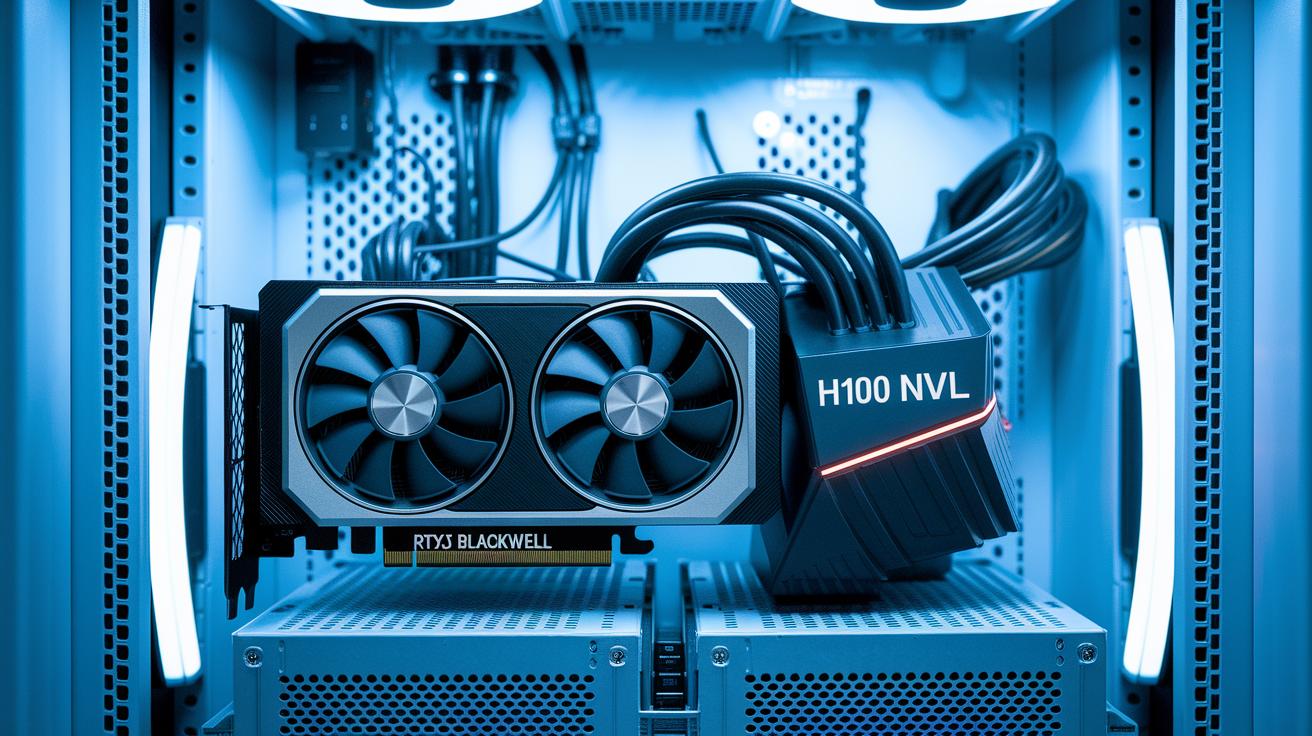
When you choose training accelerators, it helps to compare thermal design power (TDP) values. For example, prosumer GPUs like the RTX PRO 4500 Blackwell run at about 200 W. This lower power draw works well for tight budgets or limited space. In comparison, enterprise GPUs such as the H100 NVL are designed for demanding tasks with a 450 W power budget. These differences affect energy use and set the tone for cooling and long-term performance.
New tensor-core microarchitectures offer 20–30% more TFLOPS per watt compared to previous models (TFLOPS, or trillions of floating-point operations per second). In simple terms, these improvements let you do more work while using less energy, which can lower operational costs, especially in environments that run continuously.
Efficient cooling and compact designs are also key. Effective cooling methods keep GPUs from overheating, ensuring they work at full strength during extended training sessions. Solid heat management and space-saving designs mean you can trust your setup even when you pack many GPUs into a small area.
Cost, Availability, and Deployment Options for Deep Learning GPUs

Deep learning GPUs come with a wide range of price tags. For example, budget-friendly options like the RTX 4090 are priced between $1.6K and $2K, while higher-end choices such as the A100 40 GB and A100 80 GB cost around $10K and $15K respectively. For enterprise use, GPUs like the H100 80 GB and H200 can cost $30K+ and $40K+, so it is important to balance your budget with the performance your project requires.
Supply issues can further complicate the decision. While RTX-series cards are mostly available, premium models like the H200 often have limited stock and longer delivery times. This can slow down your project if you need rapid deployment. We recommend considering these factors when planning to scale or upgrade your hardware environment.
When comparing on-premises hardware to cloud rentals, you need to look at both operational (OPEX) and capital (CAPEX) expenses. Cloud GPU rentals typically run between $2 and $5 per hour, making them flexible for test runs or batch jobs. However, for longer-term projects, owning your hardware may provide better control over performance and costs over time.
Selecting the Optimal GPU Model for Your Deep Learning Workload

When you set out to choose a GPU for deep learning, you need to match its memory, compute power, and cost to your project. A GPU’s memory size and tensor core performance (special units that speed up deep learning math) should fit your training or inference needs. For example, a GPU with 24 GB of VRAM may handle small models well, but it might slow you down with larger architectures. We suggest you review your project requirements closely because the wrong match can hold back your progress.
For early-stage prototyping and research, the NVIDIA RTX 4090 offers a strong balance between price and performance. If you are working on mid-scale model training, the A100 40 GB can provide the memory and throughput needed for more complex tasks. And for large language models with over 70 billion parameters, the H100 or H200 makes sense because they deliver high VRAM and advanced tensor performance. When building production inference clusters, look at GPUs from the Blackwell RTX PRO series, they offer ECC memory support (which helps prevent errors), lower power draw, and reliable server operation.
Also, think ahead about upgrading and scaling your system. Starting with one GPU and planning to add more later can help manage costs while keeping you ready for growth. Make sure your setup supports efficient inter-GPU communication so that scaling up from experiments to full production runs is smooth.
Final Words
In the action, we compared GPU specifications side-by-side, diving into VRAM, tensor cores, FP32 throughput, and power draw. We looked at models from the NVIDIA RTX 4090 to enterprise-level H200, breaking down cost and compute performance. This clear comparison of gpu models for deep learning training helps you match hardware to your project’s needs quickly. We trust these insights empower you to optimize performance and streamline workflows for faster, more reliable results.
FAQ
How do GPU models for deep learning training compare in 2022?
The comparison of GPU models for deep learning training in 2022 highlights key specs like VRAM, tensor cores, and FP32 throughput. This helps you match hardware to project scale and budget.
What do deep learning GPU benchmarks reveal?
The deep learning GPU benchmarks reveal throughput, efficiency, and scaling behavior by testing tasks on standard models. These insights help predict performance and guide your hardware selection.
How can I choose the best GPU for deep learning and AI training?
The best GPU for deep learning and AI training balances cost, performance, and memory requirements. Options range from consumer-level cards like the RTX 4090 for prototyping to H100 or H200 for high-demand enterprise tasks.
What information do GPU AI benchmark lists and performance comparisons provide?
The GPU AI benchmark lists and performance comparisons offer rankings based on tensor operations, FP32 throughput, and energy efficiency. They help you select a GPU that meets your specific AI model training needs.
How are PyTorch training GPU benchmarks conducted?
The PyTorch training GPU benchmarks measure performance using standard tests on models like BERT and ResNet-50. They quantify throughput gains and scaling benefits via torch.compile, ensuring data-driven hardware decisions.

