
Have you ever wondered why your GPU systems run hot even with high-end hardware?
Imagine managing your system's temperature like a conductor leading an orchestra.
Our GPU cooling software brings order to chaos. It gives you real-time insights across your workstations and servers so you can spot hot areas early and avoid system crashes.
Now you can take charge of your hardware and make it last longer by managing heat wisely.
Achieving Efficient Fleet-Wide Thermal Control with GPU Cooling Software
Our GPU cooling software brings all thermal management into one place for workstations and servers. It acts as an enterprise tool that gives you a real-time view of GPU temperatures and operating conditions. An open-source client agent streams detailed GPU data from each node so you always know the state of every unit.
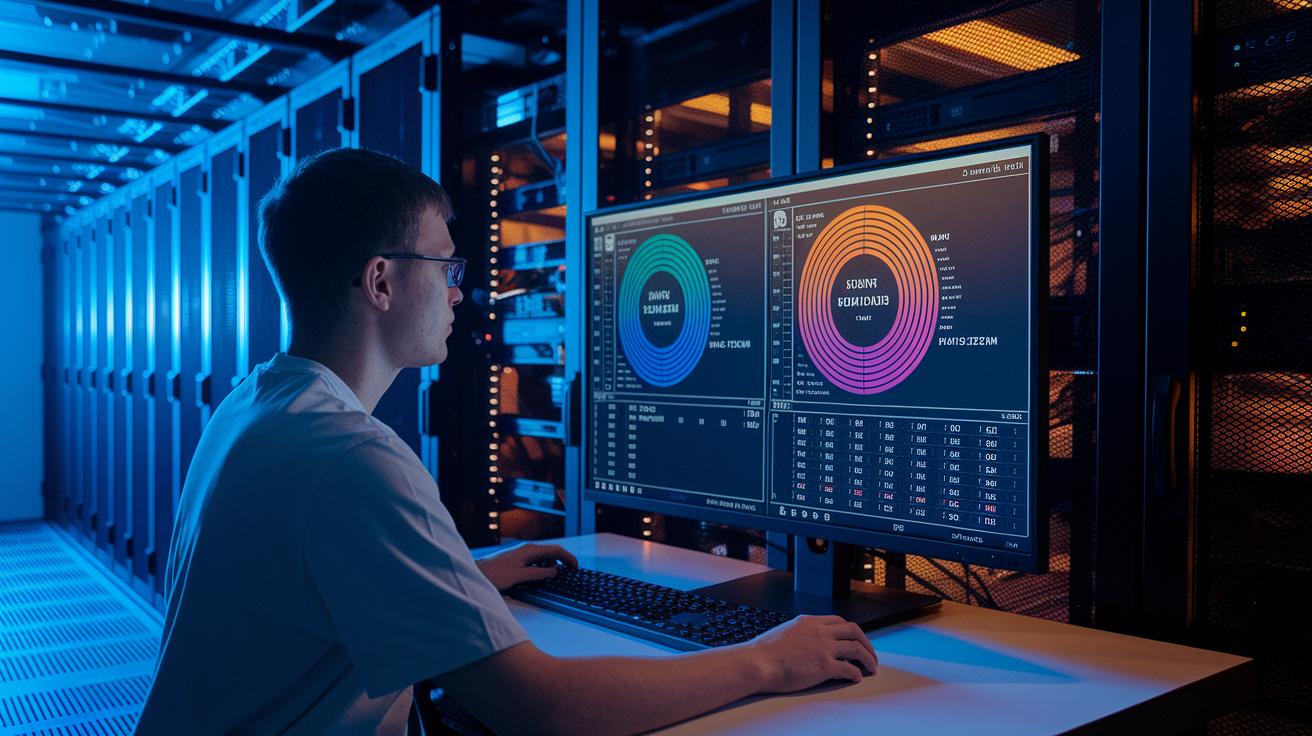
This information flows to a central dashboard that displays GPU usage across the entire fleet and in specific compute zones. The clear visual layout makes it simple to spot hotspots and adjust cooling tactics before problems arise.
For example, think of our data center orchestration module as a way to fine-tune airflow in a packed rack, much like changing a team's strategy mid-game. We call our software an enterprise fleet temperature control tool because it simplifies managing large AI GPU fleets.
Our solution also includes a thermal analytics engine that turns raw telemetry into actionable insights on one unified dashboard. This method not only shows current temperature levels but also uses historical data to predict future trends.
Operators can use this setup to fine-tune cooling responses for everyday tasks and peak workloads alike. When paired with our GPU cluster management, administrators keep server densities optimal even during heavy power use. This centralized view helps cut downtime and extend hardware life, proving that smart management leads to consistent, efficient cooling.
Core Features of GPU Cooling Software for Workstations and Server Fleets
Our software shows real-time temperature information that matters. The heat mapping console displays key data like temperature levels, throttling events, power draw, clock speeds, VRAM usage (graphics memory), and fan speeds. Picture a color-coded dashboard where red marks trouble spots before they affect your system.
We use a predictive fan control algorithm that looks at past data to catch rising temperatures early. It works like an early warning system. When historical trends show a temperature increase, the algorithm boosts fan speeds in advance to keep things cool, much like a chef who turns down the heat before a sauce starts to boil.
Our smart airflow balancing suite automatically adjusts fan speeds at both inlets and outlets across your server racks. It redistributes airflow in real time to ensure every area gets enough cool air. In busy environments, this feature is critical because it directs more cool air to racks that heat up, reducing hot spots quickly.
An automated coolant flow adjuster is another key feature. It constantly monitors liquid coolant parameters and adjusts flow rates to optimize heat removal. Think of it like an automatic braking system in a car that reacts immediately when needed. A second instance of this adjuster works alongside it to fine-tune coolant pressures across multiple circuits, ensuring every part of your system stays within safe temperatures.
Together, these features offer a complete thermal management solution. The heat mapping console, predictive fan control, smart airflow balancing, and automated coolant flow adjuster work as a team to extend the life of your hardware and keep your high-density GPU setups running efficiently.
Ensuring Compatibility and Seamless Integration of GPU Cooling Software
Our GPU cooling software works with nearly all major NVIDIA and AMD GPU models on both Windows and Linux. You can use it as a desktop graphics card cooling monitor or as a server rack chill optimizer in your data center with very little setup.
It integrates easily into your current monitoring systems. The software uses REST APIs (network interfaces that let different software talk to each other) and SNMP (a protocol for network management) so it fits in with tools like Prometheus and Nagios. One user shared that installation was as simple as running one command and their monitoring tools picked it up right away.
The software also offers features for workstations, such as HWiNFO logging and GPU-Z checks, while still working with fleet-wide agents that manage many server racks. Whether you run varied operating systems or different hardware setups, the software provides steady thermal data. You can deploy it on your local servers, or opt for a cloud-based solution that syncs both on-premise and virtual GPU nodes on one control panel. This cloud option lets you keep an eye on and adjust performance remotely without affecting local operations.
Getting started is straightforward: install the client agent on each node, ensure your GPU models are supported, and run a test using the provided REST API commands. Next, configure SNMP to mix alerts and performance monitoring across your entire setup. With support for both workstation and server environments, this GPU cooling solution meets the needs of modern, hybrid installations as both a desktop cooling monitor and a server rack chill optimizer.
Measuring Impact: Benchmarks and Case Studies of GPU Cooling Software

Case studies show that our GPU cooling software lowers idle GPU temperatures by up to 15% and boosts sustained clock speeds by 10%. One report described switching from standard rack-mounted fans to an automated, multi-tier cooling system that adjusts in real time. For instance, during AI training sessions, the system kept temperatures stable over 72 hours at 90% GPU utilization, ensuring steady performance even under heavy load.
We also used benchmark tools to compare high-efficiency air cooling with liquid cooling for tasks like rendering and deep learning. In one production stress test, the software consistently delivered precise temperature control. A test snippet stated, "Measured idle temperatures dropped by 12% while boost clocks increased," highlighting the value of active thermal management.
Reference designs back up these benefits by testing multi-node GPU clusters in data centers. They show that switching from conventional cooling to our software-managed solution not only cuts energy use but also provides tangible ROI. One managed GPU infrastructure case study (https://studiogpu.com?p=255) even reported a significant drop in energy costs alongside improved system reliability.
In summary, our cooling solution stands out from thorough benchmarks and stress tests. It offers reliable, quantifiable benefits for modern, high-density GPU deployments by combining effective air cooling with precise thermal regulation.
Best Practices for Troubleshooting GPU Cooling Software in Fleet Environments

A common issue is missing overlays, inaccurate power readings, and cluttered logs. These problems can hide real-time data and slow your ability to monitor thermal changes. Start by checking your telemetry with another tool. For example, if fan speed readings seem off, try using a simple command-line tool side by side to confirm the data.
Changing your data-collection intervals can cut down on unnecessary log noise without losing important details. We recommend turning on per-process logging for a closer look at specific GPU tasks. This approach makes it easier to spot unusual temperature changes early on. For instance, if your logs show sudden spikes every 30 minutes, adjust the interval and see if the spikes continue.
Also, make sure your client agent version is compatible with your GPU driver and that your firmware is correctly matched. When these do not line up, you may experience gaps in telemetry and slower system responses.
Troubleshooting steps to follow:
- Verify telemetry with an alternate tool.
- Adjust data-collection intervals to clean up the logs.
- Enable per-process logging for detailed thermal insight.
- Regularly check that your agent version, driver, and firmware are aligned.
An automated dissipation calibrator can further enhance these measures by smartly adjusting fan speeds based on current and projected thermal changes. This combined method helps keep your GPU fleet cooling efficiently.
Deployment Strategies and Pricing Models for Enterprise GPU Cooling Software
We offer our enterprise GPU cooling solution as either a subscription-based service or an on-site perpetual license on a per-node basis. This setup works well for businesses of all sizes, from small studios to large data centers. Our entry plan supports up to 50 GPUs, while our enterprise option scales to thousands with attractive volume discounts. You can use our ROI calculator to see how power-cost savings might pay for the system within 6 to 12 months.
When planning your deployment, consider these points:
- You can choose a cloud-based subscription for easy scaling or an on-site option if you need tighter control.
- Volume discounts and tiered pricing let you pick the right plan, whether you need a lean setup or an advanced energy management dashboard for your compute arrays.
- An optional AI-powered scheduling feature automates cooling during off-peak energy times, boosting cost efficiency and performance.
- The solution is designed as an efficiency-focused cooling system that holds up even under heavy loads.
This flexible licensing and pricing model lets organizations deploy a cost-effective, scalable, and forward-thinking thermal management system. With our built-in AI scheduling and clear pricing tiers, you stay in full control of your energy use and budget.
Final Words
In the action, this post broke down key tactics, from real-time telemetry dashboards and smart airflow balancing to predictive fan control, to help tighten your GPU cooling strategy. We also walked through integration tips, troubleshooting checks, and real-world benchmarks that drive performance and ROI. Employing gpu cooling software for workstation and server fleets can boost stability, reduce render and training times, and cut costs. We’re excited to see you move forward and unlock even better performance across your GPU fleet.
FAQ
What is GPU cooling software for workstation and server fleets on Windows?
GPU cooling software for Windows centralizes thermal monitoring for workstations and servers. It collects node-level telemetry and displays real-time dashboards to keep GPU temperatures under control and maximize uptime.
How does GPU cooling software support Nvidia for fleet management and GPU tracking?
GPU cooling software supports Nvidia by tracking GPU utilization and thermal data across fleets. It uses agent-based telemetry and real-time dashboards to enable effective Nvidia AI GPU fleet management and tracking.
How do Dell GPU servers compare in terms of performance, cost, and AI capabilities?
Dell GPU servers offer robust performance with scalable configurations designed for AI tasks. They come with flexible pricing models and ROI tools that help evaluate cost benefits for enterprise-level deployments.
What is the best software to control and monitor GPUs?
The best software to control and monitor GPUs provides real-time overlays, predictive fan control, and command-line integration. These tools ensure accurate telemetry and effective thermal management across your GPU fleet.
Can I use a GPU server for gaming?
GPU servers are tailored for compute-intensive tasks like AI and rendering, not for gaming. They may lack the consumer-grade optimizations and graphics performance required for smooth gameplay.