

Ever wonder how your computer turns complex scenes into stunning visuals almost instantly? GPU rendering uses your graphics card’s power to break down heavy tasks into thousands of smaller jobs that run simultaneously. This approach cuts render times from hours to minutes and provides real-time feedback so you can tweak designs on the fly. By taking some of the load off your CPU, it lets artists and engineers work smarter and faster. GPU rendering truly transforms creative projects by delivering high-quality visuals quickly.
GPU Rendering Fundamentals and Core Advantages
GPU rendering uses your graphics card to process thousands of tasks at once. It offloads pixel, vertex, and shading work to specialized cores, cutting render times from hours on a CPU to just minutes. This strong parallel processing is at the heart of modern image creation and makes real-time visual synthesis possible in many creative workflows.
Thanks to hardware acceleration, GPUs handle many complex calculations simultaneously. You get immediate feedback that helps you tweak designs quickly and troubleshoot on the fly. Plus, by linking multiple GPUs, even the toughest scenes can be rendered smoothly, supporting detailed animations and intricate designs.
- Speed: Render times drop from hours to minutes.
- Efficiency: Parallel processing boosts overall performance.
- Scalability: Multi-GPU setups can tackle bigger projects.
- Real-time Feedback: Quick visual results allow for dynamic adjustments.
- Cost-effectiveness: Less compute time saves resources in the long run.
These benefits make GPU rendering a true game changer in digital image production. By shifting heavy, labor-intensive tasks to dedicated hardware, you achieve higher visual quality and scalable results that grow with your project needs. Artists, engineers, and decision makers can rely on GPU rendering to deliver real-time images while keeping production costs and schedules in check.
Parallel GPU Architecture and Compute Workload Distribution
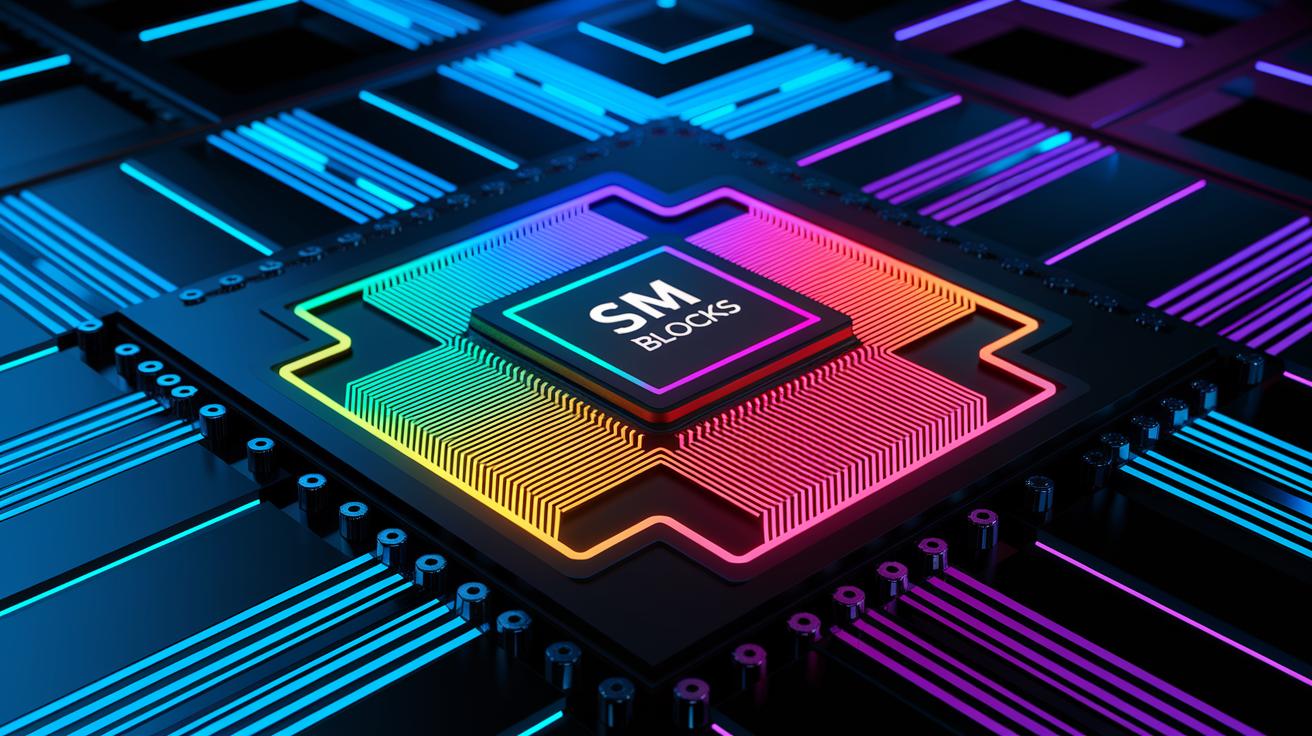
Modern GPUs use hundreds or even thousands of stream processors grouped in units called Streaming Multiprocessors (SMs) or Compute Units. Each SM manages a set of threads, sometimes called warps or wavefronts, that run together. This setup lets GPUs divide tasks among many cores at the same time. Think of it like separating an image's geometry, shading, and post-processing into thousands of tiny work steps. For instance, if each core handles a small piece of a detailed scene, the work gets done all at once. This method can cut render times dramatically.
Unlike GPUs, traditional CPUs have only a few high-frequency cores that work on one task at a time. GPUs are made for parallel work, using multi-core techniques to break tasks into very small pieces. This design boosts the overall work speed, especially when rendering images. When using frameworks like NVIDIA CUDA (NVIDIA compute toolkit) for optimization, the scheduling of tasks becomes even more efficient. Tasks that once took hours on a CPU can finish in minutes with a GPU. This careful distribution of small tasks is key for real-time image creation and stands at the heart of modern GPU rendering.
GPU Graphics Pipeline Stages and Shader Execution Flow

The GPU graphics pipeline splits the process of making images into clear, simple steps that transform 3D scene data into eye-catching 2D images. First, vertex processing takes your 3D points and converts them into positions on the screen so that every point appears exactly where it should. Next, tessellation and geometry shaders work together to break up meshes into smaller pieces and smooth out details. Think of each shader as a mini artist adding small touches one at a time. Then, rasterization takes these shapes and turns them into tiny pixel fragments, creating the base on which colors and textures will be added.
After that, fragment (pixel) shading comes into play by using lighting and textures to set the final colors of each pixel, giving the image its vibrant and realistic look. Finally, the output merger and frame buffer combine all the pixel details along with depth testing, so objects in the front properly cover those in the back. Shaders, which are small programs built for each stage, run thousands of threads at the same time. For example, a shader might operate on hundreds of cores simultaneously, each handling a tiny bit of the overall image. This ability to run many tasks at once is what makes real-time rendering possible, allowing even detailed 3D cityscapes to be drawn quickly and adjusted dynamically for great interactive experiences.
| Stage | Primary Function |
|---|---|
| Vertex Processing | Converts 3D points into screen positions |
| Tessellation & Geometry Shaders | Break up and smooth out mesh details |
| Rasterization | Transforms shapes into pixel fragments |
| Fragment (Pixel) Shading | Determines final pixel colors using lighting and textures |
| Output Merger & Frame Buffer | Combines pixels with depth testing for proper image display |
GPU Memory Management and Bandwidth Optimization

Efficient GPU rendering depends on high-bandwidth VRAM, often HBM2, which stores textures, frame buffers, and geometry data. Fast memory keeps the compute cores busy by reducing delays when fetching data. GPUs use multiple cache layers (L1 and L2) to quickly access frequently used information while larger data transfers rely on systems like PCIe (Peripheral Component Interconnect Express) or NVLink. This approach lowers retrieval times so that the compute units remain active without interruption. Think of high-bandwidth VRAM as a well-stocked supply closet for an artist, when every tool is immediately in reach, creativity flows seamlessly.
Memory throughput can reach hundreds of GB/s, ensuring a smooth data stream to all cores and preventing bottlenecks. Techniques such as texture compression, memory tiling, and asynchronous data transfer help optimize VRAM usage and maintain high frame rates in complex scenes. By managing the memory hierarchy smartly, every shader and compute task runs without stalling, which is essential for smooth, real-time visuals.
GPU Rendering vs CPU Rendering: Efficiency and Applications

GPU rendering uses thousands of parallel cores to produce interactive frame rates ranging from 60 to over 144 frames per second (fps). This method suits real-time gaming, virtual reality, and interactive visualization. By contrast, CPU rendering processes tasks one after the other on a few high-speed cores, which makes it ideal when you need high detail for cinematic effects.
Key benefits of GPU rendering:
- Faster turnaround on complex scenes
- Immediate visual feedback for creative decisions
- Scalable performance when adding extra GPUs for larger projects
- Optimized throughput for interactive design
For example, GPU rendering can turn tasks that take hours into near real-time outputs, delivering frame rates that keep up with fast-paced interactive environments.
how does gpu rendering work: Supercharge Visuals Today
GPU rendering uses graphics APIs (application programming interfaces) like DirectX 12, Vulkan, and OpenGL to tap into the hardware's full potential. These APIs let us adjust settings at a low level so we can fine-tune performance. Engines such as OctaneRender, Redshift, V-Ray, and Blender Cycles take advantage of optimized drivers and RTX ray tracing cores to deliver visuals that are both fast and dynamic.
In DirectX and Vulkan, compute shaders move custom tasks to the GPU. This speeds up the handling of complex scenes by running continuous compute pipelines. To get the best performance, we recommend you:
- Reduce the number of draw calls
- Group state changes together
- Set thread group sizes for optimal efficiency
- Use asynchronous compute to run tasks at the same time
Using these tips, your rendering pipeline can run smoothly and deliver real-time visuals without losing quality.
Final Words
In the action, we explored GPU rendering fundamentals, diving into its parallel architecture, detailed pipeline stages, memory management, and direct comparisons with CPU rendering. We also outlined key optimization strategies with real-world benefits.
We hope this overview energizes your next project. When you ask, "how does gpu rendering work," remember it accelerates compute tasks, scales efficiently, and drives creative and AI workflows toward faster, reliable results.
FAQ
How do GPUs render graphics and how does GPU rendering work as discussed on Reddit?
The process of GPU rendering, as discussed on Reddit, involves graphics cards dividing tasks among thousands of cores. This parallel approach computes pixel and shading data concurrently, which significantly speeds up image synthesis.
How does GPU rendering work on Android?
The GPU rendering on Android uses mobile graphics processors to offload image processing tasks. It runs multiple tasks in parallel, which speeds up UI animations and gaming performance for a smoother experience.
What is GPU renderer Skia and how do you set it versus the default?
The GPU renderer Skia refers to an acceleration layer that offloads graphic tasks to the GPU. Switching from default to Skia can boost performance by leveraging hardware acceleration on supported systems.
What is GPU rendering software?
The GPU rendering software consists of programs that exploit graphics cards for complex rendering tasks. They leverage parallel compute capabilities to reduce render times compared to traditional CPU rendering methods.
What is a GPU render test?
The GPU render test evaluates a graphics card’s performance by measuring its ability to process complex rendering tasks concurrently. It helps users gauge hardware efficiency for demanding visual computations.
What role does Nvidia play in GPU rendering?
Nvidia plays a key role in GPU rendering by providing advanced graphics processors and technologies like CUDA (a compute toolkit). These tools enable efficient parallel processing, crucial for real-time image synthesis.
Is high GPU usage (like 100% 3D or 99%) good or bad?
The indication of 100% or 99% GPU usage means that the graphics processor is fully engaged in intensive rendering tasks. This level of usage is often expected, though prolonged full-load may warrant monitoring.
Is it better to render with a CPU or GPU?
The comparison shows that GPU rendering excels at handling parallel tasks, often reducing render times to minutes. For real-time applications, GPUs generally provide faster, more efficient performance than CPUs.

