
Have you ever wondered if your computer can break its own limits? NVIDIA NVLink links graphics processing units at speeds that set a new benchmark. Think of it like a shared canvas where every change shows up instantly, allowing central processing units and GPUs (graphics processing units) to work seamlessly together. In this post, we explain how NVLink transforms high-performance computing, boosting tasks such as AI training and complex simulations. Join us as we explore how this innovative technology is raising the bar for modern processing performance.
nvidia nvlink: Innovative Connectivity Unleashed

In 2016, NVIDIA introduced NVLink with the Pascal P100 GPU, offering 80 GB/s per link (40 GB/s in each direction). This design lets data move much faster between GPUs than older methods. NVLink connects processing units with multiple high-speed lanes, boosting overall throughput.
NVLink allows processors to share the same memory space. This means the CPU and GPU do not have separate memory pools but work from one unified space. Think of it as several artists using one large canvas where every brushstroke is seen by everyone. This setup is ideal for large-scale AI training or detailed simulations where fast data sharing matters.
Later upgrades made NVLink even faster. NVLink 3.0 bumped performance up to 100 GB/s per link, and the H100 GPU with NVLink 4.0 delivers 100 GB/s in each direction per link. With as many as 12 links, the total bidirectional bandwidth is nearly 900 GB/s. In simple terms, it’s like switching from a two-lane road to a wide, multi-lane highway.
Today, NVLink is a key part of modern high-performance computing. It not only speeds up data transfers but also cuts down delays, enabling multiple GPUs and the CPU to communicate quickly and smoothly. This helps run complex tasks more efficiently and ensures smoother parallel processing.
NVLink vs PCIe: High-Speed Bandwidth and Latency Comparison
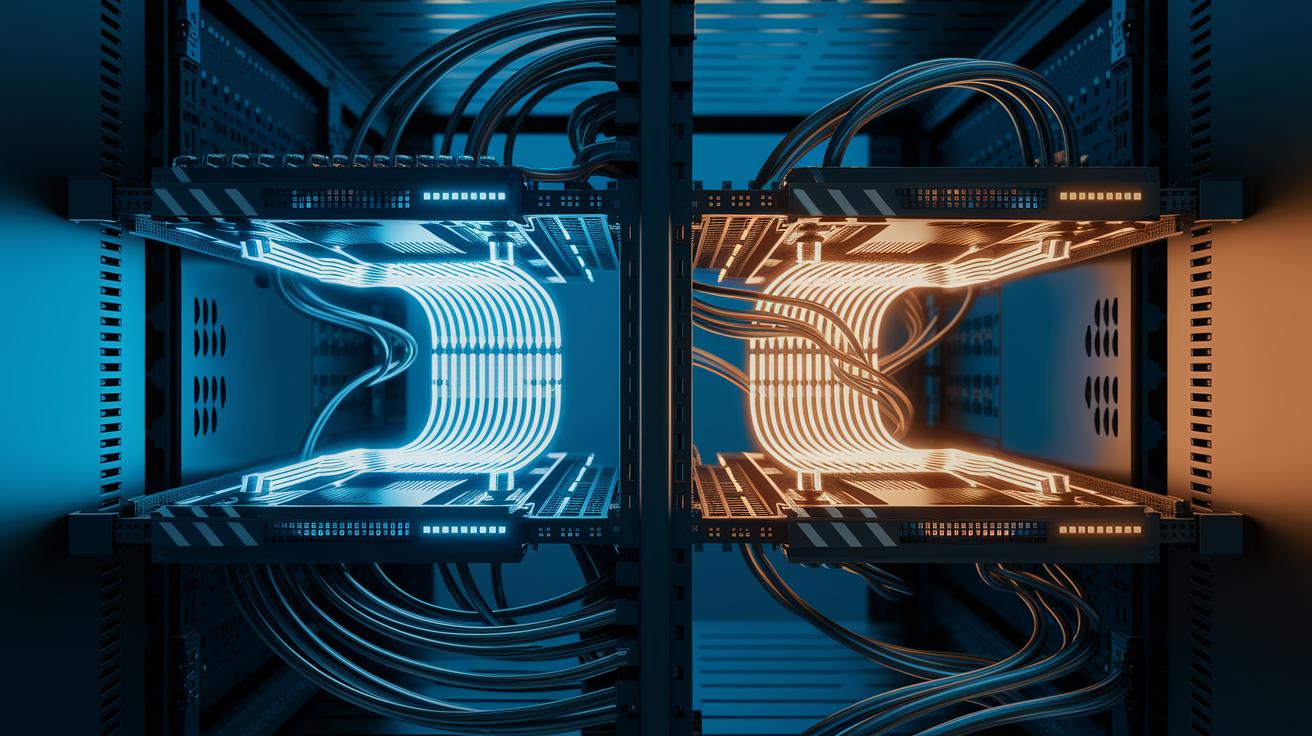
NVLink and PCIe deliver distinct strengths when transferring data between GPUs. PCIe versions from 3.0 up to 5.0 gradually boost the bandwidth available in each direction. In contrast, NVLink minimizes delays and improves overall throughput by lowering latency. Multiple NVLink lanes work together to speed up GPU-to-GPU communication, which is critical for demanding tasks.
For example, while PCIe 5.0 reaches about 64 GB/s in each direction, NVLink Gen 1 provides 40 GB/s with much lower latency. Upgrading to NVLink Gen 3.0 increases the per-direction speed to 100 GB/s, further cutting wait times. NVLink Gen 4.0 maintains these high speeds while improving how well the links aggregate and perform consistently.
If you want to see these benefits firsthand, we recommend testing with GPU benchmark software for rendering and AI tasks.
| Interface | Per-Direction Bandwidth | Total Link Bandwidth | Typical Latency |
|---|---|---|---|
| PCIe 5.0 | 64 GB/s | ~128 GB/s | Higher |
| NVLink Gen 1 | 40 GB/s | ~80 GB/s | Lower |
| NVLink Gen 3.0 | 100 GB/s | ~200 GB/s | Much Lower |
| NVLink Gen 4.0 | 100 GB/s | ~200 GB/s | Lowest |
This overview highlights NVLink’s edge in reducing latency and boosting data transfer speeds, benefits that matter in modern AI and simulation workloads.
NVSwitch and NVLink: Scaling to All-to-All GPU Connectivity

NVSwitch converts NVLink’s point-to-point lanes into a full-mesh network that connects every GPU in the system. The NVSwitch chip combines 18 NVLink ports arranged in a crossbar design, so each GPU can talk directly to every other one. This design cuts down on data bottlenecks and makes complex communications much smoother, which is key for high-performance computing and AI clusters.
Take the NVIDIA DGX-2 as an example. It uses six NVSwitch units to link eight V100 GPUs. In this setup, each GPU gets a combined bandwidth of 300 GB/s to every other GPU. This steady, high-speed connection is essential for tasks that need fast synchronization and efficient load sharing.
NVSwitch also boosts multi-GPU bridge performance and makes it easier to integrate interfaces. Think of it as a central switchboard that keeps all the connections strong and minimizes transfer delays. It’s like several artists working together on a huge canvas, each GPU remains in sync with every other, creating a unified and fast network that easily scales for large, data-heavy projects.
NVLink in Multi-GPU Clusters: Use Cases and Case Studies

NVLink plays a big role in multi-GPU clusters by linking together several GPUs (graphics processing units) so they can work side by side on tough AI and high-performance computing tasks. Top supercomputers like Summit (over 200 petaflops), Sierra (over 120 petaflops), and Perlmutter (over 70 petaflops) use NVLink along with NVSwitch to boost mixed-precision performance. This technology makes it possible for GPUs to share memory instantly, which is vital for distributed AI training and large-scale simulations. Think of it like several artists painting on one big canvas at the same time, each can contribute without waiting for others.
In enterprise clusters, NVLink makes it easier to set up systems where GPUs connect directly to each other. This direct link helps the cards stay in sync and share results quickly. It also cuts down on delays in communication between GPUs, which is key when you’re handling huge data sets or running many repeated simulations.
Best practices for designing NVLink-enabled clusters include:
- Ensuring every GPU is connected via NVLink to get the best data flow.
- Confirming that your system’s design supports shared memory between CPUs and GPUs.
- Regularly using diagnostic tools to check the status of your links.
- Arranging your hardware so that the load is well balanced and delays are kept low.
- Testing your setup with real-world workloads.
- Keeping clear documentation of your setup guidelines and performance goals.
For more details on design strategies and multi-GPU setup guidelines, see our resource on building gpu clusters.
NVLink Installation Best Practices and System Monitoring
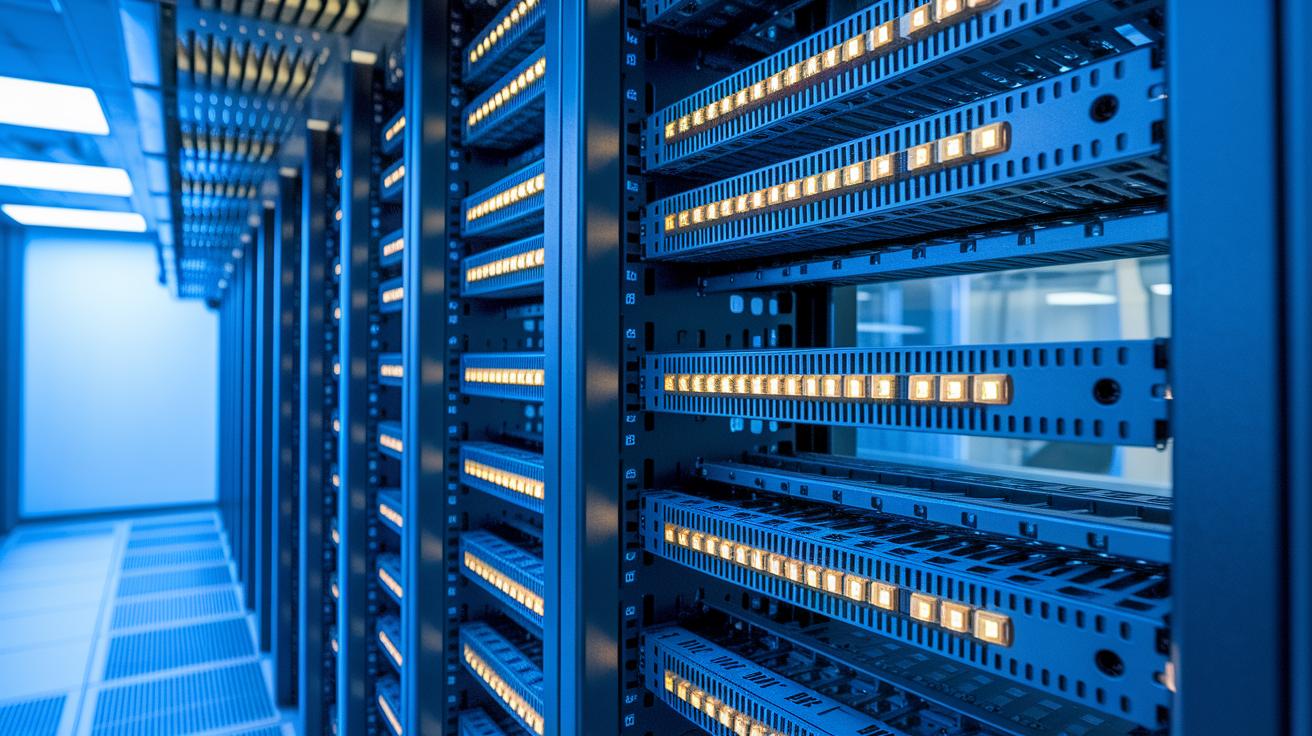
To set up NVLink properly, you need to install the hardware carefully and monitor your system regularly. Getting the physical configuration right is as important as keeping your firmware and drivers current. Proper bridge alignment in any configuration (two-slot, three-slot, or four-slot) ensures clean signals and helps control heat.
We recommend starting your update process with the newest NVIDIA driver, then updating the NVSwitch firmware, and finally checking that the system correctly recognizes the links. This order helps avoid diagnostic issues and stops communication errors between GPUs and CPUs.
Diagnostic tools play a key role in keeping your system working at its best. The nvidia-smi nvlink command lets you check the current link status and bandwidth in real time, giving you clear insight into system performance under load.
Here are six practical best practices for installation and monitoring:
- Ensure bridge alignment (two-slot, three-slot, or four-slot) to keep signal integrity intact.
- Install the latest NVIDIA driver before updating NVSwitch firmware.
- Follow the proper firmware update order to avoid setup mistakes.
- Use nvidia-smi nvlink to monitor link status and bandwidth live.
- Regularly verify that the link is correctly recognized after updates.
- Document your installation settings and consistently check system temperatures.
Following these best practices will help you achieve stable NVLink performance for even the most demanding GPU workloads.
Future Directions: Next-Gen NVLink and Industry Trends
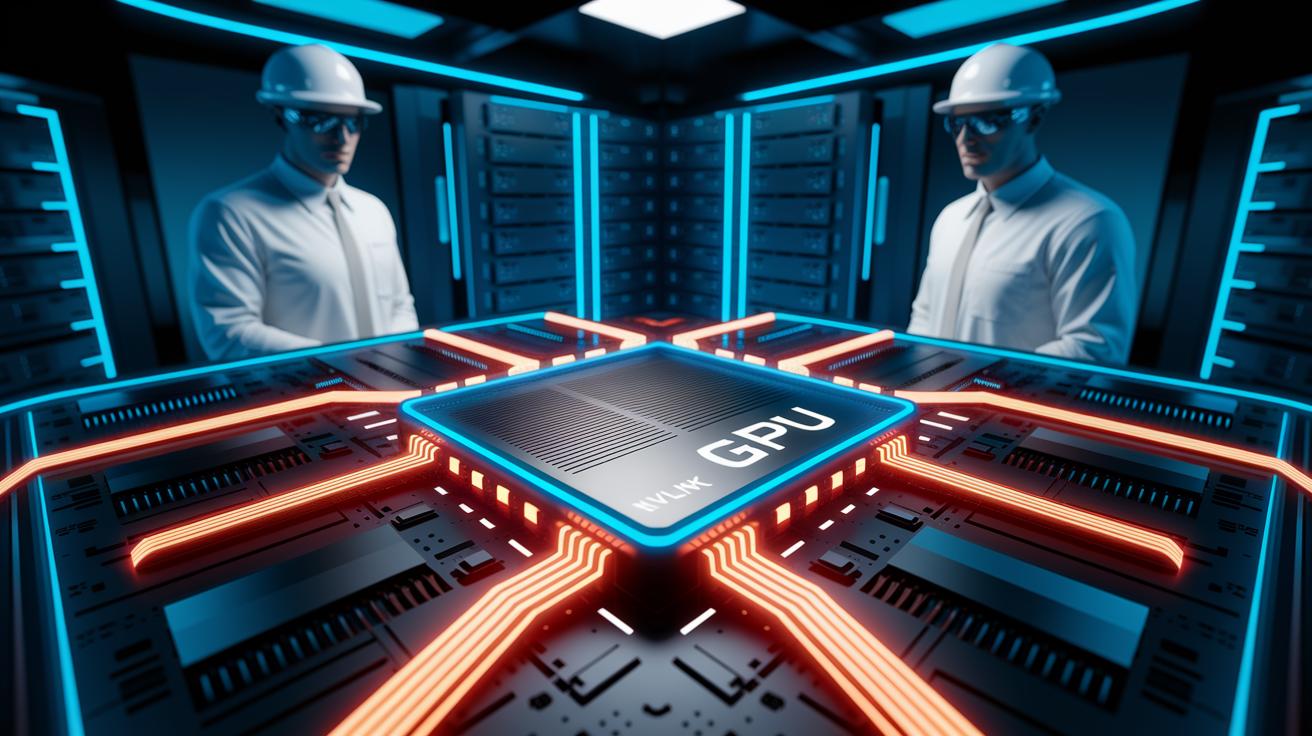
NVLink is evolving to change how GPUs communicate in complex computing environments. New techniques will allow more links and faster per-lane speeds, which are key for supporting exascale AI systems (advanced artificial intelligence). Industry experts are increasingly interested in open standards that could blend with features from PCI Express 6.0, offering another way to connect components and prepare systems for the future.
Ongoing research in chiplet-to-chiplet communication and cross-platform linking is paving the way for heterogeneous computing, where different processing units work together effortlessly. As new linking standards like Compute Express Link (CXL) and Gen-Z gain traction, NVLink faces fresh competition. This pressure is pushing NVIDIA to enhance its own solution while also interacting with open standards.
Picture this innovation: "Imagine a network where every chip, regardless of who made it, communicates seamlessly." That is the vision NVLink is driving toward. Given the evolution of interconnects over time, NVLink is poised to remain a cornerstone for next-generation AI, high-performance computing (HPC), and data center applications worldwide.
Final Words
In the action, we dove deep into NVLink’s evolution, from its first high-speed links to the robust capabilities of NVSwitch and multi-GPU clusters. We broke down how NVLink trumps PCIe, outlined best practices for installation and monitoring, and explored what future enhancements might look like.
Each section offered practical insights to help you optimize workflows and maintain production reliability. Harness the power of nvidia nvlink to boost performance and achieve faster, more cost-effective results.
FAQ
What does Nvidia NVLink do?
The Nvidia NVLink creates high-speed links between GPUs, enabling shared memory access and faster data exchanges for AI, high-performance computing, and rendering tasks.
Does Nvidia still use NVLink and why did Nvidia remove it from some cards?
The Nvidia NVLink continues to power professional and data-center GPUs, while many consumer chips have moved away from NVLink in favor of more modern interconnect technologies.
Which Nvidia GPUs support NVLink?
The Nvidia GPUs supporting NVLink are typically found in professional series like Tesla and Quadro, with consumer models largely moving to alternate linking solutions.
What is the Nvidia NVLink Bridge and NVLink Bridge 3-Slot?
The Nvidia NVLink Bridge—including the 3-slot variant—is a physical connector that links two GPUs, offering enhanced bandwidth and more reliable data sharing between them.
What is Nvidia NVLink Fusion?
The Nvidia NVLink Fusion refers to the integrated linking technology that unites multiple GPUs, allowing them to work together seamlessly for demanding computational tasks.
What is meant by Nvidia NVLink spine?
The Nvidia NVLink spine denotes the central high-speed channels within an NVLink network that support robust, efficient communication between connected GPUs.
What is the Nvidia NVLink Switch?
The Nvidia NVLink Switch is a device that extends NVLink connectivity across multiple GPUs, creating an all-to-all network for improved data throughput in large clusters.
Does the Nvidia RTX 3090 support NVLink?
The Nvidia RTX 3090 represents consumer-grade technology, and while earlier high-end models supported NVLink, recent consumer cards like the 3090 no longer offer this feature, reflecting a shift in focus.