

Ever wondered if traditional on-premise GPU (graphics processing unit) systems can handle today’s data demands? In our case study, InpharmD, a pharmaceutical platform, faced issues with capacity, speed, and real-time analytics. Their on-premise system felt like an engine struggling during peak load. By switching to a flexible hybrid setup with Avesha’s Elastic Grid Service, they turned long delays into smooth, consistent performance while managing costs predictably. This case study shows that even older systems can shine when tuned for modern challenges.
On-Prem GPU Migration Case Study: Real-World Overview and Outcomes

InpharmD is an AI-based pharmaceutical platform that brings together drug data, clinical guidelines, and real-world evidence to help pharmacists, researchers, and clinicians make informed decisions. It uses an on-premises GPU (graphics processing unit) system to run complex calculations and real-time analytics. This case study shows both the strengths and limitations of relying on physical hardware.
Our on-prem setup faced three major challenges. It struggled with detailed clinical queries, hit capacity limits during peak times, and dealt with delays in real-time analysis. These issues prompted the team to look for a more flexible option. Switching to a hybrid solution meant that every spike in work was managed smoothly without hurting system performance.
We addressed these problems with Avesha’s Elastic Grid Service. This service connects on-prem nodes with GPU resources in two Nebius regions. Each time InpharmD starts an inference endpoint, the service checks capacity and delay in real time and adjusts resource allocation accordingly. This dynamic setup ensures smooth workload movement, reliable performance, and predictable cost management, much like fine-tuning an engine for peak performance without wasting fuel.
Planning an On-Prem GPU Migration: Assessment and Roadmap

We begin by gathering all stakeholders and defining a clear scope. We set baseline performance metrics (simple measures of how well our system runs) so our engineers, architects, and decision makers agree on workload needs and results. Early checks focus on workload demands, performance goals, and necessary upgrades. This step clears our migration goals and gets the team ready for a smooth shift.
Next, we review our infrastructure readiness. We test our hardware, for example, a 2× EPYC 7551 server with 64 cores at 2.0 GHz, 384 GB RAM, and two 1.92 TB SSDs (costing €0.347 per hour), to confirm it can support the planned GPU load. We also follow a cluster configuration checklist for building GPU clusters (https://studiogpu.com?p=) to ensure every part meets performance and compatibility needs. Then, we move forward with these steps:
- Requirement gathering and use-case profiling
- Architecture and network assessment
- Hardware/software compatibility validation
- Performance baseline measurements
- Timeline estimation and resource planning
- Risk and rollback contingency planning
This careful planning produces a detailed roadmap, a clear plan for resource allocation, and defined go/no-go criteria. It builds a solid foundation for a successful migration while reducing risks and avoiding unexpected downtime.
Hardware and Architecture in the On-Prem GPU Migration Case Study
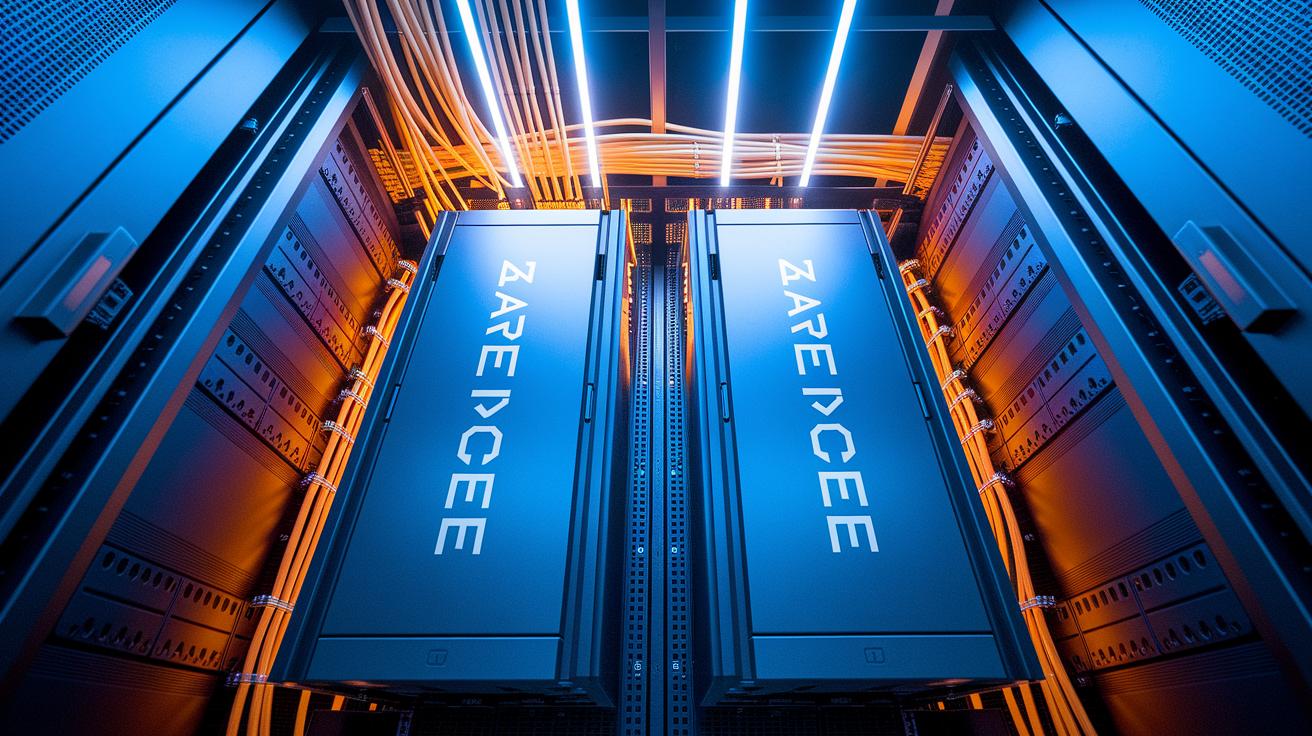
The initial setup used two AMD EPYC 7551 servers. They each feature 64 cores, 384 GB of DDR4 ECC memory, and dual 1.92 TB NVMe SSDs. This robust foundation supported heavy GPU tasks with a network built for fast data transfers. Below is a simple view of the main components:
| Component | Specification/Version | Details |
|---|---|---|
| CPU | 2× AMD EPYC 7551 | 64 cores @ 2.0 GHz |
| RAM | 384 GB | DDR4 ECC |
| Storage | 2× 1.92 TB SSD | NVMe |
| KubeSlice Enterprise | v1.16.0 | Multi-cluster connectivity |
| Smart Scaler | v2.17.0 | Predictive autoscaling |
| Elastic Grid Service | v1.16.0 | Dynamic capacity & latency evaluation |
We then moved to a hybrid GPU layout. This new design links on-premise nodes with two Nebius regions using secure tunnels. It allows the system to burst extra capacity when processing demands spike. By using these secure connections, heavy clinical and analytical tasks are offloaded quickly without hurting local performance.
Our software layers tie the system together. We use KubeSlice Enterprise v1.16.0 for smooth multi-cluster connections. Smart Scaler v2.17.0 predicts demand changes and adjusts resources automatically. In addition, Elastic Grid Service v1.16.0 keeps an eye on capacity and latency, ensuring the system remains both responsive and cost efficient.
On-Prem GPU Migration Case Study: Stellar Results

In our first phase, we prepared and tested every detail. We confirmed that the Elastic Grid Service auto-scaling worked as expected, meaning extra GPU capacity was added smoothly during heavy loads. We simulated real-life clinical queries to test the inference endpoint spin-up logic. These experiments proved that our hybrid configuration could manage sudden workloads while keeping performance consistent. This careful testing helped us spot and fix issues before moving ahead.
The second phase focused on moving our data and switching over. We transferred container images and data volumes step by step, which minimized downtime and protected data integrity. We updated DNS settings and service endpoints quickly to reroute GPU workloads to our new hybrid system, keeping operations running without interruption. Each step was planned carefully, with integration check points along the way to catch any misconfigurations early.
In the final phase, we ran complete validation tests and prepared a rollback plan just in case. We checked every service in the new setup and monitored key performance metrics to ensure capacity and render time targets were met. We also set clear instructions on how to revert to the old cluster if needed. This layered approach gave us a reliable migration and helped reduce potential risks from unexpected issues.
Performance Benchmarking and Optimization in On-Prem GPU Migration Case Study

We began by setting up a reliable baseline to compare performance before and after the migration. Our test workloads mimicked complex clinical queries using custom inference scripts, and we kept an eye on everything with NVIDIA Nsight (a tool to monitor GPU performance). We tracked key numbers like frame render time (how long it takes to finish a frame), throughput rates, and GPU utilization under heavy load. These benchmarks gave us clear points of reference. For instance, we discovered that our on-prem system kept GPUs allocated even when idle, which wasted resources and led to uneven processing speeds.
After deploying Avesha’s Elastic Grid Service, our results improved noticeably. The system now automatically adjusts resource allocation in real time, which stops GPUs from sitting idle. This meant tasks are spread out more evenly, cutting down on processing delays and tail-latency spikes. Our measurements confirmed a solid boost in performance, with faster response times and steadier processing that meet strict clinical data requirements. The improved load distribution and high responsiveness validated our migration approach.
We further refined these gains with advanced model-aware deployment and predictive autoscaling for pods and nodes (small groups of containers). New deep observability dashboards now show multi-cluster chargeback metrics, which help us monitor resource usage and cost efficiency. This layered approach to optimizing jobs ensures efficient scaling while providing visibility to fine-tune performance over time. The real-world performance improvements, paired with stronger monitoring, underscore the success of our migration in boosting system reliability and agility.
Identifying Challenges and Mitigation in the On-Prem GPU Migration Case Study

InpharmD’s original on-prem GPU (graphics processing unit) setup faced challenges with capacity and speed when handling complex clinical queries. The system had trouble with large volumes of detailed requests, leading to delays in results and periods of wasted computing power during busy times. This strain disrupted data processing and increased the risk of affecting important research workflows, much like other high-pressure sectors reveal hidden system limits when demand spikes.
Real-world examples underline these issues. For instance, a migration problem at TSB led to a £300 million loss, while Warsaw University still struggles with its mixed on-prem and cloud high-performance computing setup. One financial institution’s small error during a data center move even caused multi-million-pound setbacks, showing how even brief delays in system responsiveness can have significant consequences.
To address these challenges, InpharmD implemented several targeted solutions. They added dynamic bursting, which automatically increases GPU capacity when needed, so even the toughest queries run smoothly. They also introduced predictive autoscaling to monitor workload patterns in real time and adjust the system accordingly. Moreover, a Kubernetes multi-cluster chargeback model was set up to ensure clear cost tracking and accountability. This approach not only fixes current performance issues but also makes the system more resilient for future demands.
Evaluating ROI and Cost-Benefit in On-Prem GPU Migration Case Study

At InpharmD, we designed our migration strategy to keep costs clear and predictable. We avoid paying for idle GPU (graphics processing unit) time by scaling resources only when needed. This approach keeps research spending steady even during busy times. Every dollar spent on hardware is used efficiently, which helps set a reliable budget for long-term projects and ongoing innovation.
Industry benchmarks back up our results. Similar migrations have led to big savings. For example, Dropbox cut operating costs by $74.6 million after optimizing its setup. Gartner's 2025 public cloud spend forecast also shows that smart cloud strategies make a strong financial impact. These examples confirm that a well-planned migration not only enhances technical performance but also delivers clear ROI and cost benefits that support scalable growth.
Lessons Learned and Best Practices for On-Prem GPU Migration Case Study

We learned that careful planning and teamwork are key for a successful GPU migration. We split the project into small parts and tested each before moving on. This method reduced risks and helped everyone understand their role. Regular feedback and check-ins let us adjust quickly as needed.
Using smart management techniques was also important. We applied dynamic workload optimization (changing GPU resources as demand shifts) along with clear monitoring to spot performance trends and potential slowdowns. We set up rollback plans to quickly undo changes if problems appeared, which cut down on downtime. These steps built a system that stays flexible and reliable in live settings.
Keeping good records and fine-tuning performance is at the heart of our approach. We documented every stage to easily spot gaps and plan for smooth operations. Frequent updates and reviews of system metrics, along with practices from our production workload tuning, ensure that we keep learning and adapting for future migration projects.
Final Words
In the action of exploring every phase, we tackled bottlenecks, refined planning, and detailed hardware and performance setups. We outlined each step, from stakeholder alignment to risk mitigation, to ensure optimized render and training times. Our discussion, anchored on an on-prem gpu migration case study, shows that dynamic capacity planning and proactive observations lead to cost-efficient and reliable GPU compute. Together, these insights pave the way for faster, smooth transitions in your production workflows.
FAQ
What is 37signals cloud migration?
The 37signals cloud migration means moving workloads from legacy or on-prem systems to a cloud setup. It focuses on agile scaling, resource optimization, and modernizing infrastructure with practical, tested solutions.
What is the anti cloud movement?
The anti cloud movement challenges mainstream cloud adoption by questioning vendor lock-in, data control, and cost unpredictability. It promotes exploring on-prem or hybrid solutions that offer more operational stability and security.
What does declouding mean in a technical context?
Declouding refers to shifting workloads away from the public cloud back to on-prem or hybrid environments. It aims to improve cost management, performance, and control over critical data and operations.

