

Have you noticed that you might be spending too much on GPUs that don’t quite meet your AI training needs? Balancing cost with performance isn’t always simple. We’ve sifted through the details to highlight GPUs that give you strong performance without straining your budget. In this guide, we explain key specifications like FP16 teraFLOPS (a measure of how fast the GPU can perform half-precision operations) and VRAM capacity (the amount of video memory available) so you know exactly where your money is going. Let’s explore how you can maximize your investment and keep your AI projects running smoothly.
Best Value GPUs for AI Training Price-to-Performance
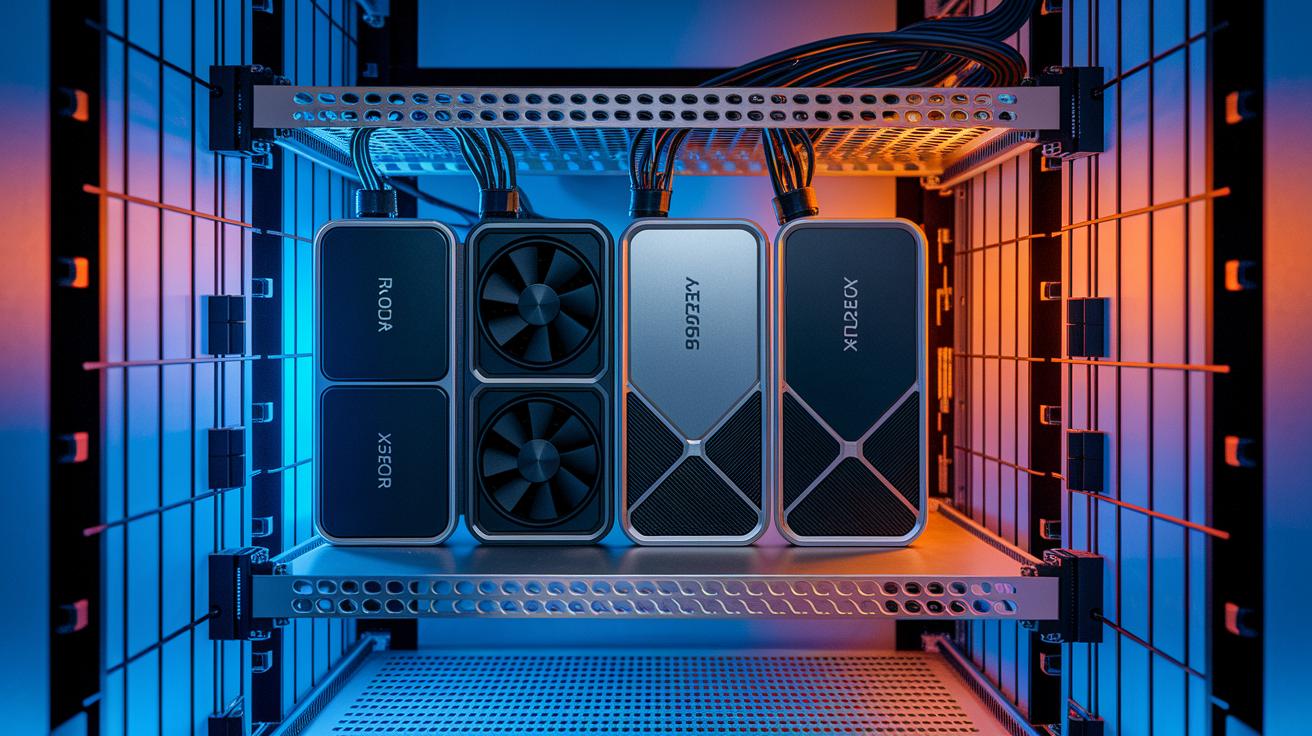
For AI training, you want a GPU that delivers excellent performance without costing a fortune. We check important specs like FP16 teraFLOPS (a measure of processing speed), VRAM capacity (video memory available), and the cost for each TFLOP (the price per unit of computing power). For many independent researchers and small labs, the NVIDIA RTX 4090 is a great option. It retails for about $1,500 to $2,000 and offers strong benchmarks that make entry-level AI training both powerful and affordable.
For larger projects, data centers often choose the AMD Instinct MI325X because it gives high throughput per dollar spent. Workstation GPUs like the NVIDIA A100 40 GB and NVIDIA A100 80 GB provide advanced deep learning performance along with plenty of memory. Meanwhile, the NVIDIA H100 SXM, costing between $27,000 and $40,000, offers premium performance for hyperscale setups that run multiple nodes.
| GPU Model | FP16 TFLOPS | VRAM | Price Range | Price/TFLOPS |
|---|---|---|---|---|
| NVIDIA RTX 4090 | 82 | 24 GB | $1,500–$2,000 | $20–$25 |
| NVIDIA A100 40 GB | 312 | 40 GB | $10,000–$12,000 | $32 |
| NVIDIA A100 80 GB | 312 | 80 GB | $15,000–$17,000 | $48 |
| NVIDIA H100 SXM | 500 | 80 GB | $27,000–$40,000 | $54–$80 |
| AMD Instinct MI325X | 350 | 64 GB | $12,000–$14,000 | $34 |
By focusing on these key specs, you can invest in hardware that meets your AI training needs while making the best use of your budget. This overview spans from budget-friendly consumer GPUs to top-tier data center solutions, helping you compare performance clearly and make smart, cost-effective choices.
Key Technical Specs Driving GPU Price-Performance for AI Training
When you look at GPUs for AI training, the GPU architecture is key to both speed and cost efficiency. Modern enterprise GPUs use high-bandwidth memory (HBM3(e)) that delivers over 1.5 TB per second, which helps large models train faster. Different designs like Hopper (H100), Ampere (A100), and CDNA (MI300X) offer various core counts and tensor engine designs (hardware that speeds up matrix math). Think of it as picking the right engine for a race car, small design changes can make a big difference in performance.
Memory setup and interconnect tech also play a big role when you need several GPUs working together. Technologies such as NVLink, PCIe 5.0, and InfiniBand enable smooth communication between GPUs, cutting down the delays in training. Even the Apple M3 Ultra, with up to 512 GB of unified memory, shows the value of plenty of memory, though its machine learning framework support is limited. A quick test command like "Run benchmark –cores 8" can help you see the performance gains in real time.
Altogether, optimizing your deep learning hardware means finding the right balance between architecture, memory, and interconnect tech. When you know these key specs, you can choose GPUs that cut down compute time and boost cost efficiency in your AI projects.
Evaluating Efficiency Metrics of Price-Performance GPUs in AI Training
When evaluating GPU efficiency, compute density matters most. GPUs come with thousands of cores that run many matrix operations at once. This speed-up cuts training time from weeks to hours when compared to using CPUs. Lower-cost accelerators like NVIDIA T4 and L4 offer solid performance for inference tasks at a budget-friendly price, making them great for smaller AI projects.
Memory bandwidth is equally important. Fast memory transfers help avoid data bottlenecks and keep tensor cores working at full capacity. This is key for deep learning tasks where large data sets move between memory and processing units. GPUs built for large batch training use advanced memory designs that match their compute power.
The design of tensor cores also significantly affects efficiency. Streamlined tensor cores speed up deep learning operations, increasing throughput even under energy constraints. For example, GPUs like the AMD Instinct MI300X and MI325X deliver impressive throughput-per-dollar and energy efficiency.
Multi-node scalability further influences cost performance. High-end GPUs like the NVIDIA H100 SXM are built for large-scale research, delivering top performance across multiple nodes, even though they come at a premium price.
Selecting Cost-Effective GPUs for Diverse AI Training Budgets

Your ideal GPU depends on your budget and the work you plan to do. No matter if you run a small lab or manage an enterprise, there are affordable options that meet your needs. You can choose reliable on-premise hardware for steady costs or opt for cloud rentals that let you pay only for what you use.
Small-Budget GPUs (<$5K)
For hobbyists and students, consumer cards like the RTX 4090 and RTX 4080 work great as entry-level choices. They let you train basic models without a heavy upfront cost. These GPUs provide solid performance for experimenting and learning, even on a tight budget.
Mid-Range GPUs ($5K–$20K)
When you need a bit more power and memory, consider GPUs such as the A100 40 GB or AMD Instinct MI325X. These options deliver a good mix of higher video memory (VRAM) and cost efficiency. They are well suited for more complex training tasks without breaking your budget.
High-End GPUs (>$20K)
For projects that need top-tier performance, high-end choices like the H100 SXM and multi-GPU DGX setups are the go-to options. These products are designed for intensive training in research labs or large organizations, offering advanced interconnects and robust processing power.
Cloud Rental Options
If you value flexibility, pay-as-you-go cloud models are worth looking into. A recent drop of around 44% in AWS H100 rental rates shows that cloud rentals can be competitive. With this approach, you avoid large upfront costs and easily scale resources as your workload increases.
Final Words
In the action, we broke down GPU trends powering AI training, from consumer cards to enterprise setups. We explained technical details like memory bandwidth and interconnects in simple terms so you can follow along easily.
We reviewed performance metrics and budget-friendly options while detailing architectural impacts on throughput.
Every option shows how the right configuration drives faster, reliable workflows. With a focus on price to performance gpus for ai training, you can pick the solution that best fits your production needs.
FAQ
Price to performance GPUs for AI training reddit
Price to performance insights on Reddit highlight consumer GPUs like the RTX 4090 that deliver robust AI training performance at a cost that appeals to independent researchers and small labs.
Price to performance GPUs for AI training nvidia
Price to performance evaluations of NVIDIA GPUs show that models such as the RTX 4090 strike a strong balance between affordability and power, making them a favorite for cost-conscious AI projects.
Best budget GPU for AI 2025
The best budget GPU for AI in 2025 is often identified as a consumer-grade card like the RTX 4090, offering competitive training performance at a significantly lower cost than high-end enterprise options.
Best budget GPU for AI reddit
Best budget GPU recommendations on Reddit typically point to models like the RTX 4090 or RTX 4080, as they provide solid performance and affordability for enthusiasts and smaller-scale training environments.
NVIDIA GPU for small or medium scale AI training and inference workloads
NVIDIA GPUs tailored for small or medium-scale AI workloads, such as the RTX 4090 or A100 40 GB, offer a balanced mix of training efficiency and inference capability for varied operational needs.
GPU for AI homelab
GPUs chosen for AI homelabs, like the RTX 4090, are ideal for hobbyists and students, delivering respectable training performance that makes personal experimentation and learning both practical and affordable.
Will GPU prices drop in 2026
Predictions indicate that GPU prices in 2026 might drop as production efficiencies and market competition improve, although the exact timeline will depend on supply chain conditions and technological advances.
GPU price to performance chart
A GPU price to performance chart provides a quick comparison of models by assessing raw compute power relative to cost, helping users determine which cards deliver the best value for their AI training needs.
How to rent GPU for AI training?
Renting a GPU for AI training typically involves using cloud services like AWS or GCP, where you select an instance, configure it for your workload, and pay based on usage, avoiding high upfront investment.
How much does an AI GPU cost?
AI GPU costs vary widely, starting from around $1,500–$2,000 for consumer models and exceeding $10,000 for enterprise-grade options, depending on performance specs, VRAM, and intended workload.
What’s the best GPU for AI training?
The best GPU for AI training depends on your requirements; many independent researchers favor the NVIDIA RTX 4090 for its excellent price-performance ratio, while larger labs often consider the A100 or H100 models.
What is the budget GPU for AI workstation?
The budget GPU for an AI workstation is typically a consumer model like the NVIDIA RTX 4090, which balances cost and performance effectively for both training and inference tasks without enterprise-level expenses.

