
Are you worried you might be paying too much for rendering power? When every dollar counts, choosing the right graphics processing unit (GPU) can really help your budget. We tested a few top models and found that a budget option like the AMD Radeon RX 9060 XT can lower your cost per frame by 17%. In this post, we examine two GPUs that offer an excellent mix of performance and price. Keep reading to learn how our real-world tests and smart pricing can help freelancers and small studios render more efficiently without overspending.
Top Price-to-Performance GPU Picks for Rendering
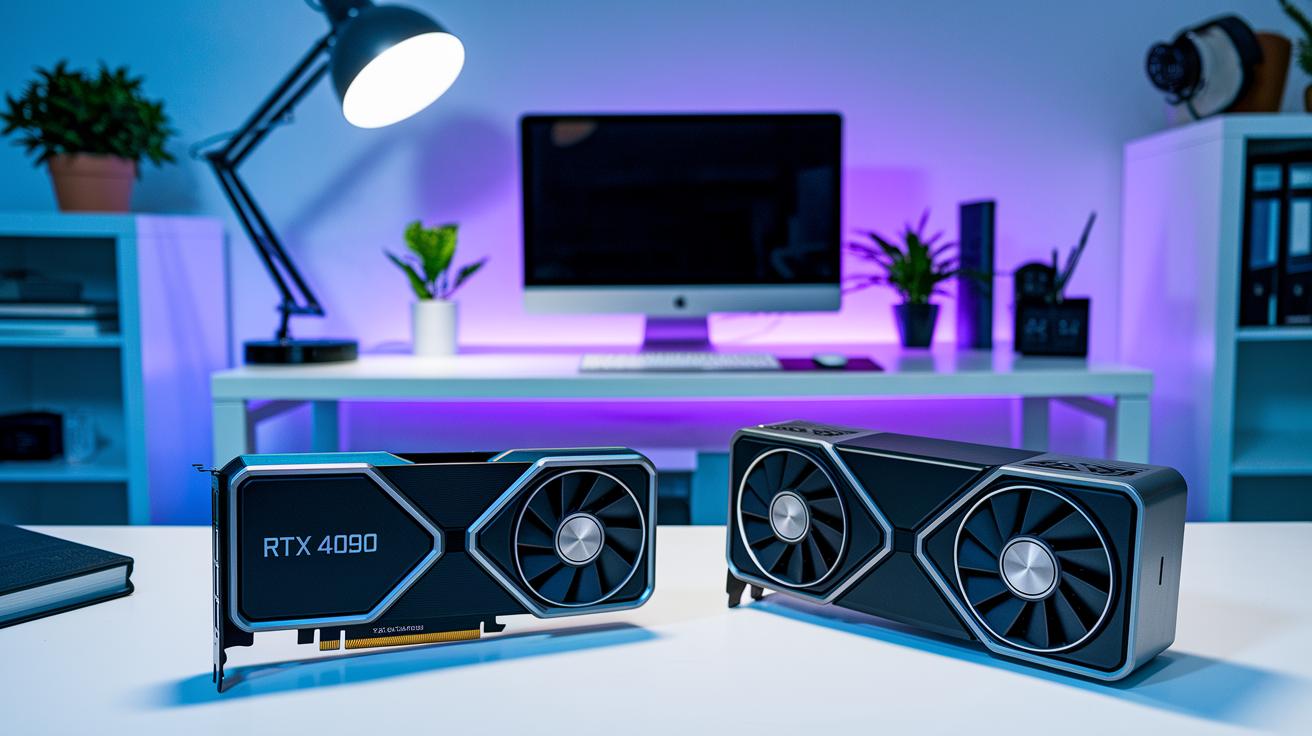
When rendering, price-to-performance means getting the most speed for every dollar spent. It balances raw power, VRAM (video memory), and overall efficiency to speed up frame processing without overspending.
- NVIDIA GeForce RTX 4090 – 24 GB VRAM. This top-tier GPU delivers fast rendering and is priced accessibly for freelancers and small studios seeking professional-grade results.
- AMD Radeon RX 9060 XT – This card lowers cost-per-frame by 17% compared to the RTX 5060 Ti, thanks to an $80 lower MSRP. It offers solid rendering performance on a budget.
- AMD Radeon RX 7900 XTX – With 24 GB VRAM, this is a strong budget option for Blender and Unreal Engine projects. It nicely balances heavy workloads and cost.
- NVIDIA GeForce RTX 4080 Super – An upgrade over its predecessor, this GPU improves efficiency and render speeds while keeping a competitive price.
- NVIDIA GeForce RTX 4070 Ti Super – Featuring 16 GB VRAM, this mid-range card delivers modern NVIDIA features and reliable performance without the high-end price tag.
These options support diverse needs. The RTX 4090 and RTX 4080 Super are perfect for high-end projects and studios that demand quick processing of complex scenes. Meanwhile, the AMD Radeon RX 9060 XT and RX 7900 XTX work well for freelancers and small teams looking to control costs. The RTX 4070 Ti Super offers a balanced choice for those needing modern features with dependable mid-tier performance.
Benchmark Tools and Price Analysis for Rendering GPUs
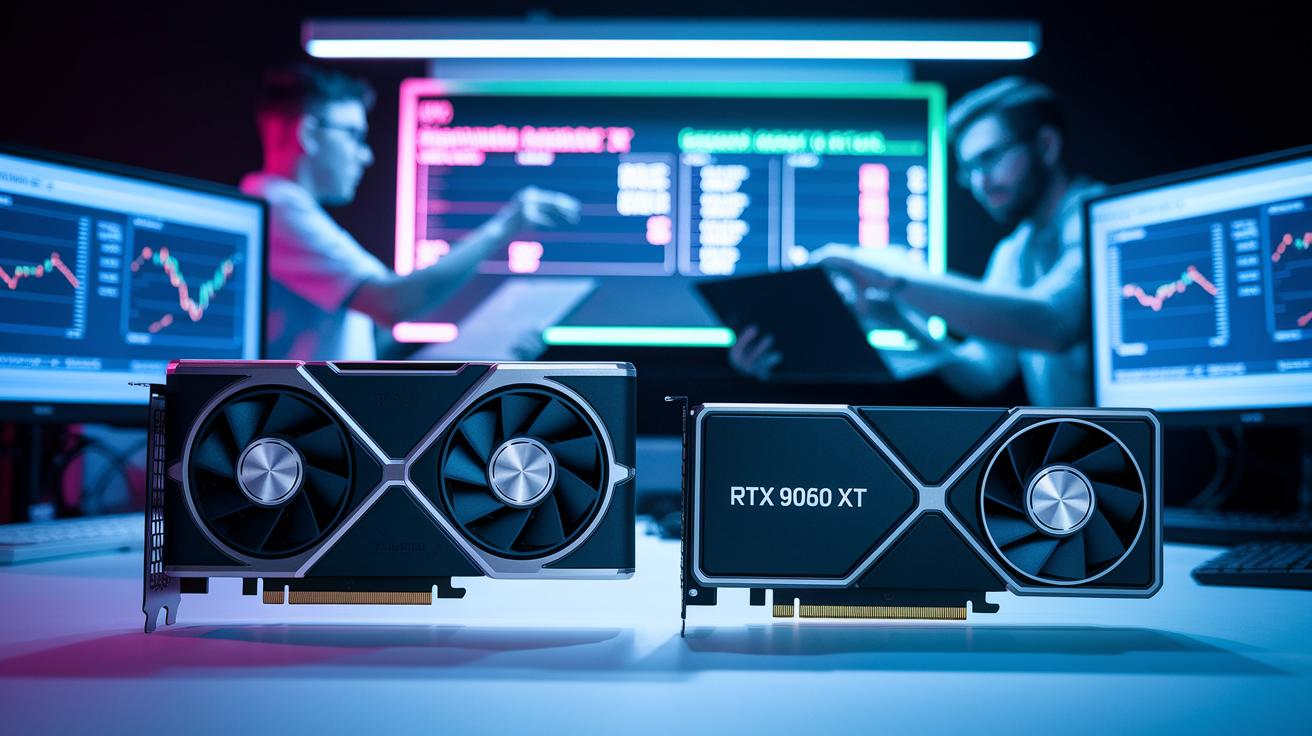
Evaluating rendering GPUs is about more than checking list prices. We combine real-world tests with pricing details to get a complete view. We run tests using GPU benchmark software and AI tools to measure how cards like the AMD RX 9060 XT and NVIDIA RTX 5060 Ti perform under heavy workloads.
For example, the RX 9060 XT appears to offer a 17% cost-per-frame advantage because its MSRP is $80 lower. However, practical tests often show different results. In the US, the RTX 5070 Ti might sell for around $100 above its MSRP, and the RX 9070 XT around $200 above, which drops the cost benefit to nearly 1%. This shows why thorough benchmarking is key.
Regional pricing can also change the cost benefits. In the UK, the RX 9060 XT sells for about £315 compared to £400 for the RTX 5060 Ti, saving roughly 18% per frame. In Australia, the RX 9060 XT costs around AUD $600, which is about a 20% discount. In Germany, a 14% saving remains even with an €80 premium. In Canada, the RX 9070 XT results in a 24% lower cost per frame, while in the Philippines, the discount is only 10%, affecting the appeal of DLSS-enabled cards (graphics cards that use deep learning super sampling to boost game performance).
Regional Cost-per-Frame Savings Comparison in Rendering

We have merged the regional cost-per-frame savings data into the Benchmark Tools and Price Analysis for Rendering GPUs. This keeps GPU pricing information in one clear place, helping you compare costs without repeating details.
Key Technical Metrics Driving Rendering Value in GPUs

When you evaluate rendering performance, the first factor to consider is the compute architecture. GPU cores (processing units that perform parallel tasks) do most of the heavy lifting. For example, the NVIDIA RTX 5090 comes with 21,760 CUDA cores (cores optimized for compute tasks), while the NVIDIA H100 boasts 24,064. Tensor cores help with AI-driven denoising and neural rendering, which simplifies complex image recovery tasks. RT cores improve real-time ray tracing, resulting in natural reflections and lighting even in challenging scenes.
Memory and power specs also play a key role in efficiency and overall cost of ownership. High VRAM (video memory) capacities, which in some professional cards can reach up to 48 GB, allow the system to handle intricate, detail-rich scenes. Fast memory bandwidth using technologies like GDDR6 or GDDR6X moves data quickly and reduces potential bottlenecks. TDP (thermal design power) ratings, which may go up to 600 W, mean you need a strong power supply and cooling setup. Balancing these elements is essential for building a rendering system that is both high-performance and cost-effective.
Budget Tier GPU Selection for Price-Performance Rendering

For those working with a tight budget, entry-level GPUs like the AMD Radeon RX 6600 XT and NVIDIA RTX 3050 deliver steady 1080p render performance. They are built to handle less demanding projects without a steep price tag, letting you create detailed outputs on a budget. Even high-caliber projects can start small when you pick the right entry-level card.
In the mid-range category, options such as the NVIDIA RTX 4070 Ti Super and AMD RX 7800 XT offer solid 4K rendering. With 16 GB VRAM, these cards balance frame rate and cost effectively. They smoothly manage more complex scenes while keeping power use and heat generation in check. This range is a smart upgrade for freelancers and small studios that want better performance without a huge investment.
For top-tier work, high-end GPUs like the NVIDIA RTX 4090 and AMD RX 7900 XTX provide flag-ship performance with 24 GB VRAM. These cards are designed for large-scale, complex projects and deliver long-term value with faster render times and reliable operation for detailed, high-resolution workflows. They are the go-to options for professionals who need strong performance without compromise.
Assessing Total Cost of Ownership & ROI for Rendering GPUs

Calculating total cost of ownership (TCO) means you look at equipment costs, energy use, cooling needs, and required licenses. Every rendering setup has both initial costs like hardware depreciation and recurring expenses such as energy bills and maintenance. For example, a high-end GPU may need extra cooling and a robust power supply. Professional software licenses also add to your capital expenditures (CAPEX). Understanding these costs helps you find your break-even point and plan for return on investment (ROI).
Hybrid and cloud strategies allow you to balance costs while scaling your work. Cloud options like the NVIDIA L40S support distributed workflows and video projects, whereas on-premile options like the NVIDIA A100 work well for large render farms. Mixing local workstations with cloud bursting gives you extra capacity when needed, reducing upfront costs by tapping into cloud resources during peak times. For more detailed methods on cost-benefit analysis and hardware choices, check out the tips in optimizing gpu rendering.
Final Words
In the action, we dove into top GPU picks that balance cost and capability for fast, efficient renders. We covered real-world benchmark insights, regional pricing impacts, and key technical metrics like VRAM and core counts. We also broke down budget tiers, from entry-level to high-end, to help you make informed choices for various project scales. This guide shows how price to performance gpus for rendering can drive efficiency and creativity while keeping costs under control. The future of rendering is bright and ready for you to seize.
FAQ
How do price-to-performance discussions on Reddit and comparison charts help when choosing rendering GPUs?
Price-to-performance discussions on Reddit and chart comparisons highlight cost-effective rendering options by matching performance metrics with price, helping you identify GPUs that deliver strong rendering throughput without overspending.
How do Nvidia’s price-to-performance GPUs for rendering stand out?
Nvidia’s rendering GPUs balance robust CUDA core technology with ample VRAM, making them ideal for professionals who need reliable speed and efficiency at a competitive price.
How do price-to-performance GPUs for gaming rendering differ?
Price-to-performance GPUs for gaming rendering focus on smooth gameplay and visual fidelity, offering optimized features that cater both to game engines and creative projects without incurring excessive costs.
Will GPU prices drop in 2026?
Predictions suggest that GPU prices in 2026 may slowly decline due to production improvements and market dynamics, though sharp price drops are unlikely based on past gradual trends.
How much GPU power is needed for rendering tasks?
The required GPU power for rendering depends on project complexity; demanding scenes need high VRAM and more cores, while simpler projects can perform well with mid-range cards.
What constitutes a budget GPU for 3D rendering?
A budget GPU for 3D rendering provides reliable performance for lower-cost projects, with options like NVIDIA RTX 3050 or AMD Radeon RX 6600 XT offering solid 1080p output capabilities.
How does the performance of an RTX 5090 compare in rendering tasks?
The RTX 5090 is expected to offer flagship performance with high core counts and expansive VRAM, delivering significant speedups in rendering, though exact figures depend on real-world benchmarks.
How can I optimize my GPU for rendering workloads?
Optimizing your GPU for rendering involves updating drivers, adjusting power settings, and fine-tuning render configurations to maximize throughput and efficiency for each project.