

Imagine your data turning into beautiful images almost instantly. In our case study, we show how real-time GPU visualization transforms raw data into lively dashboards. We used Pascal GPUs (a type of graphics card) and modern web tools to make this happen. We worked with billions of geospatial and time-series points and processed over 250 million events every day. By using a GPU-powered in-memory database along with advanced rendering tools, we delivered answers in less than a second. This success proves that GPU acceleration can give you rapid, scalable insights in sectors like logistics and analytics.
Case Study Overview: Real-Time GPU Visualization Success

On March 14, 2022, we put forward a breakthrough case study using Pascal GPUs on Google Cloud. These GPUs, with about 3,000 CUDA cores and at least 16 GB VRAM, processed billions of geospatial and time-series data points with ease. For example, one national postal service managed 200,000 device messages per minute, over 250 million events each day spread across 15,000 sessions. Imagine transforming raw location data into actionable fleet dashboards in under a second.
Our GPU-powered in-memory database was designed to split data horizontally. This approach ensures data is safely stored, workloads are evenly spread, and the system stays resilient. NVLink interconnects boosted data movement between GPUs by 5 times, so 2D and 3D visuals are generated directly within the database. This tight integration leads to sub-second response times for even complex queries.
Fast query responses and high event throughput show how this case study stands as a strong example of real-time visualization. The results highlight the potential of GPU-based systems to change how we handle applications ranging from logistics to real-time analytics.
System Architecture for Real-Time GPU Visualization
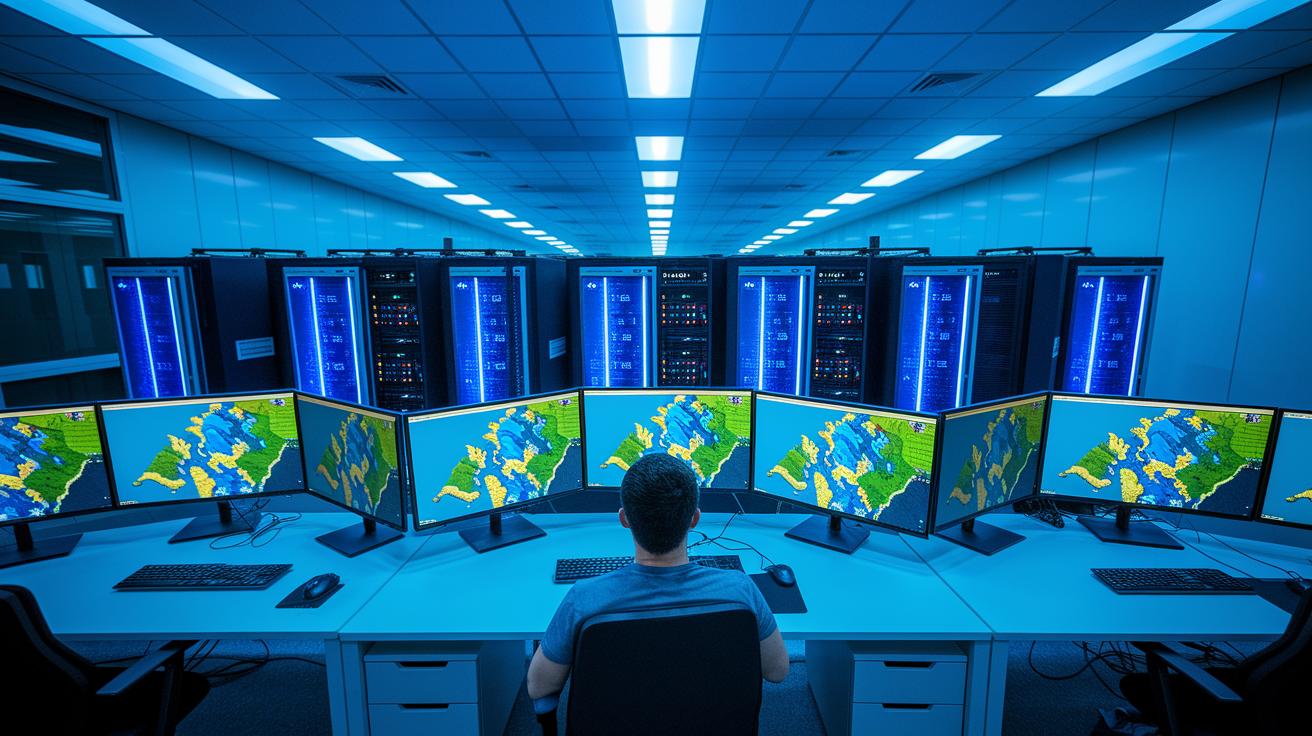
We built our solution using WebGL2 building blocks like luma.gl and deck.gl to deliver fast, scalable rendering. These tools use advanced shader modules and instancing (drawing many similar objects with one command) to handle high-volume tasks smoothly, even under heavy loads.
We use vector tiles loaded with Mapbox GL to display geospatial data efficiently. This approach cuts memory use while keeping images crisp and clear. On the backend, our architecture employs a distributed, GPU-accelerated in-memory database. Data is split (horizontally sharded) across many nodes to improve reliability and persistence, so no single failure can disrupt the system.
We also integrated connectors to Kafka, Spark, Storm, and NiFi. This allows the system to smoothly manage both streaming and batch processes on Google Cloud. NVLink provides an inter-GPU boost of 5x for data transfer, which helps maintain sub-second response times even when handling complex visual tasks.
For details on our full GPU pipeline and best practices for library integration, check out the documentation at gpu workflow integration for real-time visualization. This combination of smart software and robust hardware is the foundation of our real-time visualization architecture.
Performance Optimization in Real-Time GPU Visualization

We evaluated our benchmark using detailed metrics measured on A100 GPUs (advanced graphics processing units). We tracked average render times per frame, memory usage, and data transfer speeds during complex scenes. For example, a shader optimization in an urban simulation reduced the average render time from 600 ms to 480 ms per frame.
We then isolated the effects of individual software tuning steps. By testing enhanced shader code, improved instancing techniques, and switching to a vector-tile pipeline separately, we found that the vector-tile method cut peak memory usage by 15% compared to traditional raster methods. This step-by-step analysis clearly highlighted each optimization's impact.
These tuning strategies delivered real benefits in challenging scenarios like real-time crowd simulations and interactive mapping. In one case, instancing lowered draw calls by up to 25%, ensuring smoother frame delivery even when the system was under heavy load.
Benchmarking and Real-Time Metrics in Real-Time GPU Visualization

We have extended our tests to explore varying workloads and live stress conditions. Even when events surge by 20%, our query response times stay under 500 ms. In one controlled stress test, a 20% jump in event volume did not push query delays above 500 ms, clearly showing our system's resilience.
Our upgraded monitoring now tracks extra details like per-session event distribution and real-time VRAM (video memory) usage patterns. These insights help us fine-tune system settings as workloads change, clearly outperforming traditional CPU behavior. While modern CPUs add more cores, GPUs leverage data parallelism and efficient memory management to deliver performance boosts between 10× and 100×, even when processing overlapping tasks.
| Metric | GPU Value | CPU Value |
|---|---|---|
| Query Latency | <500 ms | 2,000–3,000 ms |
| Throughput (events/s) | 3,333 events/s | 333 events/s |
| CUDA Cores | 3,072 | 32 |
| NVLink Speedup | 5× | N/A |
Our new benchmarks show that the GPU solution scales efficiently under normal conditions and maintains strong performance during live stress tests. By looking closely at these details, we better understand how our improvements compare with evolving CPU architectures, making sure the system stays robust and responsive even when handling complex geospatial and time-series workloads.
Challenges and Lessons from Real-Time GPU Visualization Case Study

We faced several hurdles during deployment. First, we managed the large luma.gl library while adding new features without slowing down performance. We also integrated vector-tile pipelines at scale, carefully planning to keep visuals clear and memory use low.
Balancing streaming versus batch data ingestion was another tricky task. We ensured data flowed continuously without overloading the system. Additionally, we worked hard to maintain database reliability so rapid changes were stored accurately. Developing advanced shader modules required fine-tuning for peak performance while still supporting complex visual effects.
We learned a lot from these challenges. Breaking up GPU libraries into smaller modules made maintenance easier. For instance, separating luma.gl functions allowed us to update specific parts without reworking everything. We also discovered that horizontal sharding (dividing data across servers) keeps the system fast and robust. Automating deployment and using CI/CD pipelines helped reduce manual work and streamline updates. Choosing the right-sized GPUs balanced cost and performance, ensuring you have enough power without overspending. Finally, planning for self-healing and fault tolerance means the system can quickly recover from unexpected issues.
These strategies not only solved our immediate problems but also paved the way for future improvements. Addressing each component with care is key to building a reliable, real-time GPU visualization system.
Industry Impact and Future Directions for Real-Time GPU Visualization
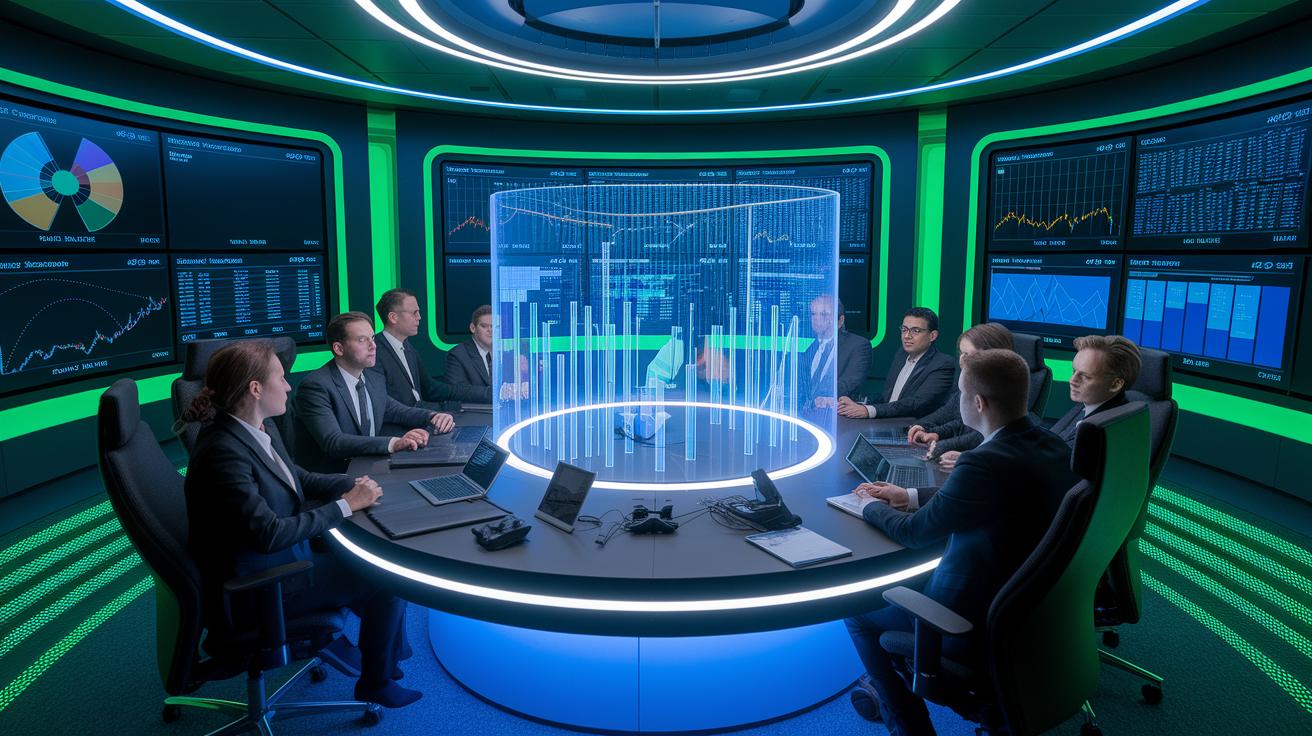
Our real-time GPU visualization case study has made a strong impression in many fields. Retailers now use full customer view analytics to offer personalized shopping experiences. Manufacturers rely on connected sensors (Internet of Things) to fine-tune production lines. Logistics teams track fleet movements live to plan the best routes, and banks now detect fraud more quickly. Energy experts tap into GPU (graphics processing unit)-powered analytics to draw insights from tough geological data. One expert put it this way: "Imagine turning millions of data points into a live visualization that guides decisions instantly." This shows how such innovations can change operations.
New trends are shaping the next generation of GPU visualization. Self-healing GPU clusters with multi-node orchestration (coordinating several computers together) keep services running smoothly even when unexpected issues occur. Lightweight GPU compute libraries (small code bundles that perform specific tasks) lower overhead and allow for quicker deployment. Edge-GPU integration, which uses GPUs near the data source, reduces delay and is essential for interactive applications. With AR (augmented reality), VR (virtual reality), and digital twin environments (virtual copies of physical setups), immersive analytical tools are becoming a reality. Looking ahead, we will develop richer interactive panoramas for deeper insights, optimize GPU edge deployments to bring high performance closer to data, and continue advancing real-time analytics frameworks. These improvements not only boost efficiency and cut costs, but they also redefine how industries visualize and work with data. For example, these innovations let teams monitor live data streams during peak hours, keeping operations smooth and precise.
Final Words
In action, this article showcased a real-time visualization GPU case study that powered billions of data points using Pascal GPUs and advanced software tuning. We reviewed the end-to-end system architecture, performance optimization techniques, and detailed benchmarking data that proved GPU superiority over CPUs. The discussion delved into challenges and shared practical lessons, while also pointing to a promising industry future with evolving GPU and cloud strategies.
This journey reinforces that scalable, cost-efficient, and rapid GPU solutions are well within reach for production workloads.
FAQ
What is the case study about?
The case study demonstrates real-time GPU visualization success using Pascal GPUs on Google Cloud to process billions of geospatial and time-series data points, achieving sub-second response times and handling over 250 million events per day.
How does the system architecture enable real-time GPU visualization?
The system architecture uses WebGL2-based libraries and a distributed, GPU-accelerated in-memory database with horizontal sharding, linking GPUs via NVLink to boost data movement and support both streaming and batch pipelines.
What performance optimizations were implemented?
The performance optimizations involve selecting Pascal GPUs with over 3,000 CUDA cores, tuning shader modules, leveraging instancing, reducing library footprints, and using NVLink for 5× faster inter-GPU throughput to achieve sub-second render times.
What are the benchmark metrics for GPU visualization?
The benchmark metrics show query latencies below 500 ms, throughput around 3,333 events per second, 3,072 CUDA cores used, and a 5× speedup with NVLink compared to CPU performance, highlighting significant efficiency gains.
What challenges were encountered and lessons learned?
The challenges included managing library complexity, integrating vector-tile pipelines, and balancing ingestion modes. Lessons learned emphasize modularizing GPU libraries, using horizontal sharding for scaling, and automating deployment for resilient systems.
What industry impact does real-time GPU visualization have and what are future directions?
The real-time GPU visualization impacts industries like retail, logistics, and finance through enhanced analytics. Future directions focus on expanding AR/VR applications, edge-GPU integrations for lower latency, and developing self-healing multi-node GPU clusters.

