
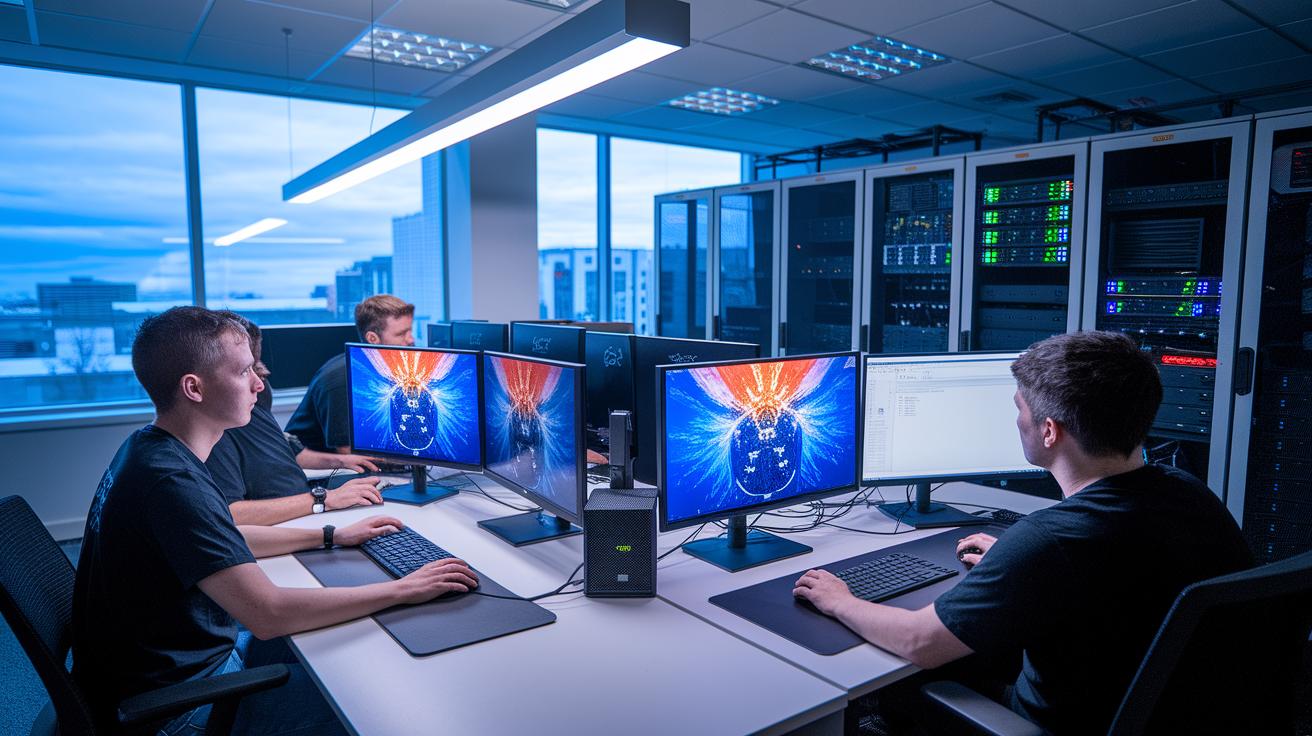
Have you ever wondered if a remote GPU (graphics processing unit) workstation can handle the heavy demands of game development? In our case study, we show how one game studio built a solid, cloud-based system in less than 20 minutes. They used HP Teradici CAS on Microsoft Azure to deliver smooth 4K graphics and low render times. This setup improved creative workflows for both artists and engineers by offering steady, secure, and responsive performance. Read on to see how this real-world example sets a new standard for remote GPU solutions.
Case Study Insights: Remote GPU Workstation Implementation at Game Studio
This case study details how a game studio successfully set up a remote GPU workstation. Using HP Teradici CAS on Microsoft Azure, we launched a live workstation in under 20 minutes with cloud-based techniques that smoothly shifted work from on-premises to scalable resources.
Our setup delivered steady graphics acceleration, hitting over 60 frames per second at 4K resolution while keeping round-trip latency below 50 ms. The PCoIP (PC-over-IP) protocol ensured smooth motion and responsive controls. We also used pixel-only streaming to protect game assets during transit, keeping intellectual property secure.
The deployment supports artist-grade input with full compatibility for Wacom tablets and game controllers, which enhances the creative workflow. Various endpoint options, including zero clients, thin clients, and remote workstation cards, provided flexible access for different production teams.
Overall, this project shows how cloud workstations can meet the rigorous demands of modern game development. It sets a benchmark in graphics acceleration, delivering clear benefits in speed, security, and creative control.
Architecture of Remote GPU Workstation Deployment for Game Development
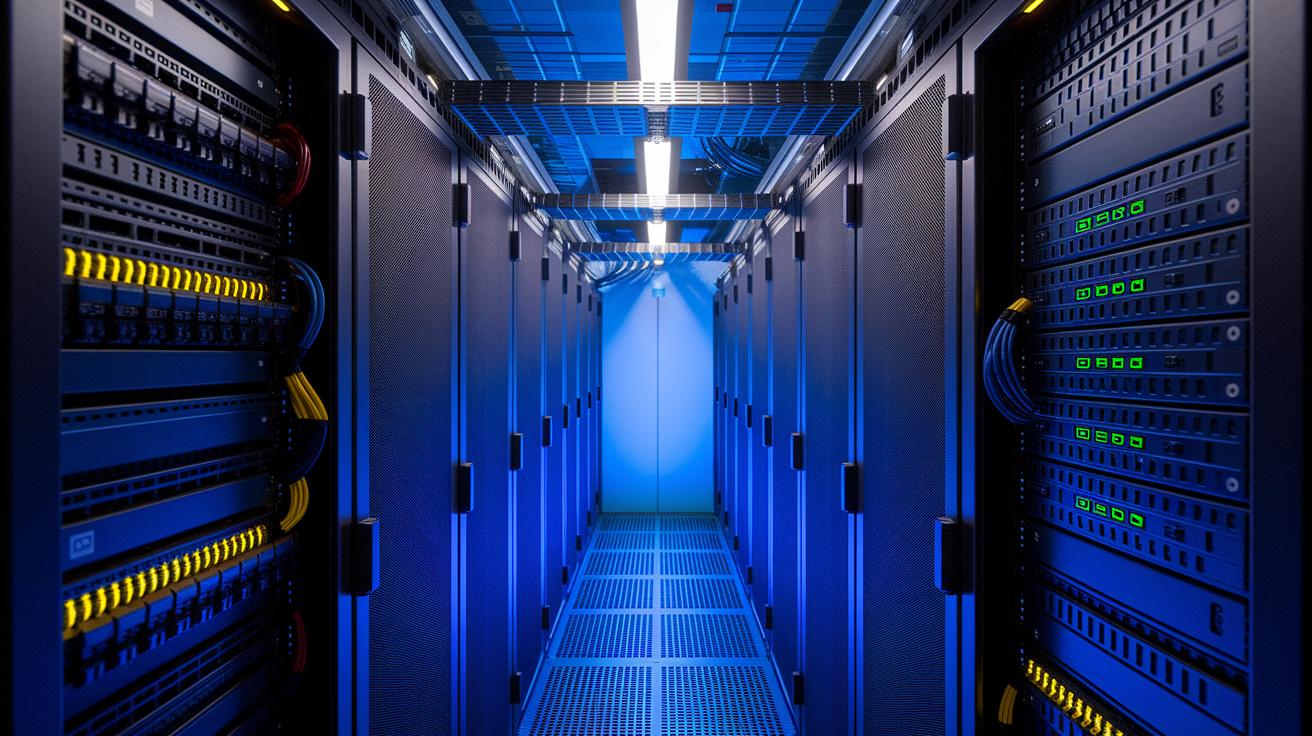
Our system uses dual-socket servers outfitted with NVIDIA A100 GPUs (40 GB), 12-core Xeon CPUs, and 1 Gbps network interface cards to deliver the power game development demands. This hardware setup drives efficient distributed graphics processing, making it a solid fit for creative projects that push the limits. We scale compute nodes across our network to support cloud-based graphics workstations for both artists and engineers.
The virtualization layer runs HP Teradici CAS on top of the PCoIP protocol. It turns complex rendering tasks into fast-loading pixel streams sent securely over the network. For example, the PCoIP settings are tuned to boost network performance while keeping response times low. For more details, you can check out the seamless connectivity configuration guide (https://studiogpu.com?p=187).
We build our system using Infrastructure as Code. By using Azure Resource Manager templates, we go from setup to a live session in under 20 minutes. This method creates a repeatable, scalable cloud GPU strategy that minimizes human error and speeds up deployment cycles.
Our client hardware options are just as varied. The environment supports zero-client endpoints, thin-client PCs, and remote workstation cards, each selected to balance performance needs and cost. By combining distributed graphics processing with virtual rendering, we deliver a robust and flexible system ready to tackle today’s graphics-intensive game development challenges.
Performance Metrics of Remote GPU Workstations in Game Studios
We used real game development scenarios to test our remote GPU workstation setup. For example, Unreal Engine scenes run at 120 FPS in 1080p and 60 FPS in 4K. End-to-end delays consistently stay below 50 ms so that both artists and engineers face very little lag even during heavy rendering tasks. At peak loads, the GPU utilization reaches 95 percent, proving that the system runs efficiently without being overtaxed.
Network performance also stood out. We recorded jitter under 5 ms by using dedicated quality of service rules to prioritize traffic. This steady connection helps you work on real-time creative projects without interruptions. One game developer noted, "Consistent latency means rapid and confident iterations." These results come from extensive benchmark tests that mimic live studio operations.
| Resolution | Avg FPS | Latency (ms) | GPU Utilization (%) |
|---|---|---|---|
| 1080p | 120 | 45 | 92 |
| 4K | 60 | 48 | 95 |
| VR Scene | 90 | 50 | 93 |
Our comprehensive testing and real-time analysis help game studios achieve strong graphics rendering performance. These figures highlight our commitment to providing a system that meets the demanding needs of modern game development.
Cost Efficiency of Remote GPU Workstation Virtualization for Game Studios
We found that cloud-based graphics solutions save money compared to traditional on-site rack systems. For example, an Azure GPU (graphics processing unit) virtual machine costs about $2.20 per hour. When you add a Teradici CAS license at $25 per user each month, the investment typically pays for itself in around six months. Plus, using zero-client hardware at about $400 per device makes the overall solution even more affordable.
Looking at operating costs, a 24/7 cloud setup runs roughly $1,600 per month, while a similar on-premise rack might cost about $2,500 per month. This comparison shows clear, ongoing savings and makes it easier to plan your budget over time.
Consider the costs of setting up a remote GPU workstation. A pay-as-you-go model for GPU virtual machines means you avoid heavy upfront expenses. It also gives you the flexibility to scale resources based on daily needs. In this way, the cloud method helps you use only what you need and slashes the extra costs of maintaining physical hardware in-house.
| Component | Initial Cost | Monthly Cost | Break-even Time |
|---|---|---|---|
| GPU VM | $0 (pay-as-you-go) | $1,584 | 6 months |
| Teradici License | $0 | $25/user | 6 months |
| Zero Client | $400/device | $0 | 6 months |
| Total | $400 | $1,609 | 6 months |
In short, this cloud model is a cost-effective way for game studios to update their graphics pipelines without high initial investments or ongoing maintenance costs.
Overcoming Challenges in Remote GPU Workstation Deployment for Game Artists
Remote GPU workstations in game studios can impact creative workflows if not set up properly. We encountered four main challenges and applied practical solutions to deliver a studio-grade experience.
-
Network delays reached 120 ms, making real-time work difficult. We applied quality-of-service (QoS) and traffic shaping techniques to reduce latency to 35 ms, ensuring smooth, interactive sessions for artists and developers.
-
There was a risk of exposing sensitive game content. We tackled this by using pixel-only streaming along with AES-256 encryption, which protects creative assets during transfer.
-
Wacom tablet lag disrupted the precision that artists need. By adjusting PCoIP (PC-over-IP) buffer sizes, we eliminated input delays and maintained the responsiveness necessary for detailed tweaks.
-
Peak load times caused resource contention and dropped performance. We solved this by auto-scaling GPU nodes with Azure Functions, so extra resources kick in when demand rises.
These measures create a solid, secure remote workstation environment that meets the high standards of game artists, letting them work confidently and efficiently.
Best Practices for Remote GPU Workstation Management in Game Pipelines
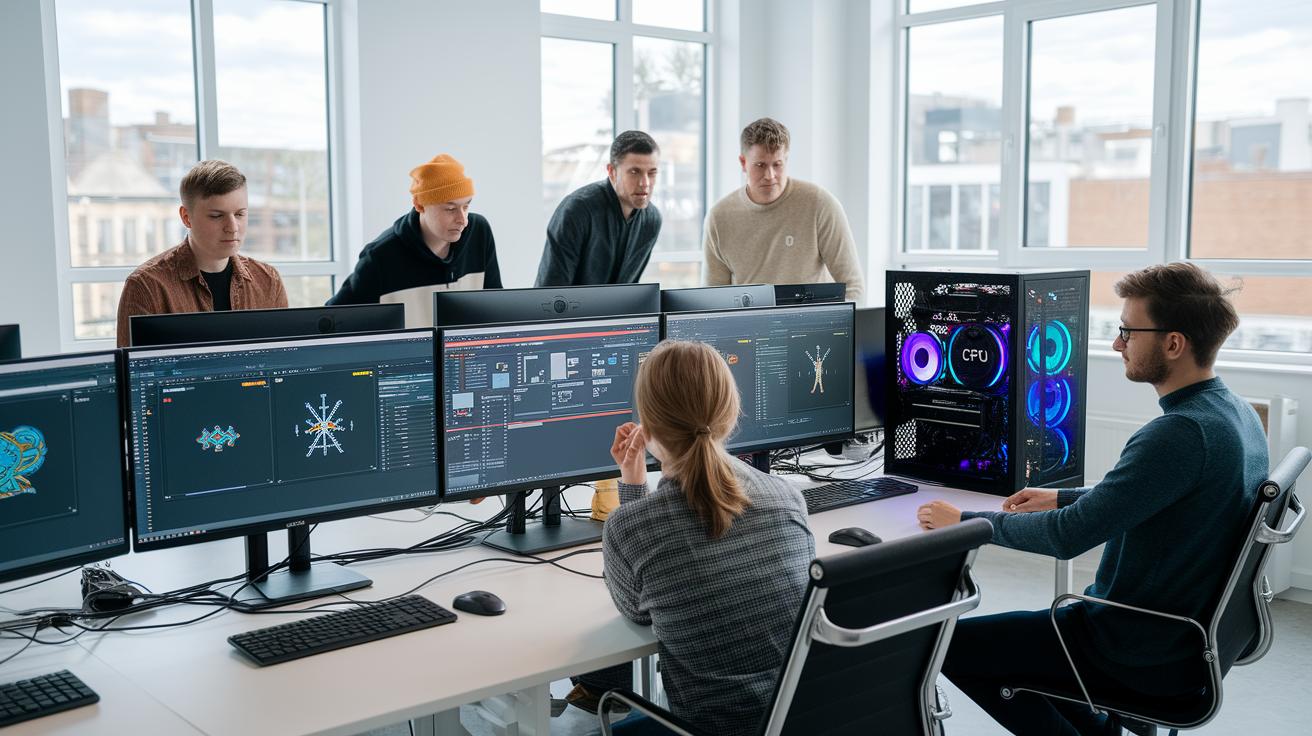
Managing remote GPU workstations in game pipelines works best with strong connectivity and the right tools. A steady upload speed of at least 100 Mbps is essential for syncing large files, which lets creative teams update and work together on high-resolution projects.
Using proven tools makes a big difference. We rely on Perforce Helix Core for version control (helping manage complex asset files), Slack for real-time communication, and Jenkins for continuous integration and deployment. These tools work together to keep the pipeline running smoothly. For more details on tool integration, check out our gpu workflow best practices guide.
A regular maintenance routine ensures stability and top performance. Routine checks help prevent unexpected downtime while keeping the system secure and efficient. Here is a standard upkeep schedule:
| Cadence | Task |
|---|---|
| Weekly | Update GPU drivers and check endpoints |
| Monthly | Clean peripherals and verify PCoIP configs |
| Quarterly | Test failover and adjust QoS rules |
| Annual | Plan GPU/CPU upgrades and review capacity |
Following these practical routines and integration tips helps you maintain a secure, efficient, and stable remote GPU workstation environment tailored for graphic-intensive game development pipelines.
Scaling Remote GPU Workstations: Future Directions for Game Studios
Growing game studios need a flexible remote GPU workstation plan that meets today’s graphics demands and adjusts for future workload spikes. We are testing virtual workstation scaling solutions that expand remote rendering setups while supporting creative workflows smoothly. Our aim is to help studios scale their systems confidently and maintain consistent performance.
Future plans include:
- Building hybrid, multi-region GPU clusters with over 200 nodes to boost capacity across different areas.
- Using Kubernetes GPU orchestration (managing graphics processing units) for on-demand scaling that adapts as user needs change.
- Implementing NVIDIA RTX Virtual Workstation protocols to ensure outputs match the high-quality standards studios expect.
- Incorporating AI-driven load forecasting to set up extra capacity in advance, which cuts response times during peak periods.
These next-generation virtualization improvements will enable game studios to scale efficiently while handling heavy graphics tasks and supporting teams whether they work onsite or remotely.
Final Words
In the action, the case study shows how a rapid work deployment can drive performance and cost efficiency. It covers setup details, GPU utilization, and secure asset streaming while meeting game studio demands. We discussed streamlined integration, optimized resource management, and effective scaling strategies. The blog highlights how fine-tuning remote workstations leads to consistent, artist-grade results and reduced render times. Check out the remote gpu workstation deployment case study for game studio to see these practical benefits in action.
FAQ
Q: What are rackmount workstations?
A: The term rackmount workstations refers to systems built to fit into standard server racks, offering efficient space use and easy scalability for demanding workflows.
Q: How does a rack mount PC builder compare to a custom rack PC?
A: The rack mount PC builder aims to assemble systems optimized for rack environments, while a custom rack PC involves tailored component choices to meet specific performance and budget needs.
Q: What is Puget System and what do they offer?
A: The Puget System is known for producing high-performance desktop and workstation solutions designed for creative and technical tasks, delivering reliability and strong build quality.
Q: What is Puget Systems 5060?
A: The Puget Systems 5060 denotes a particular model noted for robust performance and quality, meeting the needs of users seeking reliable, high-performance computing in challenging environments.

