

Are slow render times cutting into your creative time? When every minute matters in animation or visual effects, a well-tuned render farm, a setup where several computers work together, can change the game. By sharing heavy tasks across multiple machines, you can speed up production and even cut costs if everything is configured right. In this post, we show you how to adjust node settings (the number of computers in your farm), manage task queues, and upgrade hardware to keep your workflow smooth and efficient. Let's dive in and optimize your render farm for faster, smarter performance.
Achieving Maximum Efficiency with Render Farm Performance Optimization
Render farms are groups of computers that share heavy rendering tasks. This approach speeds up the creation of detailed scenes for animation, visual effects, and architectural designs. By spreading frames and tasks across several nodes (computers), render farms greatly reduce the time needed to finish a project. We work on fine-tuning hardware, software, network settings, and workflows to keep performance high while controlling costs.
Distributing tasks evenly across nodes is key to balancing cost and speed. For complex scenes, using more nodes can shorten render times, even though it might be more expensive. For simpler scenes, fewer nodes work well and keep expenses low. We use tuning methods that balance cost and time while ensuring the whole rendering process runs smoothly.
- Node configuration and compatibility
- Task distribution and queue management
- Hardware acceleration strategies
- Network and data transfer tuning
- Performance monitoring and troubleshooting
By improving each of these areas, we build a reliable and efficient render farm. When we optimize node configuration so that every computer runs the same software versions and settings, potential compatibility issues are minimized. Smart task distribution reduces idle time and boosts parallel processing. Our hardware acceleration strategies, such as integrating the latest GPUs (graphics processing units), enhance performance on graphically heavy scenes, and careful network tuning stops data transfers from becoming a bottleneck. Continuous monitoring and quick troubleshooting then keep the workflow steady, ensuring projects finish on time without unnecessary delays.
Hardware Acceleration Strategies for Render Farm Speed
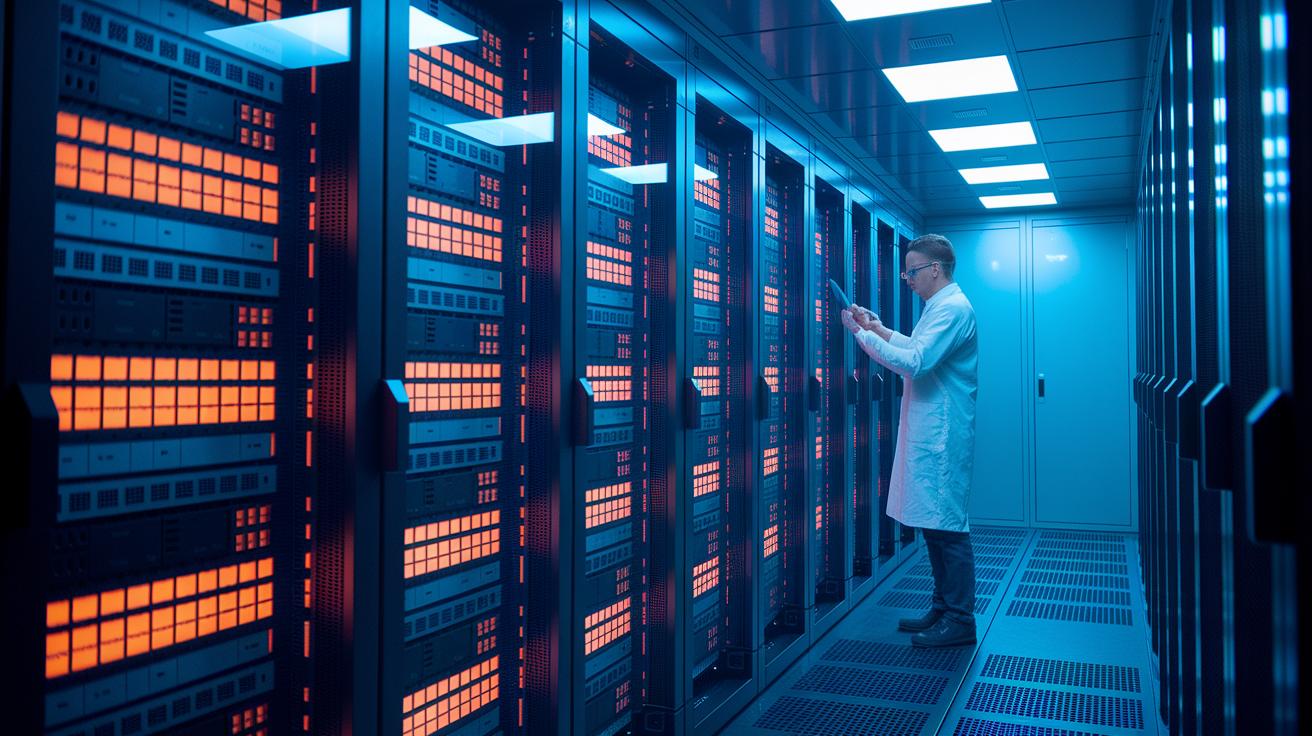
GPU render farms rely on powerful machines equipped with modern graphics processing units (GPUs) to tackle complex 3D animation tasks. These setups deliver fast and reliable render times, especially for scenes that demand high-quality graphics. On the other hand, CPU clusters support a wider range of plugins, but they tend to slow down when processing heavy scenes. If you need to boost your processing speed while handling varied content, exploring GPU rendering acceleration is a smart move. For more information, check out optimizing gpu rendering.
| Hardware Type | Typical Specs | Speedup Factor |
|---|---|---|
| CPU Clusters | 16–32 cores, 64–128 GB RAM | 1×–2× |
| GPU Clusters | Dual NVIDIA GPUs, 32–64 GB VRAM | 2×–5× |
| Hybrid Clusters | Mixed CPU/GPU nodes | 1.5×–4× |
Hybrid systems blend the strengths of both CPU and GPU clusters. They offer balanced performance along with cost efficiency and can easily scale as your project needs evolve. By ensuring that each node works together harmoniously, you boost the overall throughput of your render farm without sacrificing compatibility or speed.
Node Configuration Best Practices in Render Farm Performance Optimization
Consistent node configuration is key to reliable render farm results. Using the same hardware and software versions for tools like Blender, Maya, 3ds Max, or Cinema 4D helps prevent compatibility issues and simplifies troubleshooting. Uniform setups reduce unexpected errors and keep render jobs running smoothly. Standardizing configurations means you get predictable outputs and less downtime during complex renders, creating a strong performance baseline.
Using virtual machines or containers creates reproducible environments for each render job. This isolation makes it easier to manage different projects and recreate ideal settings. Controlled environments also simplify cluster management and boost stability. When one job runs into issues, it does not affect the rest, so each task runs independently and efficiently.
Implementing multi-node synchronization and redundancy shields your render farm from individual node failures. These steps keep workload distribution steady and allow jobs to continue if a machine encounters problems. Following GPU (graphics processing unit) cluster management guidelines also improves fault tolerance while maintaining performance. With coordinated nodes, you can sustain steady throughput even during high-demand rendering tasks, ensuring both reliability and speed.
Optimizing Task Distribution and Render Queue Management in Render Farms
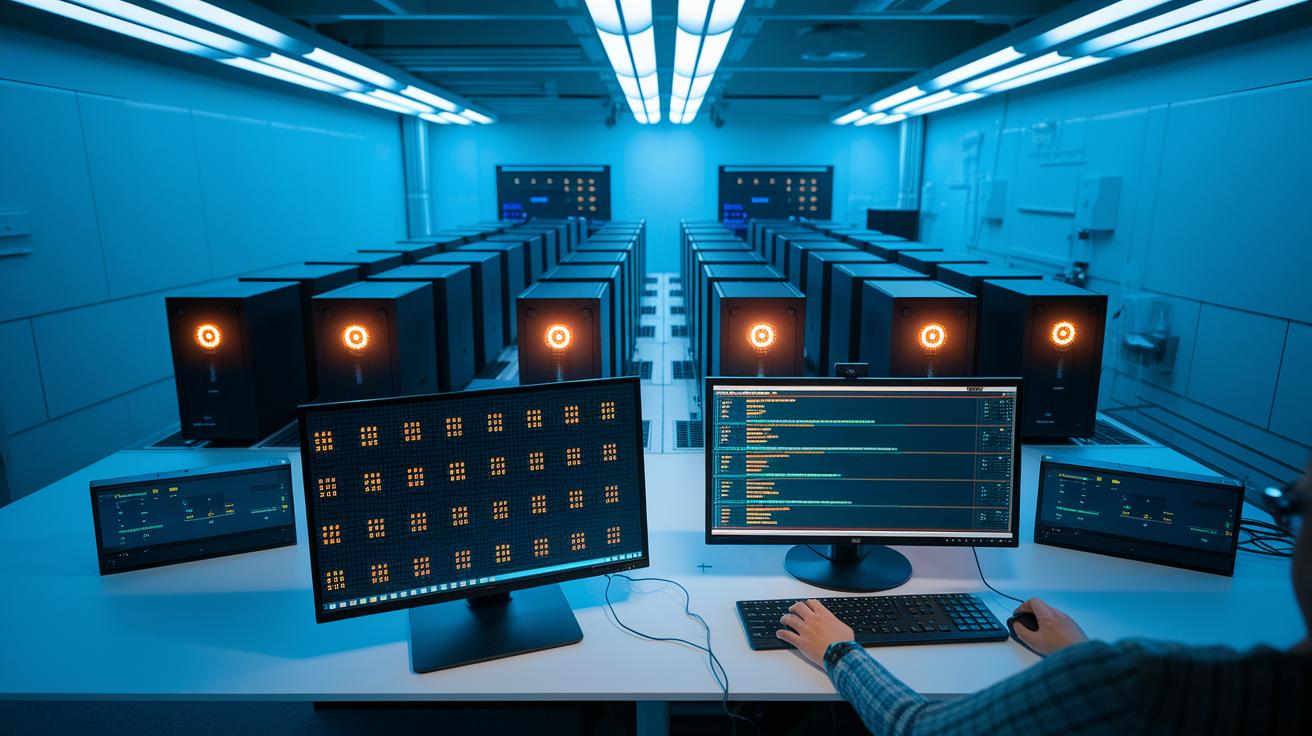
Efficient render queue management depends on smart ways to divide work. A common method is to assign one frame to each node (a computer in the farm). This approach makes the most of parallel processing but may raise the cost per frame. When scenes are less demanding, batching frames together cuts overhead. Clear queue management ensures work is spread evenly across nodes, keeping the render farm active and costs in check.
Advanced scheduling algorithms are key to reducing idle time. By giving priority to longer frames and grouping similar tasks, we help the process run smoothly. Dynamic scheduling, which adjusts task order in real time based on demand, lets each node work at its best. This technique not only boosts performance but also cuts down on delays.
Coordinating tasks that rely on each other further improves the render pipeline. Multi-node synchronization (making sure nodes work together on related tasks) minimizes delays and makes issues easier to spot. When smart task distribution works with effective queue management, the workflow stays steady, costs are controlled, and the render farm becomes faster and more reliable.
Network and Data Transfer Optimization for Render Farm Throughput
Slow network links often slow down the transfer of large scene files. We optimize both local area networks (LAN) and wide area networks (WAN) to reduce wait times. Testing real-world upload and download speeds during peak usage helps us spot weak points. This method keeps data moving smoothly so that render nodes can send and receive large files without delays.
Distributed file systems and smart caching are key to speeding up data transfers. File systems like NFS or Lustre cut down on repeated transfers of common assets. By setting up caching, we speed up file access and simplify bandwidth management. This means every node gets scene data quickly, helping keep the network unclogged.
Regularly checking network performance under heavy load is vital for a reliable setup. We use tools that measure data transfer consistency to catch potential slowdowns before they affect deadlines. Monitoring these numbers closely not only reduces delays but also improves overall render farm efficiency for large projects.
Performance Monitoring, Benchmarking, and Troubleshooting in Render Farms
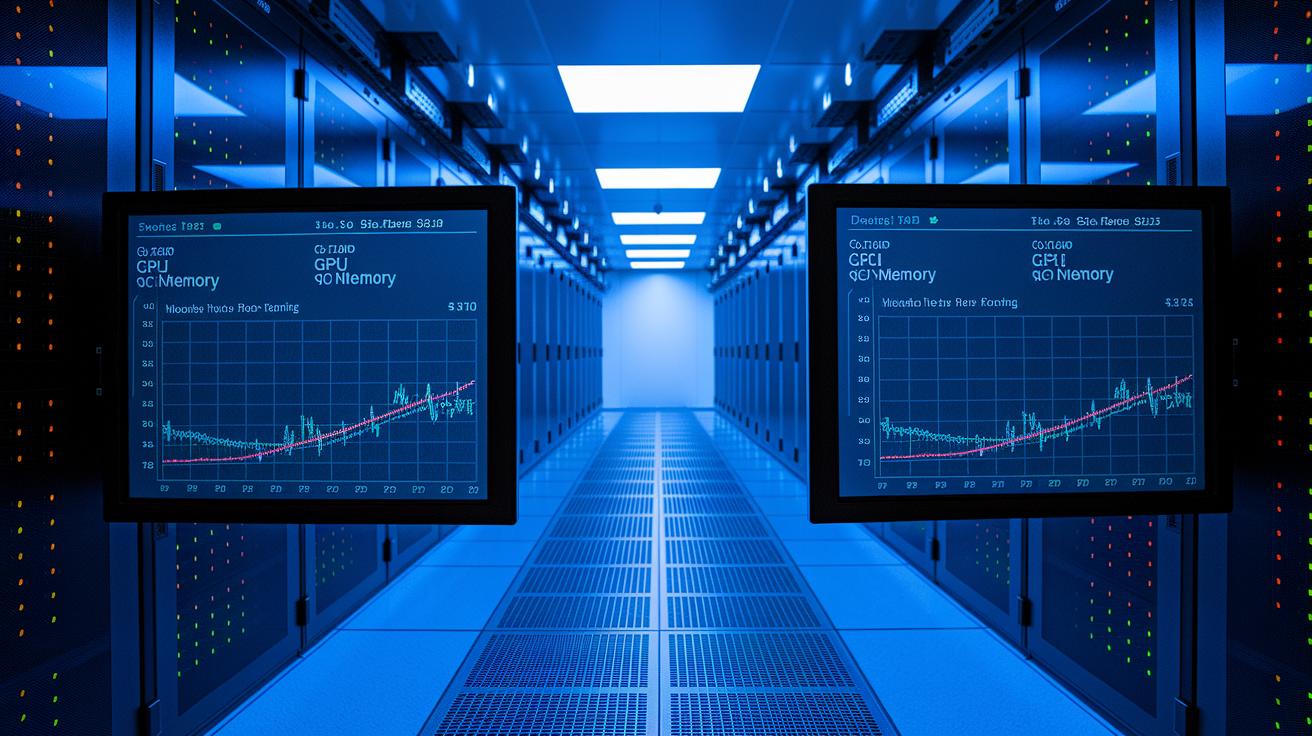
Our real-time dashboards let you see how every node is working. They track the use of CPUs, GPUs (graphics processing units), memory, and network input/output. This data shows you delays or inefficiencies as they happen. Clear views of each machine's health let you spot issues that might slow down frame rendering or overall workflow.
Benchmark tests help you find the best setup for your render farm. Testing with low-resolution frames, comparing CPU and GPU performance, and checking different quality settings give you clear data on how each configuration performs. Benchmark tools let you compare setups to decide which works best for your projects, helping you allocate resources wisely and avoid wasted cycles.
Troubleshooting becomes easier when you use error logs and alerts in your workflow. These systems catch frame failures, plugin errors, and other issues early. By using detailed analysis and strategies to reduce delays (latency), you can quickly fix problems before they grow, keeping your render farm running smoothly under heavy demand.
Cost and Energy Efficiency Considerations for Render Farm Optimization
Finding a smart balance between render speed and cost is key. Using a dedicated node for each frame can really speed up your work but may also raise compute fees. Cloud services let you scale with pay-per-use, so you only pay for what you use. This balance between time savings and cost control is essential, especially when projects vary in complexity.
On-premise render farms can cut energy costs by using the latest energy-efficient GPUs (graphics processing units) and improved cooling methods. New GPUs speed up render jobs and reduce power use. Better cooling also brings down electricity bills. These improvements help keep systems steady during long sessions while saving money.
A full cost analysis should look at render time, power draw, and downtime. This gives you a clear view of total ownership costs. By balancing the upfront costs with ongoing expenses, you build a system that performs well and runs efficiently.
Final Words
In the action, we tackled methods to speed up render times and sustain stable production. We reviewed careful node setups, smart task distribution, network and data flow tuning, and vigilant performance monitoring. These strategies guide you to manage costs and maintain reliable remote workstations during crunch periods.
This article serves as a practical guide to render farm performance optimization. We trust that these insights help you improve efficiency and keep your projects moving forward smoothly.
FAQ
How is render farm performance optimization discussed on Reddit?
Discussions on Reddit about render farm performance optimization shed light on real-world strategies and peer advice for tuning node configurations, managing render queues, and boosting overall efficiency in distributed rendering.
What does a render farm performance optimization tutorial typically cover?
A render farm performance optimization tutorial explains key concepts like hardware acceleration, task distribution, and network tuning, guiding users to fine-tune systems for faster render times and more efficient resource use.

