

Have you ever wondered if you can trust every remote connection your team uses? Many studios still rely on older methods such as Remote Desktop Protocol (RDP) on port 3389, which opens up risks. A single breach can cost days of creative work, proving that traditional access methods may lead to significant losses. With a zero trust approach, we verify every user and device before granting access. This keeps your sensitive work safe while ensuring that graphics-intensive projects run without a hitch. In this post, we explain how a zero trust model secures remote workstations, protecting your studio and keeping creative work flowing.
Achieving Secure Remote Workstation Access for Studios with Zero Trust
Traditional VPN-secured Remote Desktop Protocol (RDP) methods can put your studio at risk. Using RDP on port 3389 has led to ransomware incidents and lost credentials. With a zero trust approach, every session is verified so that only the needed applications can be accessed. For example, one studio suffered a ransomware attack from an unpatched RDP endpoint and lost several days of creative work. This illustrates why a safer solution is essential.
Zero trust means you trust no one by default. It checks both users and devices every time they connect. This setup allows you to set very specific access rules. With protocols like TLS 1.3, data stays encrypted between endpoints even while handling graphics-intensive tasks. Pairing policy controls with multifactor authentication prevents unwanted movement within your network and limits access to only what is necessary.
Risk reduction is further enhanced by integrating with SASE solutions (secure access service edge), which combine networking and security policies into one. This integration avoids slowing down performance for graphics-heavy applications while keeping remote sessions secure.
By switching to a zero trust framework, your creative team can safely connect to remote workstations. This method keeps sensitive data secure and ensures that GPU-accelerated tasks run smoothly without giving unnecessary access to your network.
Applying Zero Trust Principles to Remote Workstation Connections in Creative Studios

Zero trust means that we never assume anyone or any device is safe by default. Every time a user tries to connect, we check who they are, ensure their device is healthy, and consider any risks. In creative studios, that means we only give each person access to the tools they need for their work.
We continuously verify both user identity and device status with each connection attempt. This added step keeps remote workstations used for graphics and visual effects secure.
We also design our network like a series of small, protected rooms. If one room is breached, the others remain intact. Micro-segmentation, which creates tight barriers around high-value assets, makes sure an attack stays in one area.
We take a proactive stance on security by regularly assessing risks and adjusting our policies as threats evolve. Our approach factors in details like location, device health, and network behavior so that each decision is made in context.
Additionally, we use reverse connectivity methods, which means we do not need to open inbound firewall ports. This extra measure safeguards remote art sessions from external threats.
When you combine these practices with tools like infrastructure as code (using software to manage IT systems), you get a secure, focused, and flexible setup. This design meets the demanding needs of creative workflows while keeping exposure low and protection high. Zero trust truly builds resilience.
Designing Zero Trust Network Architecture for Studio Workstations
Mapping your studio workflows is the first step in creating a solid zero trust network. We separate essential GPU-accelerated editing setups into secure zones using VLANs or a software-defined perimeter. In these zones, creative projects are managed individually. This way, even if one area is breached, the rest stay safe.
Virtual desktop infrastructure (VDI) and container-based workstations are key to our design. They make sure that each session runs in its own space. For example, when an artist works on a high-resolution scene, a container-based setup keeps unrelated processes out of the way. By relying on platforms outlined in securing GPU compute infrastructure, studios protect important GPU resources and simplify resource management.
At the heart of our architecture is decentralized desktop authentication. Each workstation session checks the user’s identity right away. This means only the proper users gain access. We pair this with identity-driven policy engines that assign permissions based on user roles and project needs.
Our network also uses scalable authorization systems. Distributed identity providers, such as Active Directory and cloud identity services, help manage changing studio loads. This approach lets us adjust access in real time and maintain security no matter how many sessions are active.
We add another layer of protection through virtualized desktop defenses. Virtualization reinforces host isolation while centralizing session management. This makes it easier for us to monitor and control who accesses the network. Together, isolated network zones, scalable authorization, and virtualized desktop defenses build a flexible, secure zero trust system tailored for creative studios.
Encrypted Remote Protocols and Tools for Production House Workstations
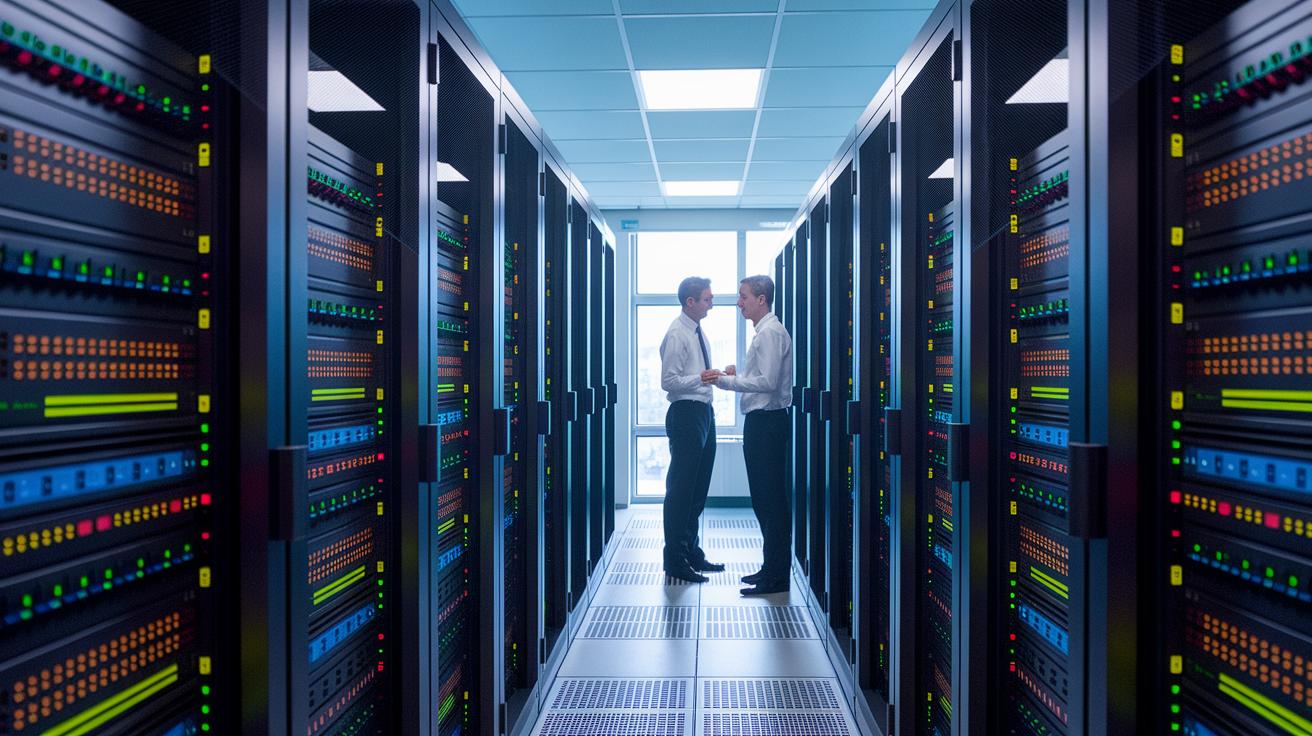
Today, production studios need remote access tools that pack strong encryption and let you control each session in detail. Microsoft's RD Gateway wraps Remote Desktop Protocol in SSL/TLS layers, which adds extra security on top of a standard VPN. However, its fixed session method does not offer the fine-tuned controls needed for a zero trust setup, sometimes leaving room for risk during longer or more complex sessions.
On the other hand, proprietary solutions like Thinfinity RDC use reverse tunnels to avoid the need for open inbound firewall ports. This technique cuts down on potential entry points by removing the need for specific firewall tweaks. For example, during an art review session, reverse tunneling sends the connection through secure channels already in place, so no extra ports stay open.
Technologies such as TLS 1.3, DTLS, and SSH tunneling are key for setting up an encrypted channel. These protocols ensure that data, including high-resolution visual assets, stays confidential. They deliver end-to-end encryption, keeping creative work and other sensitive files protected during transit.
Using session tokens that expire with the session and are linked to device certificates adds another layer of security. These tokens work only for a set duration, which stops unwanted movement within the network. When you combine these tokens with adaptive multi-factor authentication, each access attempt is continually verified. This layered security helps prevent unauthorized privilege escalation.
For instance, an artist might log in with a token that is valid for 15 minutes, and a request for multifactor verification ensures that even if the token is intercepted, unauthorized access is blocked. This method boosts security while still keeping performance smooth.
Offsite Endpoint Authorization and Session Management for Studios
We use certificate-based device authentication with dynamic risk scoring to protect offsite endpoints. Each device must present a unique certificate, and we check its risk level immediately to ensure it is secure before accessing any creative assets. For example, a workstation proves its identity with its certificate while dynamic risk scoring flags any unusual activity right away.
Our session management policies support GPU-intensive tasks by setting fixed durations for each connection. When a session reaches its limit, say, a remote editing session that lasts two hours, it automatically ends, ensuring connections do not persist beyond what is necessary.
We continuously verify the user’s credentials during every session. Regular checks confirm that credentials remain valid and device health is current. At the same time, real-time load monitoring protects vital resources and keeps workflows smooth for creative professionals.
We also maintain close oversight of each connected device. This allows us to spot risks early and take prompt action. Our credential lifecycle management system minimizes risk by automating the rotation and revocation of access tokens. For instance, an API-driven identity platform automatically invalidates tokens once they exceed their lifespan so stale credentials do not linger.
Together, these measures form a robust system that balances secure access with the fast pace of creative pipelines, minimizing risks without slowing down the performance of artists and engineers working on complex, graphics-intensive projects.
Compliance Frameworks and Governance for Secure Remote Studio Access

Studios face tight rules to protect their creative property when working remotely. Standards like SOC 2, ISO 27001, and GDPR (European data protection rule) require secure remote access, complete audit logs, and systems that quickly spot breaches. Regular audits help find weak spots while making sure remote sessions follow industry rules. We also review policies often and use live detection tools to update security as new risks appear.
In design centers, governance means keeping an eye on access events and maintaining clear reports. Studios perform regular audits that check session logs to ensure every connection meets the set standards. In one review, detailed logs helped pinpoint small issues before they grew into bigger problems. These steps limit risk and keep creative work safe.
A clear incident response plan is key to a secure setup. When a security problem happens, predefined steps help us contain and fix it quickly. Forensic readiness means we save session logs and metadata, which offer important clues if an incident needs further review. This blend of strict compliance and smooth operations protects sensitive digital assets during every remote session.
Virtual Workstation Implementation: A Zero Trust Case Study in a Creative Facility
StudioGPU tested a new virtual workstation model that replaces old VPNs with a zero trust system. Their on-premise virtual desktop infrastructure (VDI) project used NVIDIA GPU servers set up with zero trust network access principles to enable secure remote connections. Remote artists connected through Thinfinity's reverse connectivity, working on 4K editing suites over TLS 1.3 while keeping latency under 50 ms.
This case study shows how cloud-based endpoint fortification isolates each session within its own secure container, ensuring creative data stays protected. Auto-scaling clusters adjust resources during peak times, and policy-based multifactor authentication cut unauthorized access attempts by 80%. These measures create robust security without compromising performance.
The project explored alternatives to traditional VPNs by replacing broad network access with session-specific channels. Built-in forensic readiness protocols capture detailed session logs and metadata, making incident analysis faster.
Key lessons include strict workload segmentation, dynamic resource management, and continuous identity verification. This approach helps creative workflows run smoothly while keeping sensitive work safe. StudioGPU’s pilot offers a clear blueprint for studios looking to set up zero trust remote workstations that balance high performance with strong security.
Final Words
In the action, we explored how to reframe remote workstation security with zero trust. The blog covered network segmentation, encrypted protocols, continuous authentication, and effective session management. It showed how studios can reduce risk while supporting creative and technical workflows without full network exposure.
We highlighted practical ways to achieve secure remote workstation access for studios (zero trust). Together, these strategies help maintain peak performance, save costs, and ensure a smooth production process. Stay positive and keep pushing boundaries.
FAQ
What is secure remote workstation access for studios using zero trust?
Secure remote workstation access using zero trust continuously validates user identity and device health for each session. It minimizes risk with application-specific permissions and reduces exposure compared to traditional VPN-based methods.
How does zero trust architecture differ from traditional VPN-secured RDP?
Zero trust architecture requires validation for every access request, using multifactor authentication and session tokens instead of relying on a trusted VPN. It limits network exposure and reduces the risk of unauthorized access.
What benefits does single sign-on offer in a zero trust environment?
Single sign-on in a zero trust setup streamlines secure access by unifying authentication across applications. It maintains rigorous, real-time checks that enforce identity verification while simplifying user workflows.
What training is available for Zero Trust Architecture?
Zero Trust Architecture training offers hands-on learning to set up layered defenses. This training covers identity-based controls, continuous verification, and integration with cloud and on-prem systems for secure remote access.
How do you configure zero trust identity and device access?
Configuring zero trust identity and device access involves deploying certificate-based authentication, real-time risk scoring, and multifactor verification. This approach ensures each session is individually validated for restricted, secure access.
What Microsoft zero trust solutions and resources are available?
Microsoft Zero Trust solutions combine encrypted protocols, integrated cloud services, and stringent policy enforcement. Their workshops and adoption reports offer detailed guidance and metrics for implementing secure remote access in creative studios.
How do solutions like BeyondTrust, LogMeIn Resolve, GoTo, Delinea, and CyberArk support zero trust principles?
These solutions provide secure remote workstation tools that implement zero trust principles. They deliver fine-grained access controls, continuous authentication, and policy-driven session management to safeguard creative workflows.

