

Have you ever wondered how an animation that used to take 10 days can finish in just a few hours? Render farms work by breaking a heavy task into smaller chunks and letting many computers work at the same time, much like a relay race where each runner helps speed things up.
In this post, we explain how render farms quickly turn complex 3D data into stunning visuals. This approach lets creative teams test new ideas faster without long wait times, making the whole process both efficient and flexible.
what is a render farm: Simple, Clear Insight
A render farm is a group of computers, called render nodes, that work together to handle complex 3D rendering tasks. Instead of using one computer to take on a long project, we break the job into smaller parts that run at the same time on many machines. This method, known as distributed computing (spreading a heavy task across several computers), converts 3D data into 2D images or videos.
Imagine an animation that would take 10 days on a single computer. When the workload is shared among 100 render nodes, the same task might finish in about 2.5 hours. This huge drop in render time lets teams experiment and refine designs without long waits.
Render farms are key in fields like animation, film, and architectural visualization. They cut down on waiting time
Structural Components of Render Farms

A render farm uses both hardware and software to handle big 3D rendering jobs. Each render node has a multi-core CPU or a GPU (graphics processing unit) and runs special 3D software, renderers, and plugins. This mix helps nodes finish tasks fast and efficiently.
Nodes connect through fast network switches that offer plenty of bandwidth. These switches move large files like high-resolution textures and scene files without delay. Think of it like a team of chefs in a busy kitchen where fast communication is key.
Licensed operating systems and render manager tools are essential for spreading the work evenly. The render manager breaks a scene into parts and sends each piece to a node, much like runners passing a baton in a relay race.
The servers hosting these nodes are kept in data centers built for heavy workloads. These centers have dedicated cooling systems and steady power supplies to keep the hardware operating at its best.
| Component | Description |
|---|---|
| Render Node | Runs special 3D software and plugins on fast processors |
| Network Switches | Transfer data quickly and help balance the workload |
| Render Manager | Breaks scenes into jobs and spreads work across nodes |
| Data Center Infrastructure | Offers cooling, power, and secure housing for servers |
How Render Farms Execute Parallel Rendering Tasks
Render farms work by splitting complex scenes into smaller pieces. Each piece or frame is handled at the same time by different machines, called nodes. A node is basically a computer set up with a multi-core CPU or GPU (graphics processing unit). Each machine works independently on its assigned task, and when it finishes, it sends its result back to a central system that reassembles everything into the final image or animation.
This parallel rendering method uses distributed computing to cut down on render time. Instead of waiting for one machine to carry out a heavy, lengthy task, we distribute the work across many nodes. Projects that might take days on a single system can be completed in hours. Think of it like a relay race where every runner covers their section simultaneously before passing the baton for the final sprint.
Load balancing is crucial here. It makes sure every node gets a fair share of work, so no device gets overloaded while others sit idle. Network protocols handle the transfer of large files, from detailed textures to heavy geometry, ensuring they move quickly and reliably between nodes and storage.
Overall, strong load balancing and efficient network protocols work together to prevent delays and boost performance. This process is much like an assembly line in a factory, where every worker (or node) adds their part without slowing the process. Using these parallel rendering techniques, render farms help creative teams iterate faster and meet tight project deadlines.
Key Benefits of Using a Render Farm
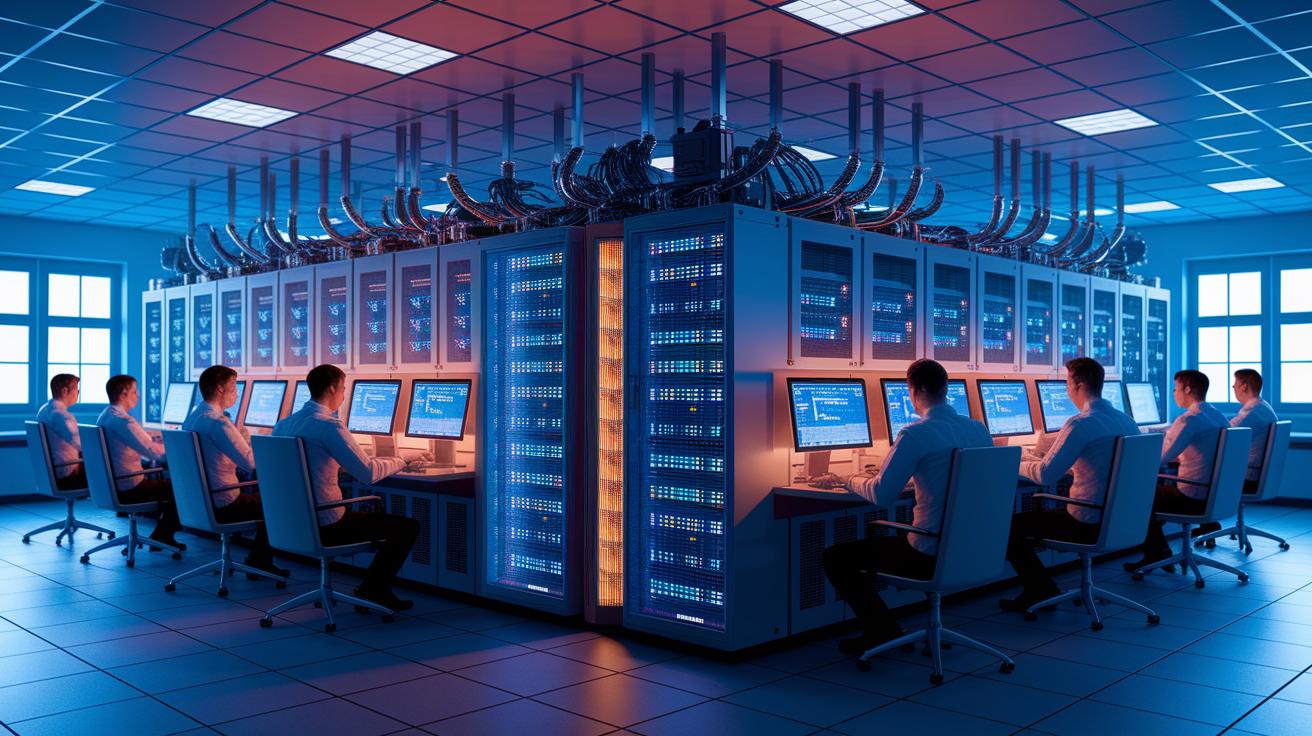
Render farms help you complete projects faster by turning long render cycles into tasks that finish in just hours. This frees your local computer for other work and lets you focus on creating without delays. You get quick project turnarounds, more design iterations with little waiting, and high-resolution outputs that don’t strain your machine.
- Quick project turnaround
- More design iterations with minimal wait time
- High-resolution outputs without overloading your computer
Comparing On-Premise and Cloud Render Farms
Building your own on-premise render farm gives you complete control over every detail. You choose the hardware, network equipment, and security settings to fit your project perfectly. This means you set the specs, pick high-performance CPUs or GPUs (graphics processing units), and manage cooling and power systems yourself. However, this full control comes with a high upfront cost. You must invest in hardware, build a reliable network, and train or hire staff for maintenance. It’s much like buying a quality car instead of leasing one; you get full customization, but you pay more at first.
Cloud-based render farms offer a different approach. They come with preinstalled 3D software and a pay-as-you-go pricing plan. These services automatically adjust the number of active nodes based on your project load. So when your workload spikes, the cloud quickly adds extra instances, keeping your render nodes busy without needing manual steps. Integration with tools like 3ds Max, Maya, Cinema 4D, and Blender is built in through custom client plugins. This plug-and-play model lets you send render jobs directly from your usual applications with minimal setup.
| On-Premise Clusters | Cloud Render Farms |
|---|---|
| Full control, high upfront costs, more customization | Scalable resources, lower initial expense, easy integrations |
Your choice depends on project size, performance needs, budget, and how much control you want. For a detailed discussion on cost differences, check out the reference on cloud GPU cost versus on-prem GPU cost.
Hardware Requirements for Building a Render Farm

A basic render node needs a multi-core CPU or a GPU (graphics processing unit) with many cores and plenty of VRAM to handle complex scenes quickly. Each node should use ECC memory (memory that can correct errors) to lower mistakes during heavy calculations, and RAID storage to keep your data safe and fast to access. Redundant power supplies lower the risk of downtime so the render farm stays online even if one fails.
Network interfaces must support at least 10 Gbps throughput. This speed ensures that large files like high-resolution textures and detailed scene data move quickly between nodes. Reliable networking is vital for smooth communication when workloads peak.
Licensing fees for operating systems, render managers, and key plugins add to the cost. These licenses are needed to run the software that breaks scenes into render jobs and coordinates work across the farm.
Good cooling systems and uninterrupted power supplies are also essential. Render nodes generate a lot of heat and need consistent power to keep performance high during long sessions. By meeting these hardware needs, you can build a scalable, efficient render farm that cuts render times and boosts productivity.
Job Scheduling and Queue Management in Render Farms
Render managers like Deadline, Tractor, or custom-built tools help you spread out tasks in a render farm. They handle job queuing, set priorities, and assign available nodes for processing. Batch scheduling groups frames into jobs and then divvies them up across render nodes. This makes sure even big projects run smoothly. Administrators can set resource limits and fallback rules so that if a task fails on one node, another node takes over automatically. This minimizes delays and keeps the farm working efficiently.
Monitoring dashboards are equally important. They show you node status, job progress, and overall resource use in real time. With clear updates, technicians can quickly spot and fix any issues. For instance, if a node falls behind, the system adjusts workload distribution on the fly. Complex scenes might split into several smaller jobs that run together. This can significantly cut render times while keeping quality intact. With such control, teams can easily monitor and adjust the process to hit their deadlines.
Scaling Render Farms: Adding Nodes and Managing Growth
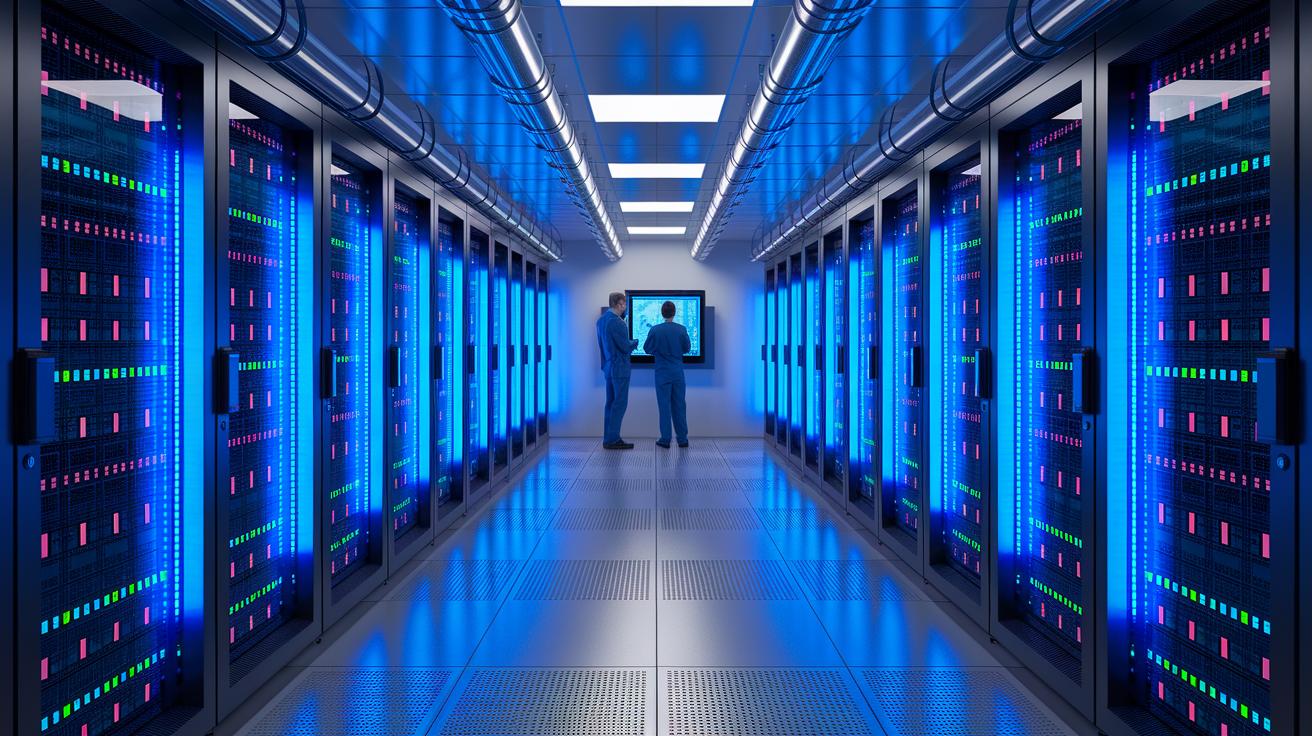
Scaling your render farm means adding more nodes to tackle increasingly complex projects. As you expand your network, update your render manager settings to distribute jobs evenly. For instance, you can configure your scheduler to detect heavy scenes and then prompt your provisioning tool to add extra GPU nodes automatically.
Automated provisioning tools or cloud APIs can launch new instances when your workload peaks. This approach lets you quickly boost processing power without manual steps, helping to keep render times low during busy periods.
When planning capacity, consider several key factors. Check the balance between CPUs and GPUs so that every node works efficiently. Also, review your power and cooling limits since additional nodes add heat and require stable power. Lastly, ensure you have enough network bandwidth to move large scene files and textures smoothly between nodes.
We focus on horizontal scaling, where adding nodes can lower render times in almost a one-to-one ratio. Still, keep in mind that licensing and infrastructure limits might affect the expected improvements.
- Evaluate CPU/GPU ratios
- Check power and cooling capabilities
- Monitor network bandwidth
With careful planning and smart automation, you can scale your render farm to handle larger projects while maintaining steady performance and reliability.
Final Words
In the action, we covered how a render farm works and its core components. We looked at its hardware essentials, parallel rendering tasks, and ways to scale infrastructure. We also compared on-premise and cloud options, highlighting their benefits for meeting tight deadlines. Each section showed how render farms streamline rendering or training tasks for faster, reliable production. We hope this gives clarity on what is a render farm, opening up new ways to boost your creative and technical performance. Stay positive and keep pushing boundaries!
FAQ
What is a render farm in Blender?
The render farm in Blender means using a network of computers to share rendering tasks. It speeds up the conversion of 3D scenes into 2D images or animations by distributing the workload.
What is a render farm used for?
The render farm is used for dividing and processing intensive 3D rendering tasks across multiple machines, significantly reducing the time needed to produce high-quality images and animations.
What does render farm cost include?
Render farm cost includes expenses for hardware, software licenses, network infrastructure, and maintenance. On-premise setups need higher upfront investments, while cloud options operate on pay-as-you-go pricing models.
How does a render farm work?
A render farm works by splitting a scene into smaller segments that are processed simultaneously by multiple nodes. This parallel approach minimizes rendering time and efficiently manages heavy computational loads.
What is “Render farm Markiplier”?
The term “Render farm Markiplier” does not relate directly to professional rendering. Markiplier is a content creator, and no established link exists between his work and the technical setup of render farms.
How do you build a render farm?
Building a render farm involves combining multi-core CPUs or GPUs, high-speed networking, proper cooling systems, and render management tools. You must also plan hardware specs and scheduling configuration to support advanced rendering tasks.
How does a render farm work with After Effects?
The render farm for After Effects distributes post-production tasks across connected computers. This setup accelerates effects rendering by allocating segments of a project to different machines, thus reducing overall processing time.
Are there free render farm options?
Free render farm options typically involve open-source or community-supported solutions. They have fewer features and less support than commercial options, but can serve well for small projects and basic rendering needs.
What does a render farm do?
A render farm processes complex 3D tasks by dividing rendering work among multiple computers. This approach slashes processing time, turning lengthy renders into much quicker project turnarounds.
Is a render farm worth it?
A render farm is worth it for projects needing fast rendering, high resolution, and multiple iterations. It boosts project efficiency by reducing wait times and supporting more dynamic workflows.
How long does a render farm take to complete tasks?
A render farm can complete tasks in hours that might take days on a single computer. Rendering time depends on scene complexity and the number of nodes working simultaneously.
Are render farms safe for production environments?
Render farms are safe when configured with strong network security measures, redundant hardware, and reliable backup systems. These safeguards provide stable performance and protect your data during intensive rendering tasks.

