
Ever thought about moving GPU (graphics processing unit) tasks to the cloud to boost efficiency? In this case study, a leading AI firm replaced aging systems with Gigahertz's cloud infrastructure. This shift cut costs, improved performance, and freed the team to solve creative problems. They swapped heavy on-site hardware for a flexible, scalable setup built for high-demand tasks. With dedicated support and a smart rental plan, the company turned cloud migration into a strategy that drives innovation and growth.
Cloud GPU Migration Case Study Sparks Incredible Efficiency

We explore how a leading AI and machine learning solutions company transformed its operations by moving GPU (graphics processing unit) workloads to Gigahertz's cloud servers. This change removed performance bottlenecks tied to old legacy systems that limited growth and slowed innovation. The shift resulted in lower operational costs by reducing the need for expensive on-site hardware, freeing up resources for research and creative problem solving. In short, traditional data center setups were replaced with a dynamic, scalable cloud infrastructure built for high-performance compute tasks.
Gigahertz provided hands-on support that let the client focus on innovation instead of handling complex infrastructure challenges. The case study also features a unique offer: a 1-year GPU rental plan with payment for only 9 months. This approach further improved return on investment and operational efficiency. Overall, modernizing these workflows led to better performance, cost savings, and the agility needed for future growth.
Cloud GPU Migration Technical Architecture and Steps
We designed a system that supports multi-GPU clusters while still meeting proven on-prem server requirements. Our setup uses dual 64-core CPUs at 2.0 GHz, 384 GB of RAM, and two 1.92 TB SSDs. This configuration combines solid traditional compute power with the scalability of NVIDIA accelerators, making it well-suited for heavy AI, machine learning, and real-time visualization tasks.
Assessment and Planning
In the assessment phase, we analyzed the workloads to understand their compute and storage needs. We also built a cost model to compare current performance with the projected performance in the cloud. This approach kept elements of our legacy system while adding the benefits of cloud scalability. Our focus was on accurately estimating resource needs so that the move would boost throughput and maintain predictable costs.
Pilot Deployment
The pilot phase involved a proof-of-concept using cloud GPU instances. We set up a small multi-GPU cluster to simulate real production workloads. This trial confirmed that the cloud handled multiple threads more efficiently than our on-prem setup. The test also gave us valuable insights into resource allocation and helped us fine-tune settings to match our expectations.
Full-Scale Rollout
During the full-scale rollout, we synchronized data stores, followed a precise cutover plan, and moved into a live production environment. Data synchronization and load balancing played key roles in keeping downtime to a minimum. With ongoing monitoring and dynamic scaling, the setup proved robust, handling peak loads while delivering consistent performance for both AI tasks and real-time visualization.
Cloud GPU Migration Performance Metrics and Benchmarking
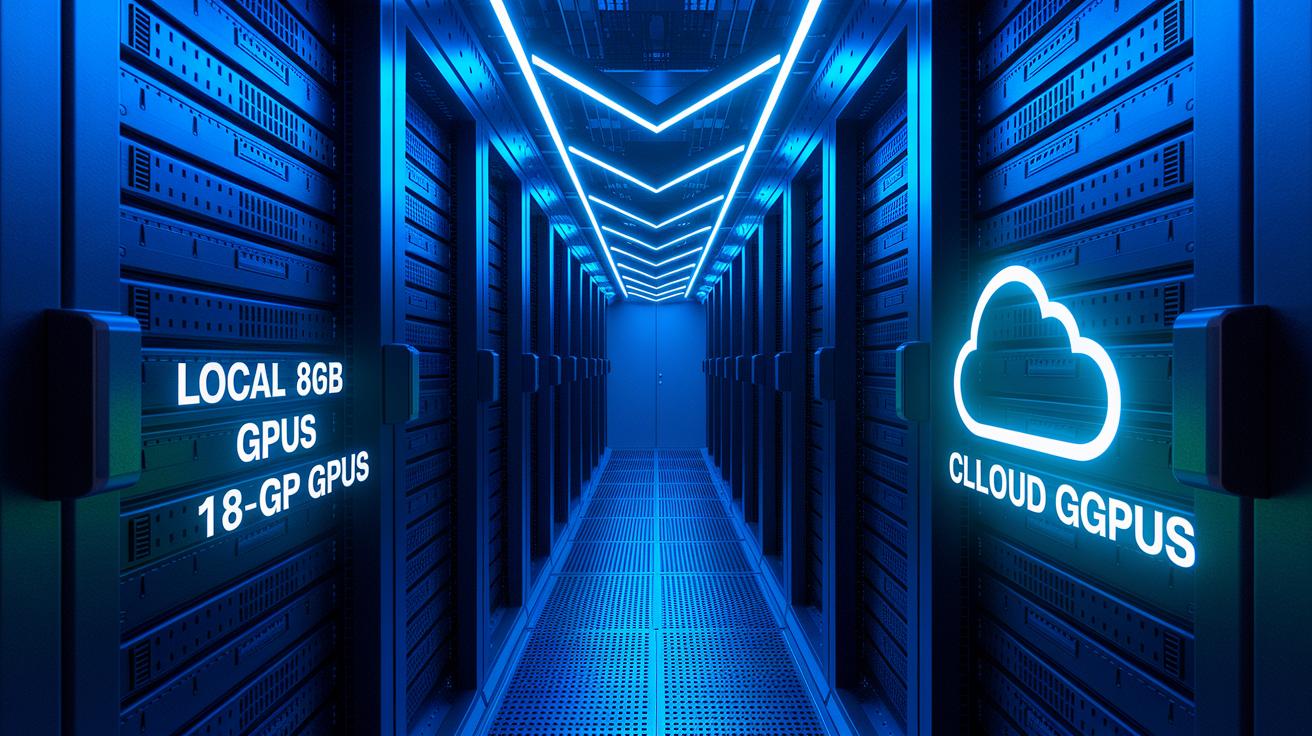
We ran tests to compare our traditional local GPUs against our new 16 GB cloud setup. We focused on common tasks like training image recognition models to show the difference clearly. Before moving to the cloud, we trained models on local 8 GB GPUs. This setup processed about 120 images per second and took roughly 10 hours to complete a model run.
After the migration, using 16 GB cloud GPUs boosted our throughput to 250 images per second, a 108% improvement, and cut training time to about 4.5 hours. We also looked at costs. The local servers cost around $0.347 per hour for 2× EPYC 7551 processors, while the cloud option cost $0.75 per hour but delivered double the performance. This change not only made our resources work harder but also dropped the cost per run from $15 to $9, making a strong case for cloud GPU migration in graphics and AI work.
| Metric | Pre-Migration | Post-Migration |
|---|---|---|
| Training Throughput | 120 images/sec | 250 images/sec (108% ↑) |
| Model Training Time | ~10 hrs | ~4.5 hrs |
| Cost per Run | $15 | $9 |
| Resource Utilization | $0.347/hr for 2× EPYC 7551 | $0.75/hr delivering 2× performance |
Cloud GPU Migration Cost-Benefit Analysis

Switching to cloud GPU migration means you stop making a big upfront investment (CAPEX) and start paying as you go (OPEX). This change brings clear, predictable costs and the ability to scale quickly.
Forecasts show worldwide public cloud spending will hit $723.4 billion in 2025, with infrastructure spending growing by 33.3%. This is a strong sign that companies are moving away from traditional data centers.
By avoiding costly on-premises setups, businesses can free up funds to invest in new ideas and attract skilled talent. Some vendors even offer smart deals, like a 12-month GPU rental for the price of 9 months, which improves return on investment through lower recurring costs and flexible budgeting.
Using cloud GPU services also brings energy-saving benefits and smoother workflows. For example, Dropbox saved $74.6 million in just two years when they switched from AWS to their own setup. While building an in-house system can be complex, moving to a cloud solution eliminates many of those challenges.
In the end, this approach gives you access to the latest GPU technology along with cost savings that speed up digital growth and ease the financial strain normally tied to large hardware investments.
Cloud GPU Migration Challenges and Solutions

Migrating GPU tasks to the cloud carries serious risks that can hurt both performance and budgets. Bad planning can trigger mistakes that cost a lot. For instance, skipping thorough tests once led to a migration failure with heavy financial loss. Balancing the new cloud setup with existing on-prem systems demands careful planning to avoid such errors.
Testing and Validation Risks
Without strong test plans and controlled staging setups, moving GPU loads can yield unexpected results. In one case, TSB’s migration failed due to poor testing and cost £300 million. By running detailed proof-of-concept trials and using sandbox environments, you can check every part, from choosing the right GPU to testing data loads. This method lowers risks and shows that the cloud setup meets both performance and stability needs.
Hybrid Architecture Complexity
Running both on-prem and cloud systems together can complicate network talks and data sync. Warsaw University experienced long issues when their hybrid setup underused high-performance computing resources. To fix these problems, use solid network integration plans and tools that keep your data synced across systems. Testing these integration steps gradually can help keep your operations running smoothly.
Hardware Compatibility Challenges
It is key to benchmark various GPU models and make sure the drivers work well together to keep performance steady. In tests comparing AMD R9700 and NVIDIA GPUs for language model inference, the results were unclear. Carefully benchmark each GPU in real-world conditions to find the best balance between performance and compatibility. This diligent approach minimizes risks and helps assure a smooth migration.
Cloud GPU Migration Lessons Learned and Best Practices

We learned that reviewing each step of our cloud GPU migration truly makes a difference. By breaking down every phase of our move, we discovered that carefully analyzing performance, testing thoroughly, and making constant improvements are key to efficiency. Learning from every small win and challenge gives us a clear guide for future projects. These insights help us plan better and ensure each migration step is measured, validated, and fine-tuned.
- Profile your workloads from start to finish to understand resource needs.
- Use careful testing along with rollback procedures to protect production data.
- Begin with a pilot project to expose hidden issues and refine operations.
- Take advantage of vendor pricing models and special offers for a cost-effective upgrade.
- Monitor performance continuously and adjust capacity based on real-time needs.
- Design your setup for flexible scaling and smooth hybrid integration.
Final Words
In the action, we explored a comprehensive journey from planning and technical architecture to performance benchmarks, cost-benefit analysis, and practical lessons learned. Every step showcased how detailed planning, testing, and validation lead to improved operational efficiency and budget control.
Our cloud gpu migration case study highlights a real-world transition that boosts performance and cuts costs while ensuring reliability. With right-sized infrastructure and proactive support, you can optimize processes and iterate faster. The future is bright for streamlined, scalable GPU migrations.
FAQ
What is the cloud migration use case?
The cloud migration use case in this context refers to moving GPU workloads from on-premise hardware to cloud infrastructure. This shift improves scalability, reduces costs, and eliminates performance bottlenecks.
Who is the best GPU cloud provider?
The best GPU cloud provider is judged by its ability to boost performance, offer dedicated expert support, and deliver cost-effective pricing incentives, as demonstrated by real-world case studies in cloud GPU migrations.
Is it beneficial to have a local GPU instead of relying on a cloud GPU?
Local GPUs offer control and immediate access for certain tasks, but relying on cloud GPUs provides scalable resources, managed support, and lower operational costs, which can improve overall efficiency in high-demand workloads.
What are the four phases of cloud migration?
The four phases of cloud migration include assessment and planning, pilot or proof-of-concept testing, full-scale rollout, and continuous optimization. Each step is designed to ensure a smooth, efficient transition to cloud-based GPU workloads.

