

Are your expensive GPUs not pulling their weight? Many machine learning projects use less than 30% of a GPU's power, which means wasted money and slower training. In our post, we explain how simple fixes can boost performance. We cover steps like tuning data loaders (tools that feed data to your model), adjusting batch sizes (the number of samples processed at once), updating GPU drivers (software that runs your GPU), and tweaking settings. It’s similar to tuning a car engine, when every part works right, the whole system performs at its best. Read on to learn how to get your GPUs running at full throttle for your machine learning tasks.
Essential Strategies to Improve GPU Performance for Machine Learning
Many machine learning tasks use GPUs at less than 30% capacity. That means expensive GPUs like the H100 (a high-end graphics processing unit) often sit idle. This idle time wastes money and slows down deep learning training. Slow data loading, CPU stalls during preprocessing, and not enough parallel work all add to the delay.
Idle GPUs not only cost more but also leave batch processing improvements untapped. When data pipelines fall behind or tasks are not spread out well, even top hardware cannot perform at its best. This situation calls for a clear plan that fixes issues throughout the machine learning process, from data input to software settings and performance checks.
- Tune batch sizes and data loaders
- Enable mixed precision training
- Co-locate compute and storage
- Update GPU drivers and firmware
- Leverage GPU orchestration tools
- Optimize model architecture for parallelism
Using these ideas together gives a boost from start to finish. Hardware tweaks help your GPUs work under the best conditions. Better software settings and library choices increase compute speed. Fast data pipelines keep GPUs busy, and careful profiling shows where further gains can be made. Together, these changes work like gears in a machine, making deep learning training faster and more efficient while using your expensive GPU resources wisely.
Hardware Adjustments and Overclocking to Enhance GPU Performance in Machine Learning
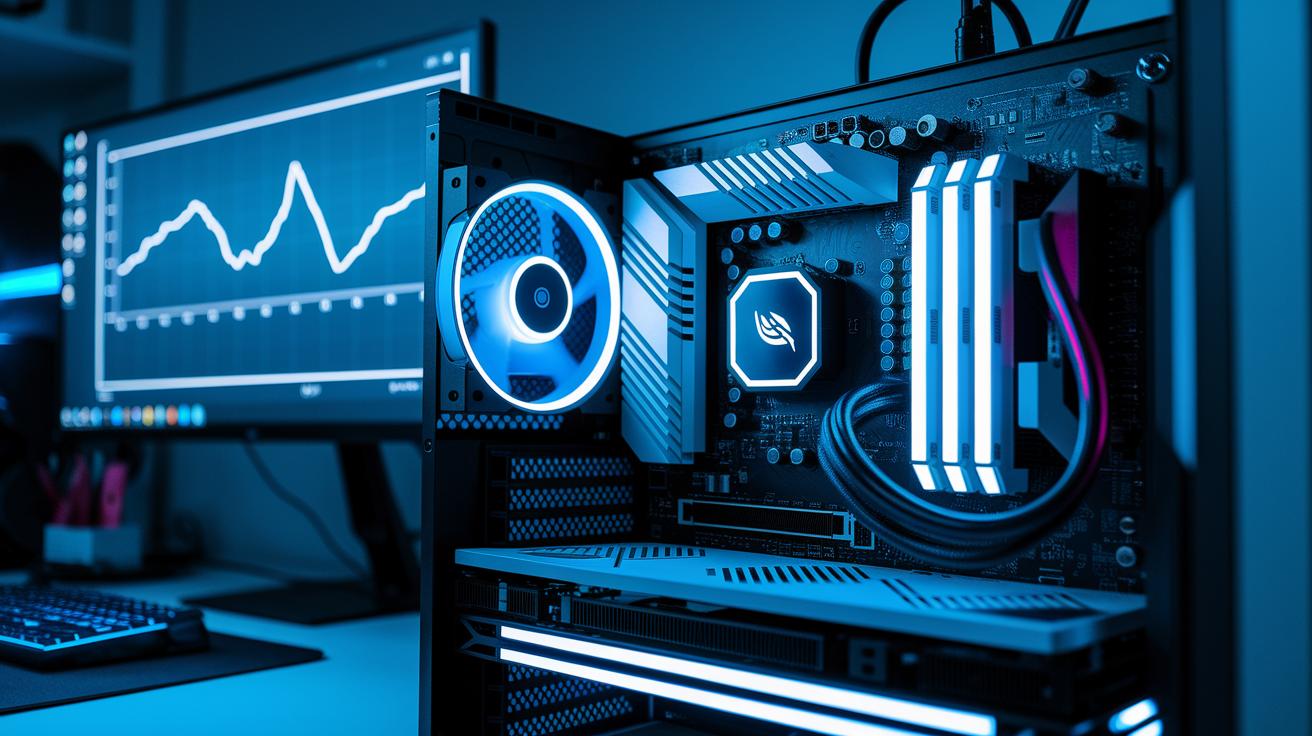
Tuning clock speeds is a proven way to boost your GPU (graphics processing unit) performance. Overclocking the core and memory clocks can improve speeds by 5 to 10% if you proceed carefully. Adjusting voltage settings helps keep these higher speeds stable, much like fine-tuning a race car for extra speed without losing control. For instance, start by increasing the core clock in small steps and use monitoring tools to watch for any instability or high power draw.
Power management also plays a vital role. By setting up dynamic voltage and frequency scaling (DVFS) profiles, you can cap the power to balance performance with energy efficiency. Techniques such as those in NVIDIA PowerMizer can boost watt efficiency by up to 20%. This method keeps the extra power draw from higher clocks in check, making sure your system runs efficiently. Regularly checking for GPU driver updates further supports optimal power management.
Good cooling practices help maintain boost performance during heavy tasks. Adjust your fan curves, check heatsinks, and ensure thermal pads are secure to keep GPU temperatures below 75°C. With cooler temperatures, your overclocked settings deliver steady performance during demanding machine learning operations.
Software and CUDA Optimizations for Superior Machine Learning GPU Performance
When selecting libraries for machine learning, you want both flexibility and efficiency. You can choose TensorFlow or PyTorch (popular machine learning tools) to tap into features like mixed precision computing and advanced memory management. Using mixed precision (with FP16 and FP32) together with cuDNN (a GPU-accelerated library) can boost training speed by 1.5–2× and nearly halve memory use. Preallocating and reusing GPU buffers helps avoid costly runtime calls (like cudaMalloc() and cudaFree()), keeping memory operations fast and reliable.
Good memory strategies work with fine-tuned software settings. By picking optimal thread-block sizes (typically between 128 and 256 threads), you improve warp occupancy (efficient use of thread groups) and better hide memory delays. This not only increases throughput but also lifts overall compute performance. Effective memory management ensures data loads quickly, reducing idle GPU time and making training pipelines more consistent.
Implementing Mixed Precision with cuDNN
You can enable mixed precision using TensorFlow 2.x or PyTorch AMP (Automatic Mixed Precision). Automatic loss scaling keeps computations stable by preventing underflow. In practice, switching to mixed precision may almost double training speeds while lowering memory demands. This approach is great for deep learning tasks where every second and byte count.
Tuning CUDA Kernels and Thread Blocks
Focus on key metrics such as achieved occupancy, register usage, and shared memory tuning. Adjust your launch configurations so that thread blocks match your workload perfectly. Experiment with kernel fusion strategies that combine operations and reduce memory transfers. Regular tests and adjustments will help you fine-tune kernel settings, ensuring your GPU cores are performing at their best.
| Library | Optimization | Benefit |
|---|---|---|
| TensorFlow | AutoMixedPrecision | 1.5–2× speedup |
| PyTorch | Amp + torch.backends.cudnn.benchmark | 30% faster convergence |
| Custom CUDA | Kernel fusion & buffer reuse | Reduce PCIe transfers by 40% |
Profiling and Monitoring for Better GPU Utilization in Machine Learning

We start by using profiling tools like NVIDIA Nsight Systems, nvprof, and TensorBoard to gather key metrics such as compute activity, memory throughput, and kernel execution times. These tools help uncover inefficiencies, like long memory-bound operations, by showing when your GPU might be waiting for data. This process works much like reading a detailed performance report that highlights hidden bottlenecks.
Next, review the detailed timelines these tools provide to spot idle periods. By pinpointing moments of data stalls, synchronization waits, or memory-bound bursts, you can identify when your GPUs are not working at full capacity. This method helps diagnose configuration problems or weak links in your data pipeline. Working with insights from model benchmarking further refines this strategy.
Finally, real-time dashboards and alert systems let you monitor GPU usage continuously. These dashboards display important performance indicators so that you can spot dips quickly. Alerts allow you to adjust your code or pipeline on the fly, preventing extended periods of inefficiency and ensuring smooth, reliable operations.
Scaling and Distributed Training for High-Performance Machine Learning GPUs
When you expand beyond one GPU, setting up a fast interconnect is key. We use NVLink, PCIe fabrics, or RDMA networks (direct memory access) to make sure data and commands move quickly between GPUs. If the links are slow or set up poorly, like with outdated InfiniBand, you might face delays in sharing gradients. Think of it as a team that works best when everyone communicates seamlessly. Check your RDMA settings and update firmware often to keep performance high.
Distributed training mixes synchronous and asynchronous methods to cut overall training time. In synchronous training, tools like NCCL all-reduce ensure all GPUs update together. In asynchronous mode, each GPU can start computing while it sends or receives data, often reducing training time by 10–20%. Horovod is a good example of handling asynchronous updates across multiple nodes, keeping communication costs low. This blend of techniques suits different workloads and network conditions.
Job schedulers and workload balancers further drive performance by splitting tasks evenly across nodes. Modern scheduling systems help avoid slower nodes that can hold back progress. They adjust task placement and sharding automatically so every GPU is busy. These strategies lower idle time and quickly fix imbalances, making the overall training process faster and more effective.
Final Words
In the action, we explored strategies from hardware tweaks and software optimizations to profiling tools and scalable training methods. We broke down simple steps like tuning batch sizes, updating drivers, and leveraging benchmarking tools. Each tip builds toward maximizing utilization and reducing cost, all while ensuring reliable performance under heavy workloads.
This discussion shows how to improve gpu performance for machine learning with clear, actionable methods. Keep testing, refining your setup, and stay focused on faster, more efficient workflows for your projects.

