

Have you ever noticed your cloud GPU bill rising even when you're not using it? Every month, you get charged for each gigabyte you store. Plus, whenever you move your data, you pay egress fees that work a lot like shipping costs. In this post, we explain these charges in simple terms and share smart ways to manage them. We break down the billing details into clear steps so you can plan your projects better and avoid any surprises.
Storage and Egress Cost Breakdown in Cloud GPU Workflows
Cloud providers charge storage fees by the gigabyte each month. This means you pay for each gigabyte you hold, even if you are not actively using it. Rates vary depending on the storage tier, such as hot, warm, or cold. For instance, if you store 500 GB during a month, your bill will include a fixed storage fee based on your chosen plan.
Egress fees come into play when data leaves the cloud network. Every time you transfer data, whether it’s moving between different regions or sending it to another system, you incur a fee. Think of it like shipping a package: the farther it goes or the more congested the route, the higher the cost per gigabyte.
In multi-stage machine learning workflows, these costs can pile up quickly. Data flows through several stages, from ingestion and preprocessing to distributed training and saving model checkpoints. These transfers can add 20–30% more to your overall costs beyond the hourly GPU rate. When you’re working with large models, such as high-resolution computer vision systems or massive language models, moving data can even surpass the compute costs.
Keeping an eye on these egress fees is key to managing your overall budget. By monitoring data transfers closely, you can better plan your resource allocation and keep storage expenses under control.
Cloud Storage Pricing Models for GPU Workflows
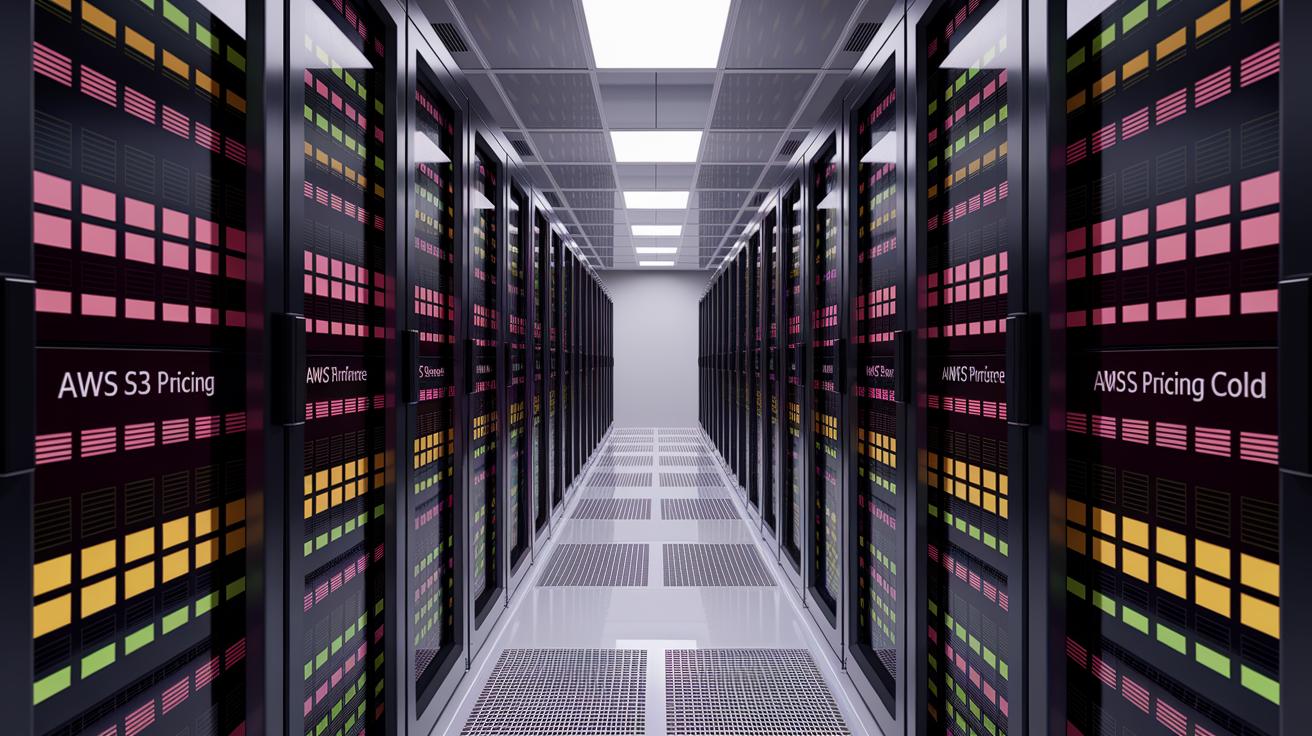
When you run GPU tasks, your data is stored in different tiers based on how often you use it. The standard tier (or hot storage) is for data you access frequently during heavy GPU work. The infrequent access tier (or warm storage) is for data you use less often. The archive tier (or cold storage) is the cheapest option for keeping data for a long time, though it takes longer to get to it. Big cloud providers use this system so you only pay more when you need quick access.
AWS S3 Pricing Overview
AWS S3 uses a pricing model with several tiers to match different performance needs. The standard tier works best for active GPU workflows. When data use drops, moving it to the infrequent access or archive tiers can cut costs. This setup keeps your data available while lowering storage expenses.
Google Cloud Storage Pricing
Google Cloud Storage follows a similar model. Its standard tier is made for busy GPU tasks. For data accessed only occasionally or kept for long periods, nearline or coldline tiers are available at lower prices. This structure makes sure you only pay based on how much you use.
Azure Blob Storage Pricing
Azure Blob Storage also offers tier-based options. The Hot tier provides fast access for immediate GPU needs, while the Cool and Archive tiers lower costs for data that is accessed less frequently. These choices are well-suited for long-term storage strategies.
| Provider | Storage Tier | Cost Order |
|---|---|---|
| AWS | Standard / Infrequent / Archive | From High to Low |
| GCP | Standard / Nearline / Coldline | From High to Low |
| Azure | Hot / Cool / Archive | From High to Low |
Egress Expense Structures in Cloud GPU Workflows
Whenever data leaves a cloud provider’s network, you incur an egress fee. This fee is based on the transfer route used, much like shipping charges that depend on distance. Providers set different prices if data crosses regions or exits the network entirely.
Major cloud providers make a clear distinction between inter-region transfers and Internet egress. When data stays within the provider’s network across regions, fees are lower because the data remains in a controlled environment. However, sending data over the Internet involves extra routing, added security measures, and higher risk, which means higher fees. Understanding this split is key for workflows that span different regions or serve users outside the provider’s immediate network.
Some specialized GPU (graphics processing unit) cloud providers offer models with low or zero egress fees. These providers design their pricing for tasks that create heavy data traffic, such as training large language models or running high-resolution computer vision projects. Their predictable pricing helps teams manage budgets without unexpected costs.
In multi-GPU training scenarios, the volume of transferred data can make egress fees even higher than compute costs. Factors like how much data is moved, the frequency of transfers, and the provider’s specific pricing structure all influence overall costs. Keeping a close eye on your data movement is essential to control expenses.
Incorporating Storage and Egress into Total Cost of Compute
Total Cost of Compute (TCC) blends the GPU hourly rate with extra fees that affect your budget. The GPU hourly rate is the starting price for all compute tasks.
Data ingestion costs are the fees you pay for sending data into the cloud. This cost matters most in continuous workflows, like streaming large datasets during rendering or machine learning. For example, your provider might charge by the terabyte.
Egress fees cover the cost of moving data out of the provider's network. These fees can add 20% to 40% to the base GPU cost, especially in pipelines with several data transfers.
Storage expenses are billed per gigabyte each month and vary by storage tier.
DevOps overhead includes the extra cost of managing and fine-tuning your workflow. This covers monitoring, tool upkeep, and configuration tasks that keep operations smooth. Investing in automated management tools can cut down on manual work and lower your overall TCC.
For example, if the base GPU cost is $100 and egress fees add 30%, your TCC rises to $130. This shows how extra charges can boost your budget.
Comparing Hyperscaler vs GPU-Specialized Clouds on Storage and Egress Costs
Many hyperscalers use pricing models that are not very clear. Storage and data leaving the cloud (egress) fees can be hidden behind basic compute costs. This makes the bill complicated, as charges may change based on region and transfer type. As a result, you might face unexpected costs that affect your overall cloud expenses.
GPU-specialized clouds usually stand apart by offering very low or even zero egress fees. Their pricing is built for heavy data movement, so you can predict costs better. They provide clear and managed service fee details, which helps you steer clear of surprise charges during GPU-intensive projects.
Data gravity adds another layer of complexity. As your data grows, its sheer size makes it hard to move workloads without incurring high egress fees. This situation can tie you to one vendor, making cost optimization over time a challenge. A clear pricing structure from a specialized provider can help reduce this risk. By comparing these models, you can find the right balance between cost, flexibility, and transparency to manage storage and egress expenses effectively for GPU workflows.
Cost Optimization Strategies for Storage and Egress in GPU Workflows

When you run GPU workloads in the cloud, keeping storage and data transfer costs low is key. Unchecked data transfers and excessive storage use can cause expenses to rise quickly. We use automated monitoring and clear pricing to help you avoid surprises. These smart controls keep outbound spending in check and make sure you use storage efficiently.
- Real-time egress monitoring
- Automated storage tiering
- Reserved capacity commitments
- Cross-region routing optimization
- Provider rate benchmarking
Putting these tactics into action means you set a clear plan. For example, real-time egress monitoring gives you instant alerts if data transfers suddenly spike. Automated storage tiering switches how your data is stored based on use, which cuts costs for rarely accessed files. Reserved capacity commitments secure lower rates over time, much like the savings seen with EC2 R8i and R8i-flex setups. Cross-region routing optimization guides data transfers away from high-cost areas, reducing extra fees. And benchmarking provider rates for your workload type shows you where to save money.
By following these steps, you create a cost management system that flags unusual spikes, adjusts storage tiers, and improves data routing automatically. Some teams have reported up to 80% savings on EC2 costs using these strategies. With a proactive approach, you not only lower outbound spending but also build a system that adapts storage and egress settings as your workloads evolve.
Forecasting and Budget Planning for GPU Storage and Egress Expenses
Looking back at past data helps us predict future costs. By tracking previous data transfers and storage use, you can spot trends that drive monthly charges. For example, one team noticed that a seasonal surge increased outbound fees by 25%. This insight helped them refine their budget. Reviewing historical usage builds a clear picture of your patterns, leading to more realistic forecasts.
Automated anomaly detection tools act as early warning systems. When you set alerts for unusual spikes in data transfers, you can quickly spot when expenses start to exceed normal levels. Imagine receiving an alert when outbound traffic doubles its usual rate. This gives you a chance to adjust or cap spending before costs spiral out of control.
To keep overall costs predictable, your capacity planning strategies need to match your GPU and storage budgets. Forecast future workload growth by combining historical trends with real-time anomaly alerts. This helps balance compute and data transfer costs. We recommend setting clear spending limits and tuning your resource allocation dynamically to keep your budget in line with your evolving workflow.
Regulatory Compliance, Data Gravity, and Egress Cost Implications for Cloud GPU Workflows

The European Union's General Data Protection Regulation (GDPR) and the EU Data Act set strict rules for moving data across borders. When your data leaves your cloud provider's network to be processed or stored in another region, you have to check for compliance risks. This means extra legal reviews that can slow down your workflows. You need to think carefully about where and how your data is handled because breaking these rules can lead to heavy fines and unexpected costs for moving data out (egress fees).
Data gravity often means that the processing stays close to where the data is stored. This helps you avoid high costs from moving data between regions. However, it can also lock you into one vendor if you’re not careful with your planning.
We recommend regular audits to keep track of fees and ensure you follow all regulations. By reviewing your data transfer logs and checking your practices against GDPR and the EU Data Act, you can catch issues early and better manage your egress expenses.
Final Words
In the action, we broke down cloud GPU workflows costs by examining storage fee structures, egress charge triggers, and their role in the overall compute expense. We reviewed tiered storage models, compared hyperscaler and GPU-specialized options, and shared strategies for smart cost management.
Focusing on storage and egress costs in cloud GPU workflows helps you predict budget needs and minimize surprises. By applying practical optimization and forecasting techniques, you can achieve faster render and training times while keeping costs in check. Stay positive and keep refining your approach.

