
Have you ever wondered if your render farm spending is holding back your creative work? When costs increase unexpectedly, even minor inefficiencies can eat up your budget and waste valuable GPU cycles (the computing power of a graphics processing unit).
It is similar to tuning a racecar engine. Every small adjustment helps the system work smoother and faster while saving money. In this article, we share simple, practical tips such as scheduling jobs during off-peak hours and using batch rendering (processing several frames at once) to cut costs without lowering quality.
Learn how you can make each dollar count and improve your project’s performance quickly.
render farm cost optimization Supercharges Your Savings
Unchecked render costs can upset your budget quickly, turning creative projects into unexpected money challenges. When expenses balloon, you lose time and resources that could improve your visuals and technical work.
Keeping spending in check is essential. Without a clear strategy, render farms can lead to paying for too many compute nodes and wasting GPU (graphics processing unit) cycles. We recommend managing resources carefully and taking advantage of special pricing to make every dollar count.
Here are some practical tips for saving money:
- Project-level tweaks: Simplify 3D models, compress textures, and streamline scene elements to reduce render time.
- Off-peak scheduling: Run tasks during evenings or weekends when rates drop.
- Rent only what you need: Avoid over-allocation by leasing just the required compute nodes.
- Batch jobs: Render multiple shots together to boost GPU use and cut the cost per frame.
- Free trial credits: Use offers like a $25 starter coupon to try services at a lower cost.
- Render-credit packs: Purchase bulk credits to benefit from volume discounts.
- Educational or promo programs: Look for extra savings if you are a studio or educational institution.
- Provider comparison: Check price, scalability, and reliability to get the best value.
Using these methods together can multiply your savings. When you streamline your projects, schedule wisely, and leverage discounts, operating costs drop while performance rises. This focused, measured approach to render farm cost optimization not only trims your budget but also frees up resources so you can concentrate on delivering outstanding visuals.
Workflow Automation and Pipeline Optimization for Render Farm Cost Efficiency
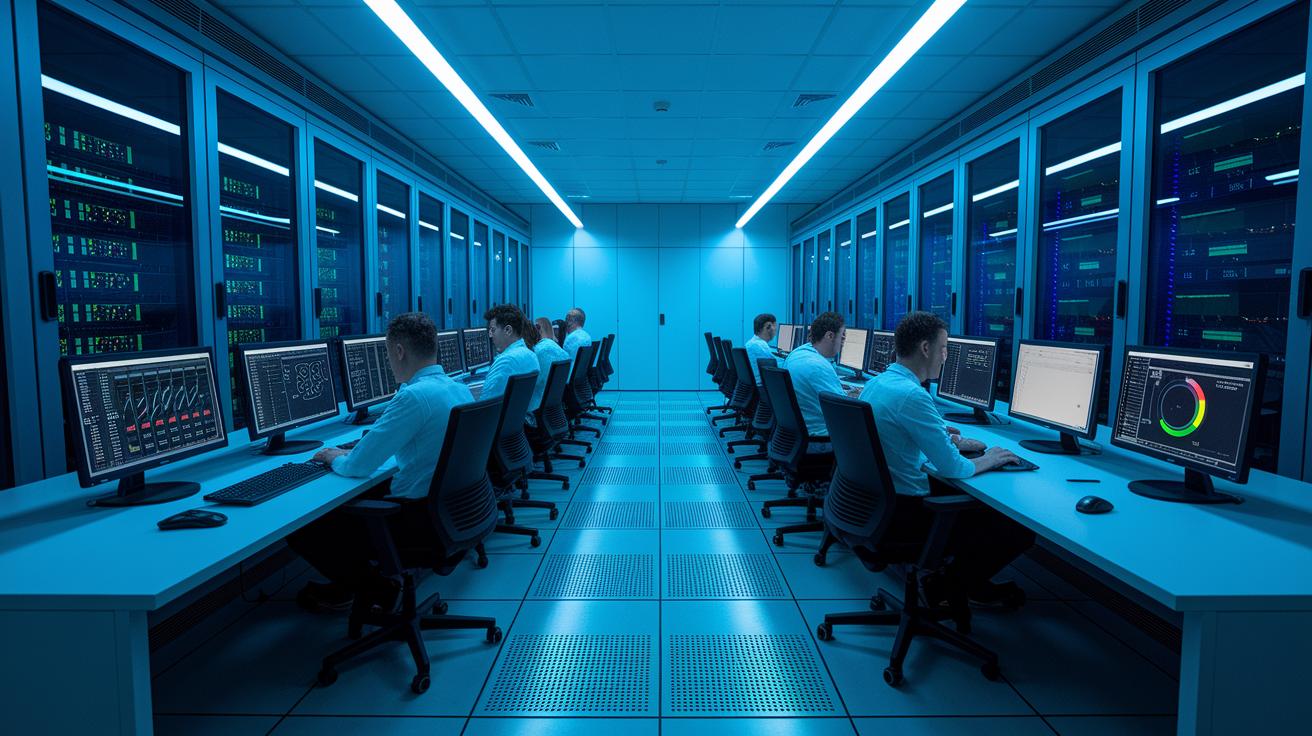
Using automation tools in your pipeline makes your render farm more cost-efficient. Batch rendering groups multiple sequences to keep every resource busy and lowers the cost per frame. Render-management software automatically assigns jobs and minimizes idle GPU (graphics processing unit) time with priority-based scheduling. For example, the system can start a new job as soon as a node is available, cutting down delays and removing the need for manual intervention. Scripted asset pre-checks catch scene errors early, which means fewer expensive re-renders.
Dynamic resource pooling further lowers costs by shifting compute nodes to the tasks that need them most in real time. Dashboards that monitor queue lengths and node health provide clear, up-to-date metrics so you can quickly address bottlenecks. This level of process automation cuts manual workloads while boosting throughput, letting you accomplish more with the same resources. By refining steps from asset preparation to job scheduling, you achieve both cost savings and better overall performance.
On-Premise vs Cloud Considerations for Render Farm Cost Optimization
On-Premise Cost Components
Building your own render farm means a big upfront investment. You must buy servers, GPUs (graphics processing units), racks, and other hardware. These one-time costs lay the groundwork for your system. Along with that, you face ongoing expenses like electricity, cooling, maintenance, and hardware depreciation. For example, a studio that sets up its own cluster can handle consistent workloads well. However, the costs remain fixed even if you experience occasional spikes. This makes on-premise solutions a good match for studios with steady rendering needs and a solid budget for hardware.
Cloud Render Farm Billing Models
Cloud render farms work differently. You pay only for what you use. Charges come from hourly GPU usage, data transfers, and storage needs. Prices might change by region, time, or if you opt for reserved-instance pricing. Some providers also include free credits or prepaid bundles that cut initial costs. This pay-as-you-go model allows you to scale resources up during busy periods without locking in high fixed costs. It works best when you need flexibility and dynamic scaling for projects with changing demand.
ROI and Break-Even Analysis
Choosing between on-premise and cloud is all about your project volume and timeline. Studios with non-stop rendering tasks might see a break-even point between 12 and 24 months when weighing the high startup costs of on-premise against the variable cloud expenses. By looking at factors like workload regularity and overall costs, you can more accurately predict your return on investment. Analyzing these details helps you build a cost optimization strategy that delivers lasting financial benefits.
Hardware and Software Investment Planning for Render Farm Cost Optimization

Picking the right GPUs is key. Energy-efficient options, like NVIDIA A-series GPUs, can reduce power consumption by 15-25%, lowering your overall operating costs. This saves money immediately and increases your return on investment compared to using higher power chips.
Choosing the right server can also help manage expenses. Rack-optimized servers offer better airflow and lower cooling costs than a tower setup. With these servers, you keep your render nodes cool and cut down on extra expenses. A tidy server yard makes maintenance easier and boosts savings over time.
Software spending matters as well. Open-source render engines such as Blender Cycles remove the cost of individual licenses, making them a budget-friendly choice for small studios or trial projects. At the same time, volume licensing for commercial software can lower per-node costs for larger setups. This means your operating costs scale efficiently as your render workload grows.
Matching your hardware updates with depreciation schedules is another smart tactic. Upgrading when your equipment nears the end of its useful life can help you avoid high maintenance costs and big unexpected expenses. Upgrading to energy-efficient technology not only improves performance but also makes your investment more cost-effective over time.
Scheduling and Resource Allocation Techniques for Render Farm Cost Optimization
Smart job scheduling can save you money by using resources more efficiently. We set up auto-scaling clusters that add new nodes (computers) when your job queue grows and shut them down when they are idle. This helps cut costs by not paying for unused hardware. We also use priority-based job queues to make sure important tasks get the resources they need first. For example, a render farm might give higher priority to final sequence renders and let background tasks wait.
We also use GPU affinity settings to keep tasks on the same GPU (graphics processing unit). This avoids the extra cost and time of switching jobs between GPUs. Elastic licensing ties active licenses to running nodes, which means you only pay for the software when you use it instead of paying a flat fee. Distributed renders split the work across several GPUs, so the system does not overload any single node and all jobs get handled smoothly.
Together, these methods help optimize render farm costs and make resource allocation more scalable. With dynamic auto-scaling, priority job queues, GPU affinity, elastic licensing, and distributed processing, you create a system that adjusts in real time and minimizes waste.
Continuous Monitoring and Analytics for Render Farm Cost Optimization
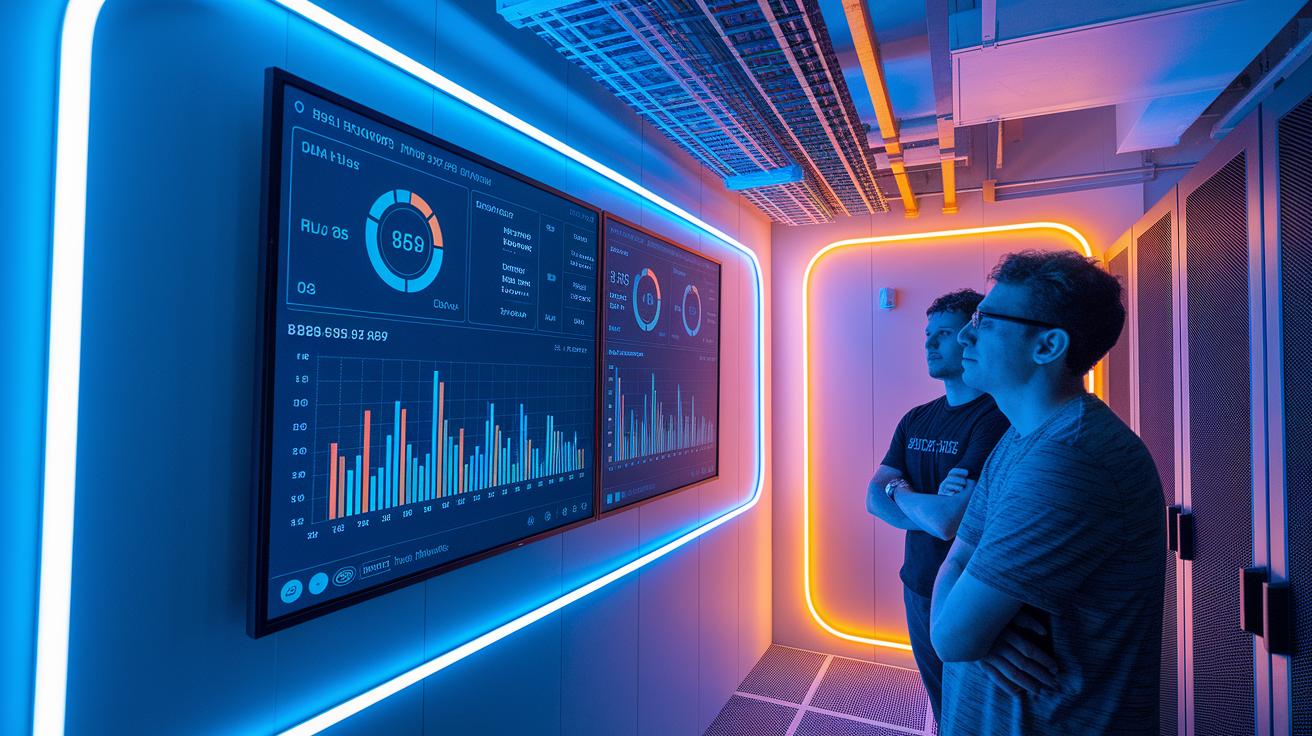
Real-time tracking gives you a clear view of your render operations. Tools like Grafana and AWS CloudWatch create dashboards that show key numbers such as GPU-hours (time a graphics card is used) per project, power use, and queue wait times. These monitoring systems quickly flag sudden cost increases so you can adjust resources before your bills rise unexpectedly. Tagging jobs and projects by department helps assign costs accurately, ensuring each team pays only for what they use. Automated alerts warn you when usage nears set limits, acting as a safeguard against billing surprises.
Analyzing trends turns raw data into practical insights. Reports that highlight seasonal shifts help you plan for changes in capacity. By connecting billing APIs with business intelligence tools, you can forecast expenses in real time and plan ahead. With continuous monitoring and clear analytics, you keep billing transparent and can strategically adjust resource use. This approach not only reduces unexpected expenses but also boosts efficiency by matching resources to real demand.
Final Words
In the action, we explored methods to trim costs while boosting efficiency. We walked through smart project optimizations, refined automation, and strategic hardware investments that keep budgets on track without sacrificing performance.
By combining these tactics and prioritizing proactive monitoring, you can achieve significant gains in render farm cost optimization. When all pieces work together seamlessly, your production pipeline becomes faster, more reliable, and ultimately more cost-efficient.
FAQ
What does render farm cost optimization reddit imply?
The render farm cost optimization discussion on Reddit highlights community experiences and practical tips for reducing expenses. Users share insights on scheduling off-peak hours, efficient node usage, and batch rendering techniques.
What is a render farm cost optimization example?
A render farm cost optimization example shows how simplifying models, compressing textures, and scheduling tasks during lower-rate periods can cut compute expenses and improve overall resource efficiency.
How does a render farm cost optimization calculator work?
The render farm cost optimization calculator estimates expenses by factoring in hourly GPU rates, data transfer fees, and volume discounts. It helps you plan budgets while balancing performance and resource needs.
What is a render farm cost calculator?
A render farm cost calculator breaks down costs such as hourly GPU charges, power consumption, and data fees, allowing you to forecast project expenses and compare different providers effectively.
What is the Fox Render farm calculator?
The Fox Render farm calculator estimates rendering costs specific to FoxRenderFarm. It considers factors like node count, project complexity, and duration to provide tailored cost estimates for your render jobs.
Can render farm cost optimization be applied to Blender?
Render farm cost optimization for Blender involves streamlining scenes and enabling batch rendering. These techniques lower per-frame render times and reduce overall compute expenses for Blender projects.
Where can I find the cheapest render farm?
The cheapest render farm is typically identified by comparing pricing, scalability, and community reviews. Evaluating providers on cost-performance, trial options, and volume discounts helps locate the most cost-effective service.
Which render farm is considered the best?
The best render farm balances affordability with high performance and reliability. Reviews and case studies often point to providers that deliver efficient scheduling, optimized GPU utilization, and flexible billing models.
How much does a render farm cost per hour?
Render farm costs per hour depend on the GPU type, provider rates, and project demands. Providers usually offer hourly billing based on performance optimizations and compute node configurations.
Is a render farm worth the cost?
A render farm is worth the cost when its fast, scalable rendering accelerates project delivery and increases productivity. This efficiency can lead to significant savings and competitive advantages for demanding projects.
How much does FoxRenderFarm cost?
FoxRenderFarm costs vary by project scope and usage. Their pricing model includes hourly rates and volume discounts, so overall costs depend on the specific rendering requirements and resource utilization.
How much do renderers charge per day?
Renderer daily charges vary based on project complexity, service provider, and GPU power. Many studios offer detailed daily pricing that factors in both hardware performance and labor, providing clear cost estimates.

